WP Safelink — turn download links into AdSense revenue
WP Safelink sends every click through a branded countdown page with your ads before the download — with anti‑adblock, bot & proxy protection, multiple pages and AdLinkFly integration built in. Trusted by 2,000+ site owners since 2017.
WP Safelink is a WordPress plugin that converts outbound links into monetized intermediary pages with countdown timers, generating AdSense revenue from every click.
Price
From $9/year
Platform
WordPress 5.0+
Requires
PHP 8.3+ · ionCube 14
Licence
1–unlimited domains
See exactly what you'll use
Every feature, shown in the real interface
No vague promises — these are the actual admin screens and countdown pages you get with WP Safelink.
yoursite.com/go/download
Countdown pages
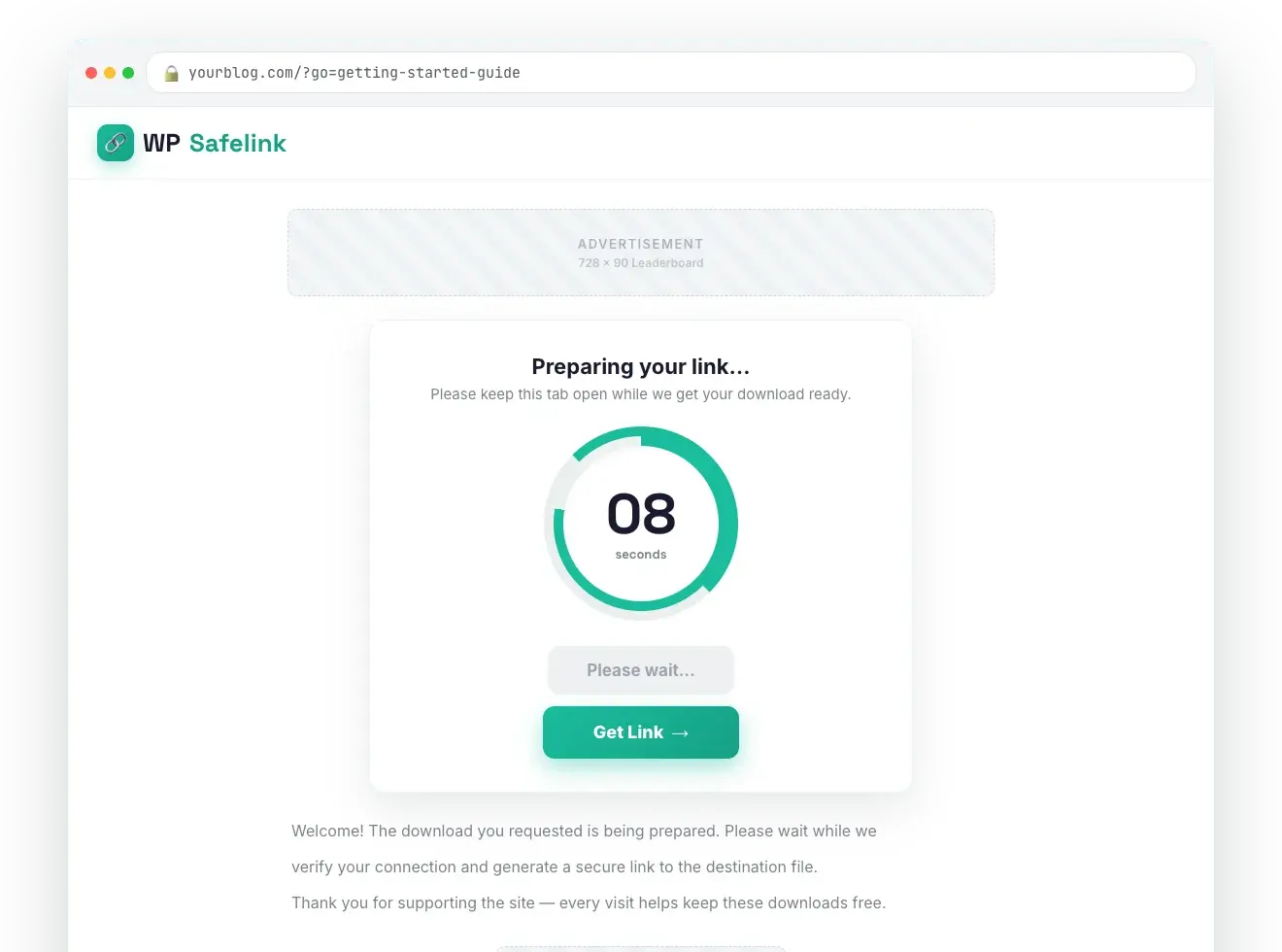
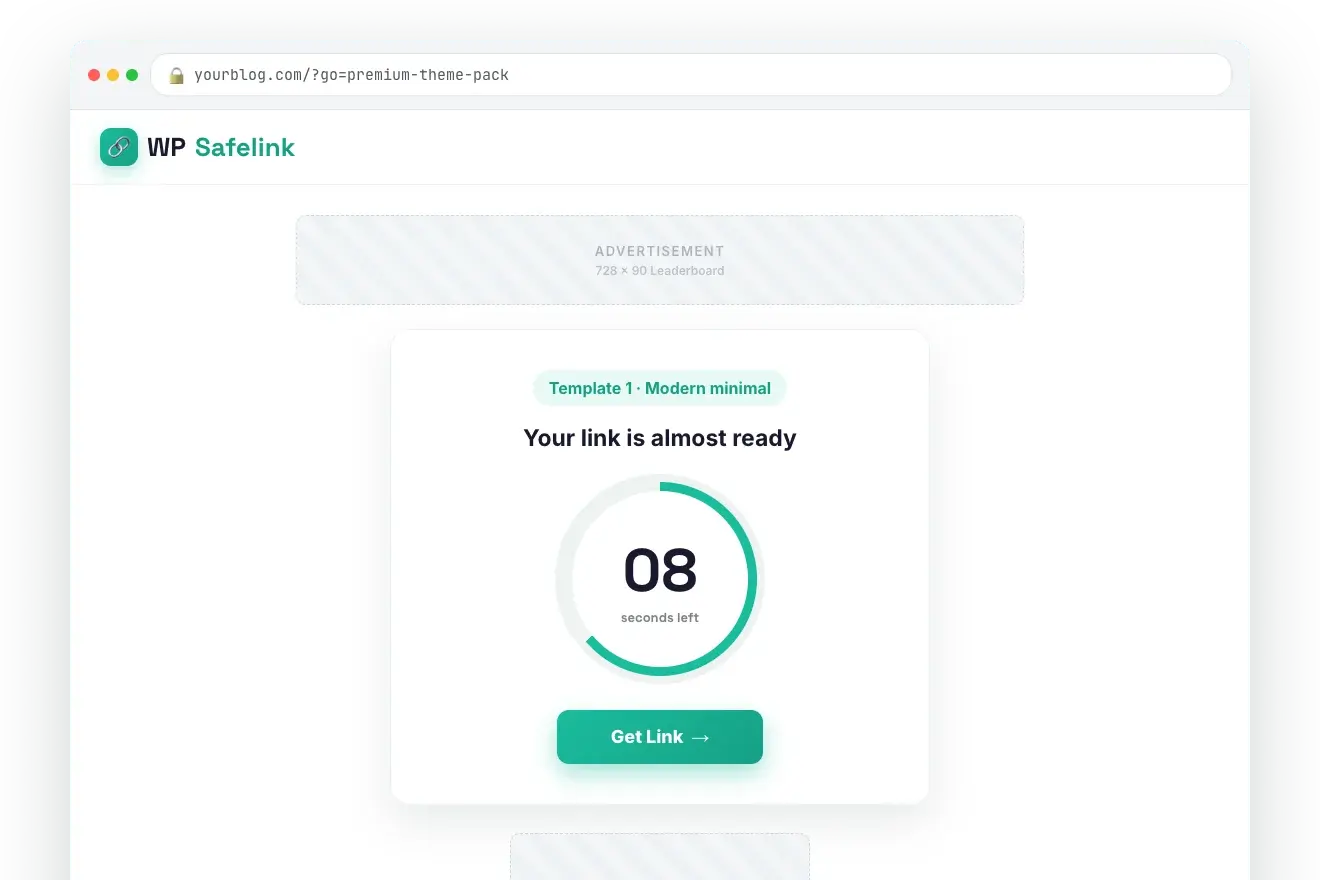
Branded countdown pages that earn on every click
Every download routes through a clean, mobile-friendly countdown page carrying your ads. Pick a text timer or an animated circle, drop AdSense or any ad code into four slots, and skin it with your own logo and colours.
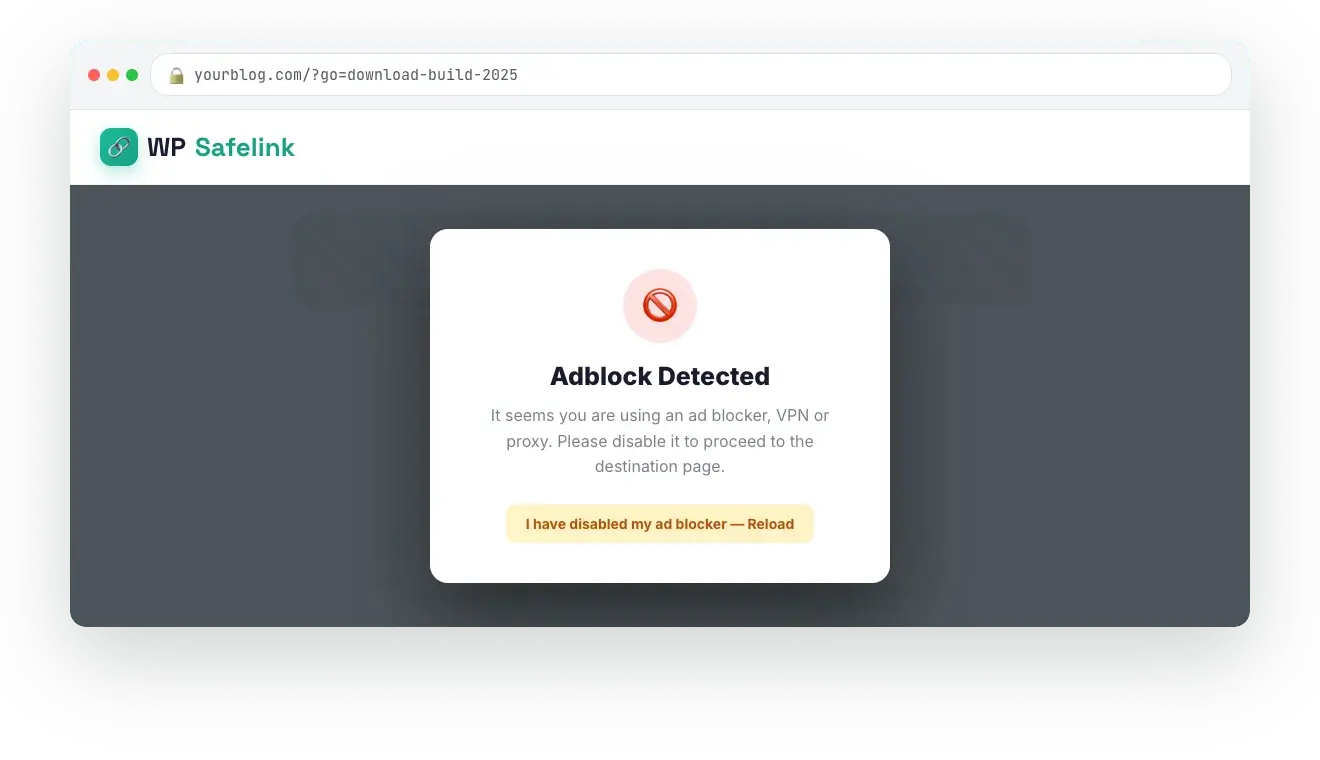
WP Safelink detects ad blockers, VPNs and proxies and freezes the countdown behind a message until they are switched off — so the visitors you already paid to acquire actually generate ad impressions instead of slipping through for free.
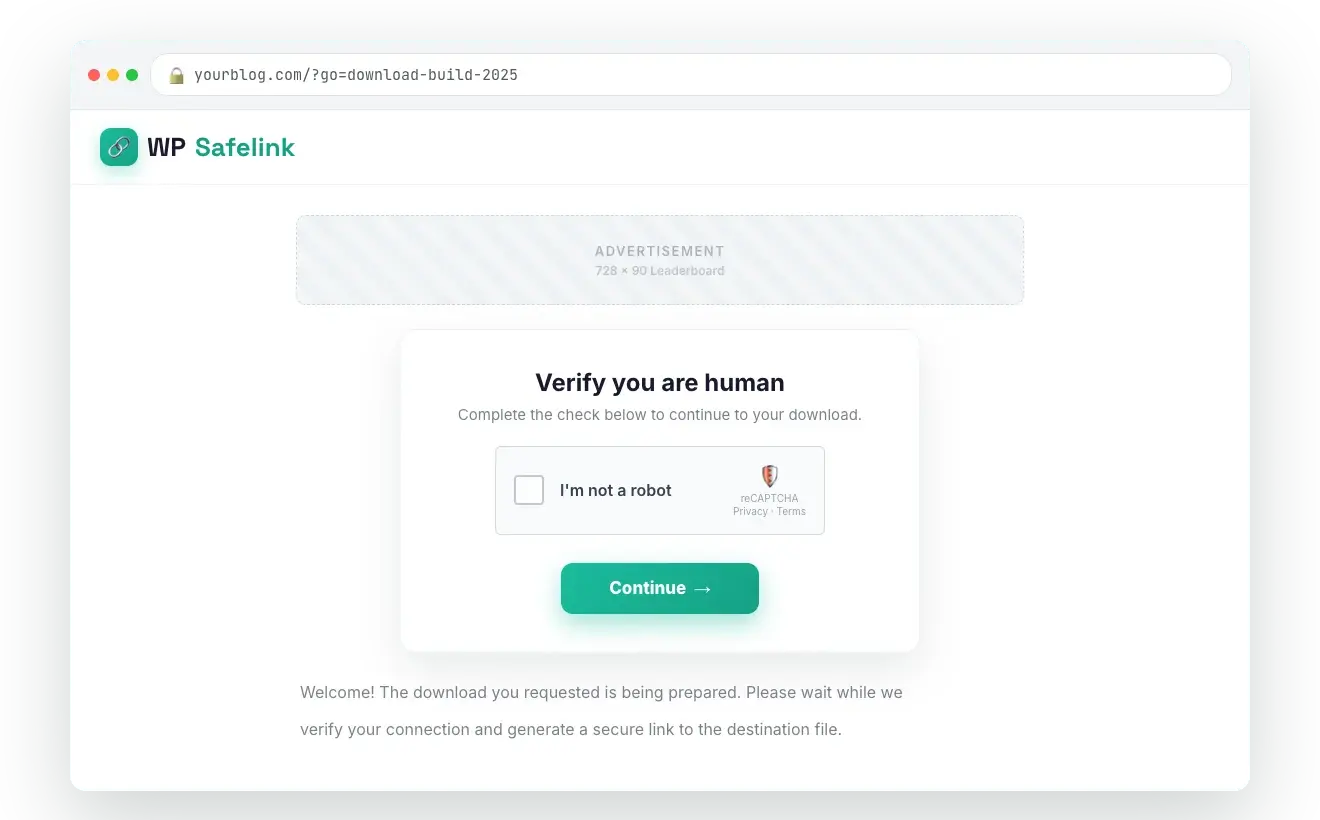
Add an "I'm not a robot" gate in front of the countdown — a simple button click, Google reCAPTCHA, hCaptcha or Cloudflare Turnstile. Real visitors keep moving while automated traffic is stopped at the door.
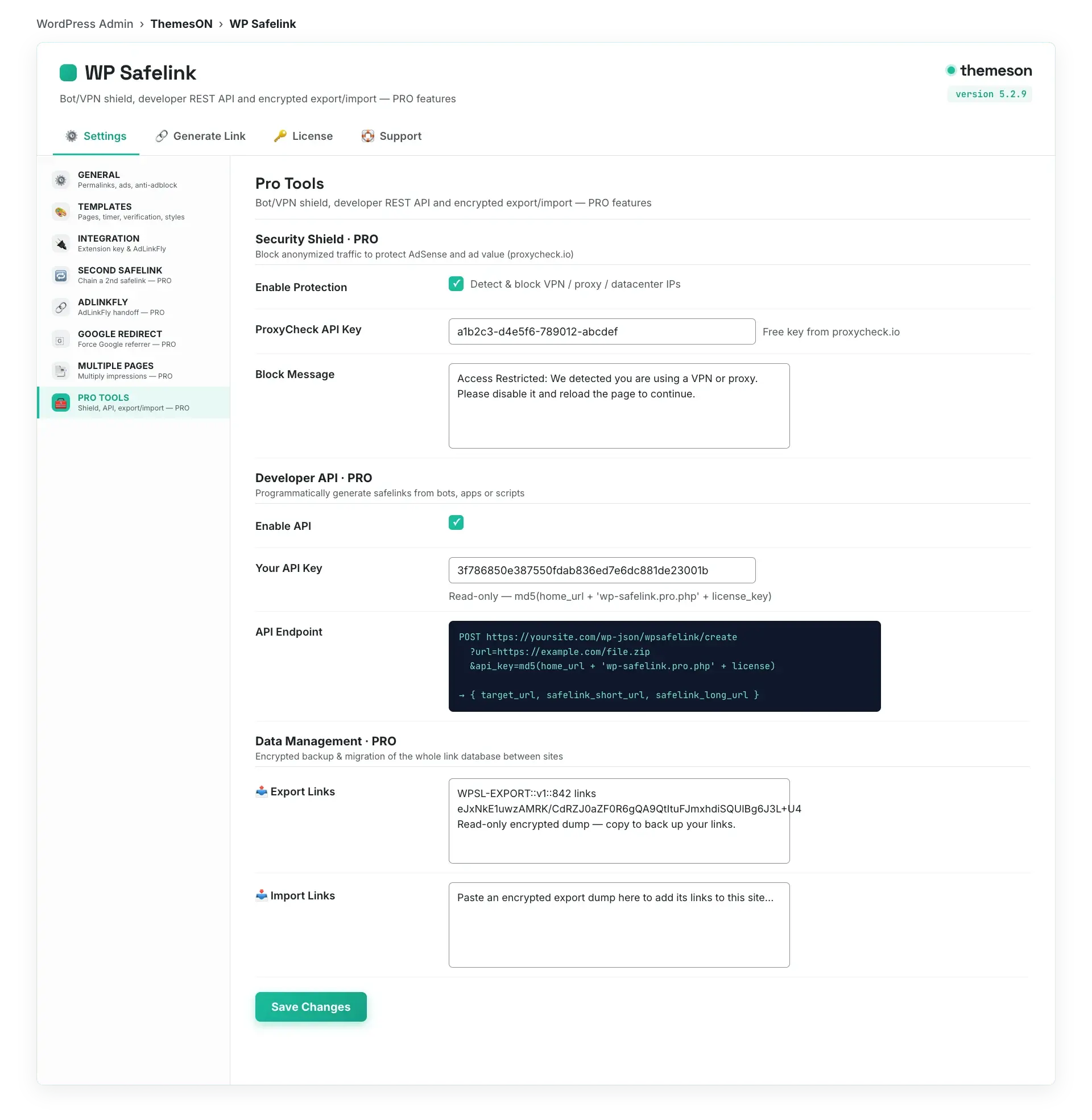
Invalid clicks get accounts banned. The PRO Security Shield screens traffic through proxycheck.io, blocks datacentre and VPN visitors, and only shows ads to real humans — protecting your single most valuable asset.
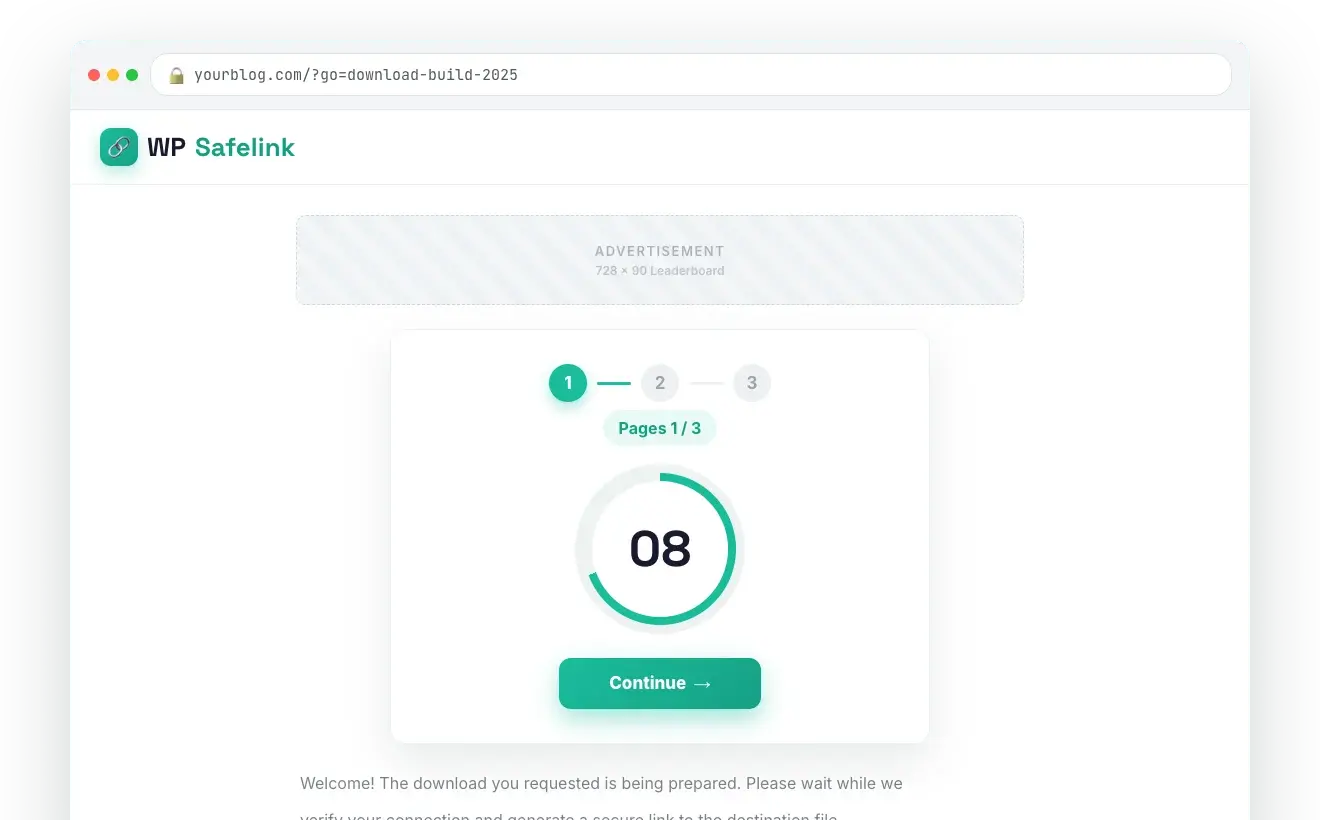
The Multiple Pages flow repeats the safelink across several pages — each with its own ad placements — before the visitor reaches the file. One click can become three to five page views without writing any extra content.
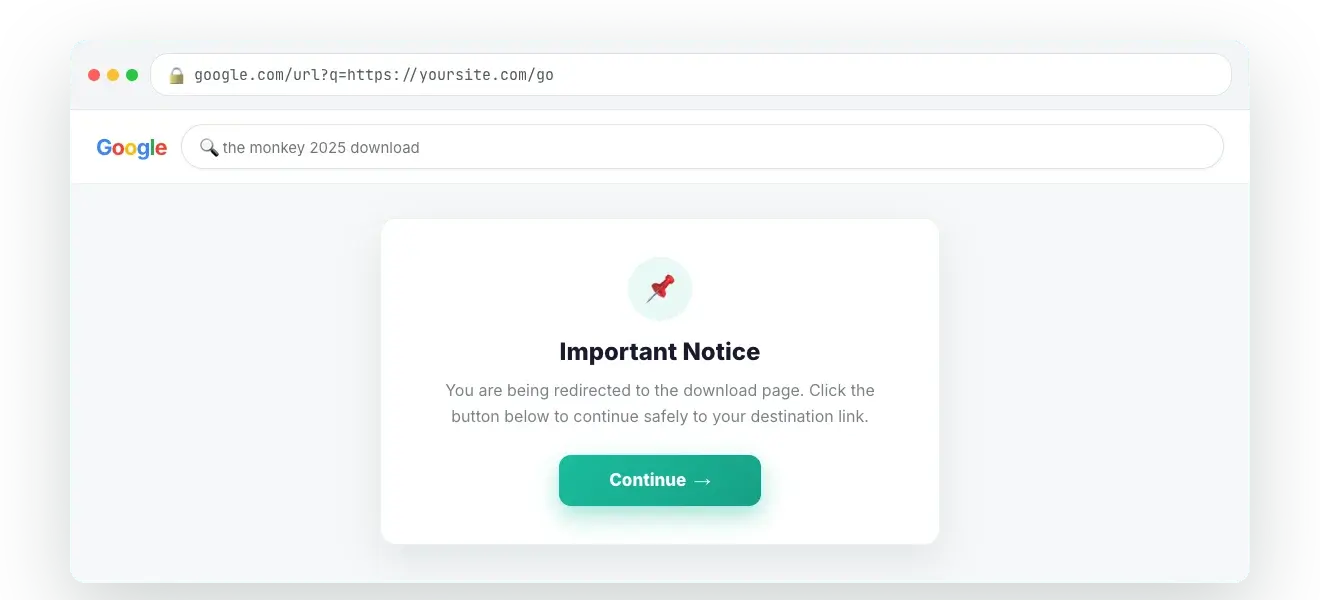
Google Redirect bounces non-Google visitors through a real Google SERP URL first, so the referrer reads as Google (AdSense-friendly) — with an optional styled content page. Even organic visits become ad impressions.
Ship with four polished countdown templates — or choose "Installed Theme" mode and WP Safelink injects the safelink blocks straight into your active WordPress theme, no header/footer edits required.
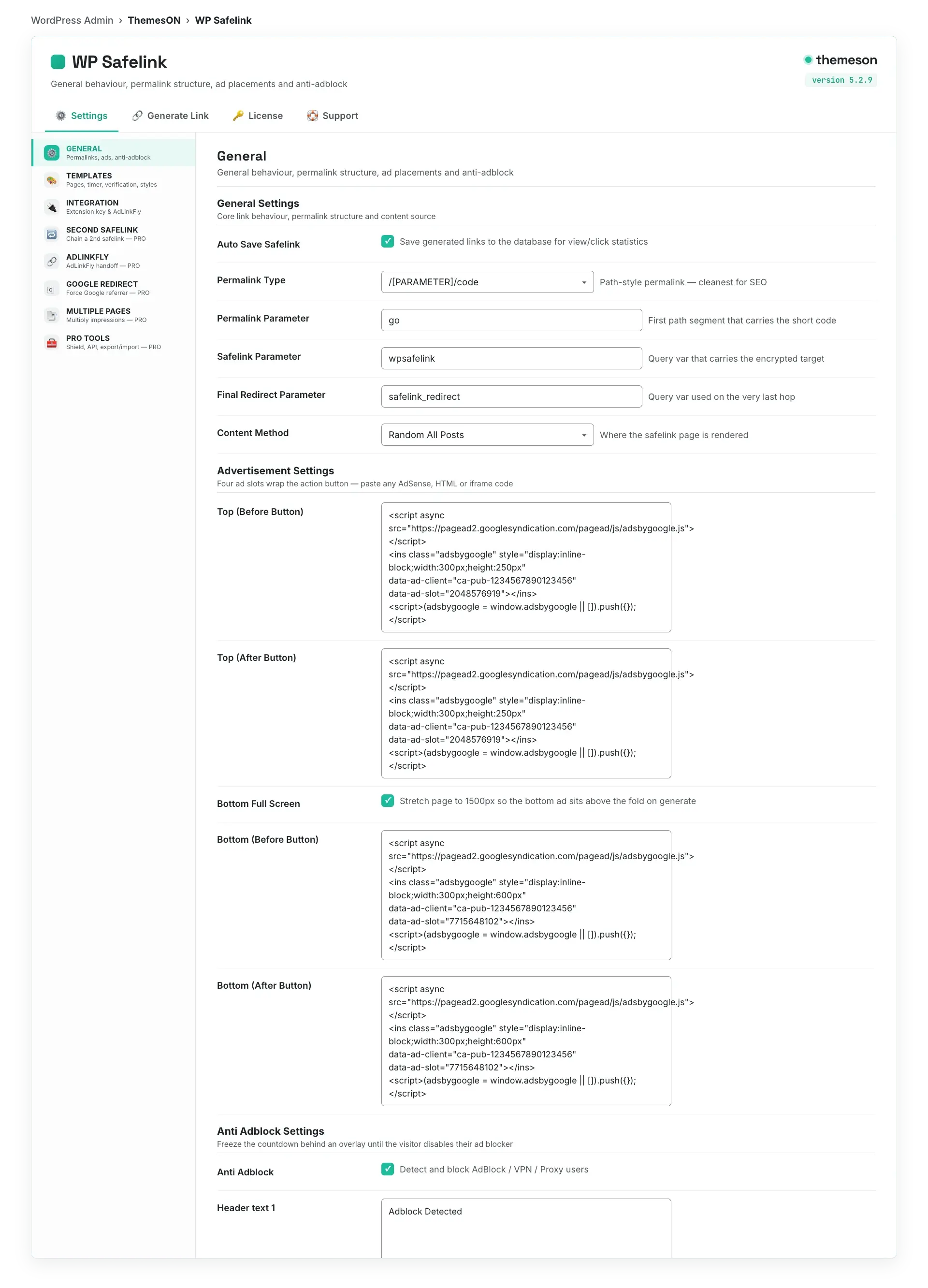
Toggle anti-adblock, encryption, countdown style, ad codes and PRO features from a single settings screen — every field carries a help popup. A 4-step setup wizard gets you live in under five minutes.
Three short screen recordings of the features the plans are priced on — no signup, no sales call, and nothing loads from the video host until you press play.
1:05One click, three to five ad pagesClose
PRO Multiple pages
One click, three to five ad pages
Chain extra countdown pages between the click and the download. The same visitor and the same click walk past several complete sets of ad slots instead of one.
A visitor arriving from Google lands on a monetised safelink page before the article. The organic traffic you already rank for starts earning the same way your download links do.
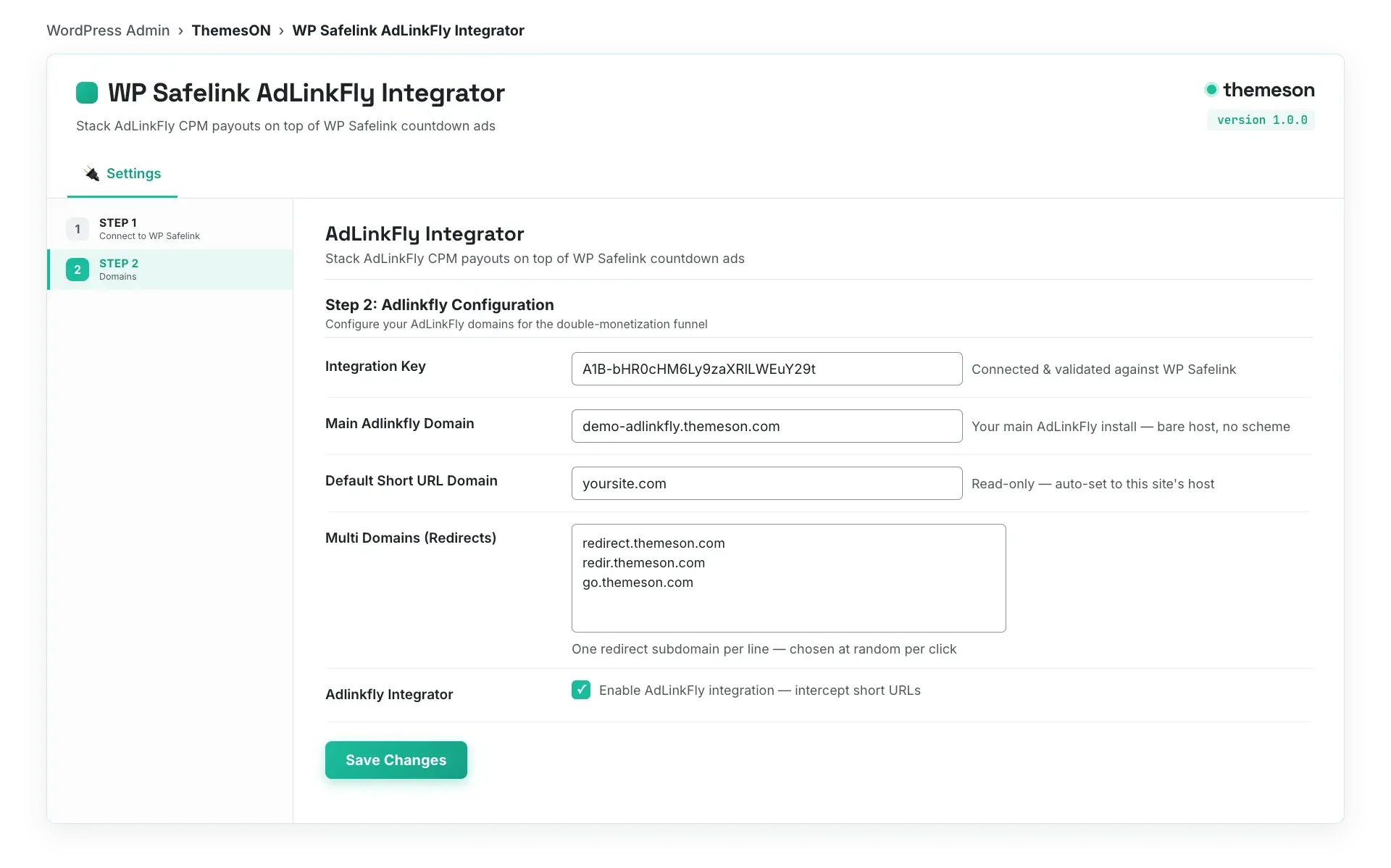
Your safelink pages earn first, then hand the visitor to your AdLinkFly shortener, which earns again. One click, two payouts — set up end to end in under a minute.
From a fresh WordPress site to monetised links in minutes — no coding required.
1
Install & activate
Upload the plugin from your member area, activate it, and paste your license key. The 4-step setup wizard configures everything in under five minutes.
2
Generate or auto-convert
Paste a link to generate a safelink, or let the Auto Convert extension rewrite every outbound link on your whole site automatically — zero manual work.
3
Earn on every click
Each click now flows through your ad-filled countdown page. Anti-adblock and bot protection keep impressions valid — track views and clicks per link.
WP Safelink pricing
Choose your plan
All plans include updates, support and automatic delivery. Use code NEWHOPE for 25% off any plan.
v5.3.0 Auto-update enabled — update directly from your WordPress dashboard
5.3.0Latest Major Update
NEW Six named gateway templates — Classic, Compact, Spotlight, Magazine, Stream and Console, each with its own ad placement strategy
NEW Google Redirect tab — manage results pages, the notice page, and test the whole flow from one screen
NEW Live style preview — see colour and layout changes as you edit them
NEW Change License modal — swap a license key without wiping settings, plus a confirmation step before Remove All Settings
IMPROVED Google Redirect accepts only Google search result links, with notices that spell out what converts
IMPROVED Safelink generation reworked with its own admin script
IMPROVED Admin settings rebuilt on a shared PRO overlay instead of per-view gating
IMPROVED Integration status and template descriptions rewritten
FIXED Legacy template1–template4 retired; existing settings migrate to Classic and Compact automatically
5.2.9Feature Release
NEW Cloudflare Turnstile — a third captcha option alongside reCAPTCHA and hCaptcha
NEW Customizable URL parameters for generated safelinks
IMPROVED Auto link generation and its settings removed to simplify the generation flow
5.2.8Maintenance
IMPROVED Data parameter encoding streamlined in link processing
Frequently asked questions
Everything you need to know before you start monetising your links.
Does WP Safelink work with my WordPress theme?
Yes. WP Safelink works with any standard WordPress theme. You can use one of the four bundled countdown templates, or choose "Installed Theme" mode and the plugin injects the safelink blocks into your active theme automatically — no editing of header.php or footer.php required.
Is WP Safelink safe for my Google AdSense account?
It is built for AdSense safety. Anti-adblock ensures ads show to real visitors, the PRO Bot & Proxy Shield (proxycheck.io) blocks datacentre/VPN traffic that causes invalid clicks, and human verification filters bots — together protecting your account from invalid-traffic flags.
What are the requirements? Do I need ionCube?
WP Safelink requires PHP 8.3+ and the ionCube Loader 14.0.0 or newer. The setup wizard checks for ionCube before you start. Almost every shared and managed WordPress host has it, and the wizard tells you exactly what to ask your host if it is missing.
How many websites can I use one license on?
It depends on your plan. Lite covers 1 domain, Standard and PRO cover 10 domains, and Agency covers unlimited domains. Lifetime includes 10 domains with PRO features forever. Licenses are domain-locked and validated against api.themeson.com.
Does it work on mobile?
Yes — every countdown template is fully responsive and mobile-perfect out of the box, since the majority of download and streaming traffic is on phones. You can preview the mobile experience right now in the live demo.
Can I convert all my existing links automatically?
Yes. The free Auto Convert Link extension rewrites every outbound link into a safelink as the page renders, with include/exclude domain rules so your own pages stay untouched. There is also a PRO REST API for programmatic generation from bots and apps.
What is the AdLinkFly integration?
If you run an AdLinkFly URL shortener, WP Safelink chains with it so a single click passes through your countdown page and AdLinkFly's interstitial — earning from two ad layers on the same traffic before the visitor reaches the file.
Do you offer refunds and support?
Yes. We offer a money-back guarantee if WP Safelink does not work on your site, plus email and priority support depending on your plan, and free updates for the duration of your license. We've supported publishers since 2017.
Turn your traffic into revenue with WP Safelink
Join 2,000+ publishers monetising every download link since 2017. Use code NEWHOPE for 25% off — from just $9/year.