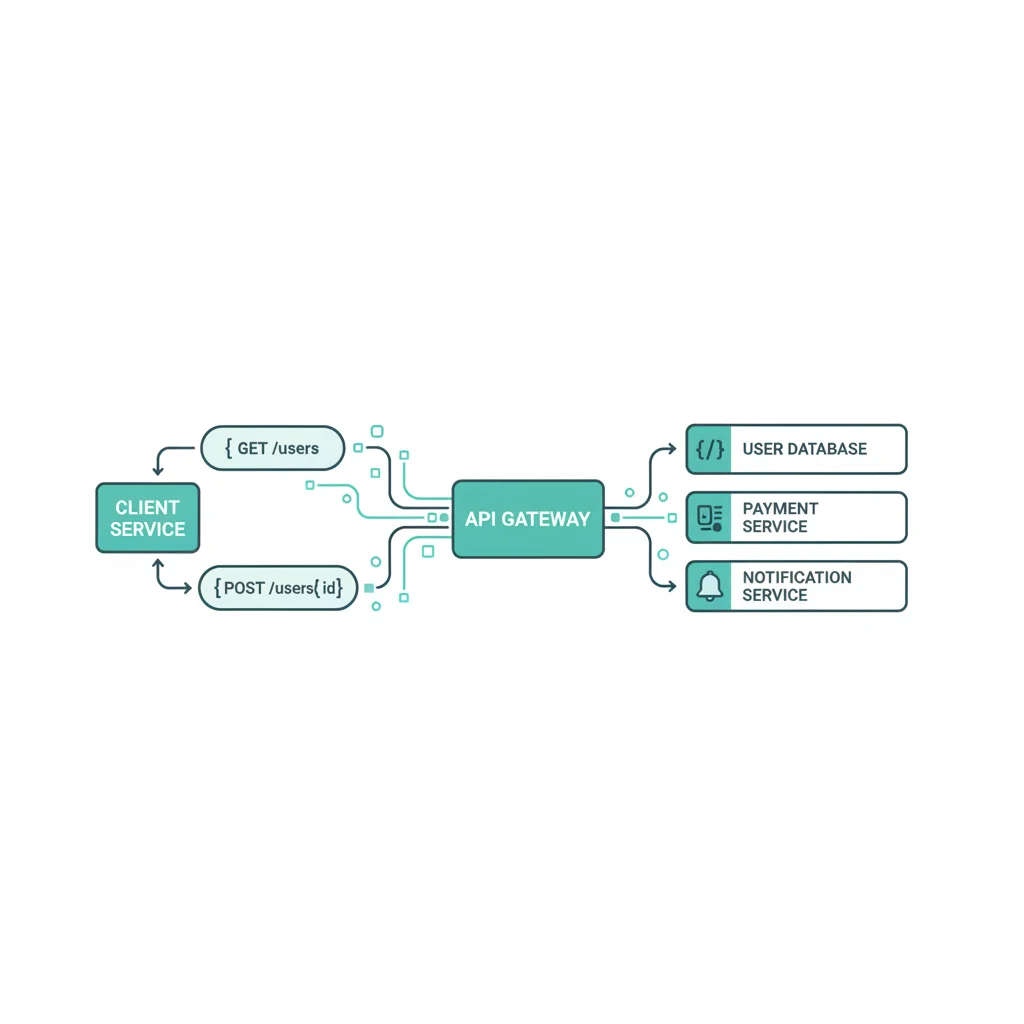
WP Safelink isn’t just a WordPress plugin — it also exposes a REST API that lets you manage links programmatically. Whether you’re building an external dashboard, integrating with a mobile app, or automating bulk operations, the API gives you full control.
What the API Allows
The WP Safelink REST API lets external applications:
- Create and manage safelinks programmatically
- Retrieve click and view statistics
- Configure settings remotely
- Integrate with external analytics or dashboard tools
Authentication
API requests require authentication via your WordPress REST API credentials. WP Safelink registers its endpoints under the WordPress REST API namespace, so standard WordPress authentication methods apply:
- Application Passwords (recommended for external apps)
- Cookie Authentication (for same-site AJAX requests)
- OAuth (if you have an OAuth plugin installed)
Example API Calls
Here are some common operations:
Get Plugin Status
curl -X GET https://yoursite.com/wp-json/wpsafelink/v1/status
  -H "Authorization: Basic YOUR_AUTH_TOKEN"
Create a Safelink
curl -X POST https://yoursite.com/wp-json/wpsafelink/v1/links
  -H "Authorization: Basic YOUR_AUTH_TOKEN"
  -H "Content-Type: application/json"
  -d '{"url": "https://example.com/download", "title": "My Download"}'
Get Statistics
curl -X GET https://yoursite.com/wp-json/wpsafelink/v1/stats
  -H "Authorization: Basic YOUR_AUTH_TOKEN"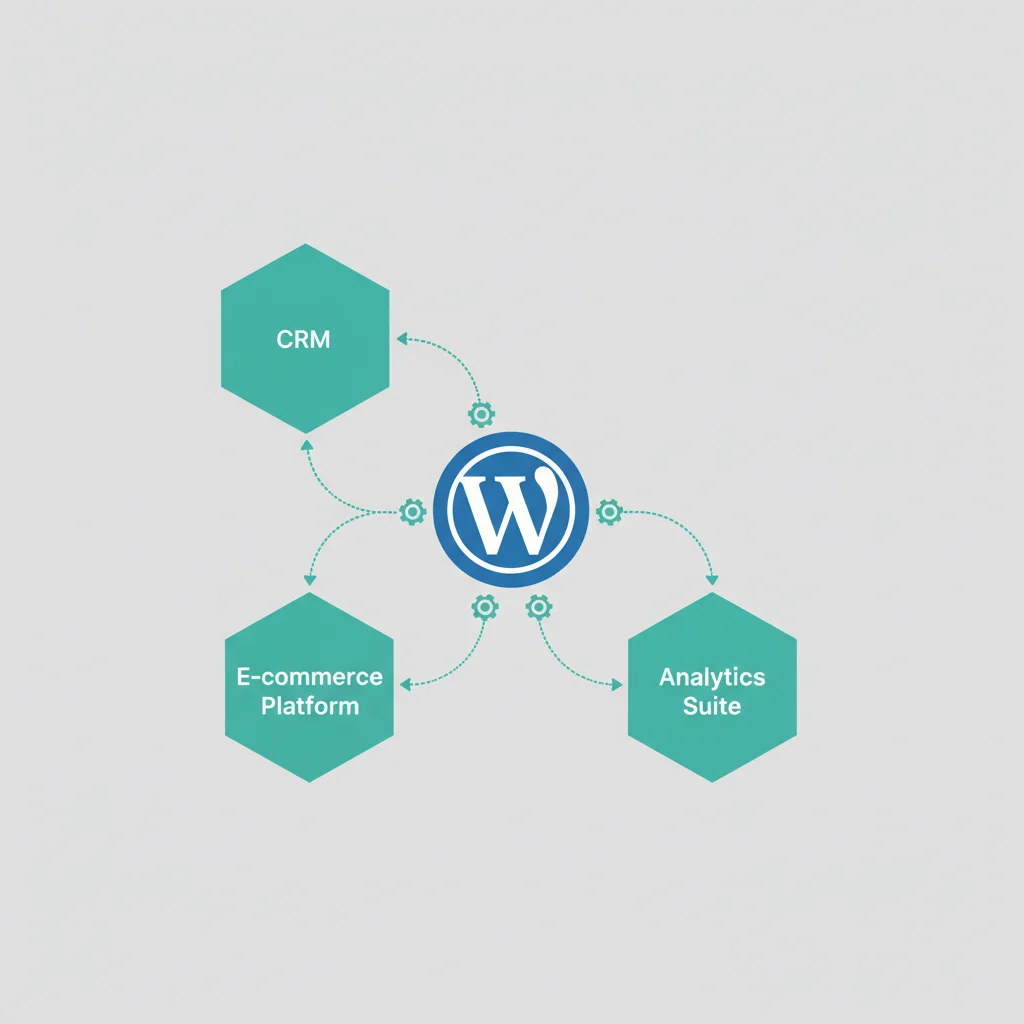
Use Cases
- External Dashboard: Build a custom analytics dashboard that pulls safelink performance data
- Bulk Operations: Create hundreds of safelinks programmatically from a CSV file
- Mobile App: Build a companion app for managing your safelinks on the go
- Multi-site Management: Manage safelinks across multiple WordPress installations from one interface
- Automation: Trigger safelink creation when new posts are published via webhooks
Developer Tips
- Always use HTTPS for API requests (especially with authentication headers)
- Implement rate limiting on your side to avoid overwhelming your server
- Cache API responses where possible to reduce load
- Check the plugin version — API endpoints may evolve between versions
The REST API is available in both Full and PRO versions of WP Safelink.