WP Safelink offers two fundamentally different ways to convert your links into monetized safelinks: Automatic mode and Manual mode. Choosing the right one depends on your site type, content structure, and how much control you want.
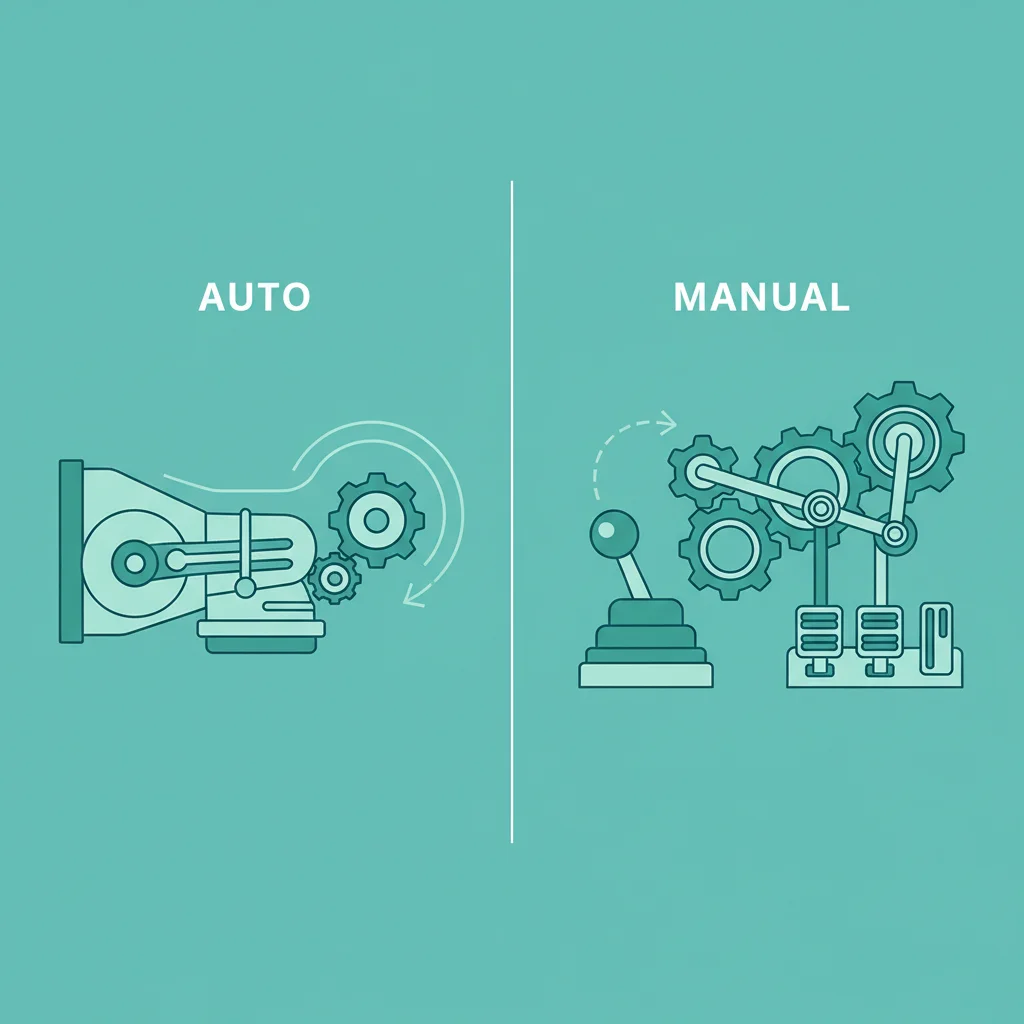
Automatic Mode: Set It and Forget It
Automatic mode is WP Safelink’s most popular feature. Once enabled, the plugin injects JavaScript into your pages that automatically converts all external links into safelinks. No manual work required.
How it works:
- WP Safelink’s JS scans all links on each page load
- External links matching your rules get converted to encrypted safelinks
- Users click what looks like a normal link, but it routes through your safelink pages
- Ads display on the safelink page before redirecting to the destination
Best for: Download blogs, auto-content sites, any site with lots of external links where manual conversion would be impractical.
Manual Mode: Full Control
Manual mode gives you shortcodes to create safelinks on a per-link basis. You wrap links in a shortcode, and only those specific links become safelinks.
Best for: Sites where only specific links should be monetized, review sites, or sites where you want precise control over which links pass through safelink pages.
The Domain List: Include vs Exclude
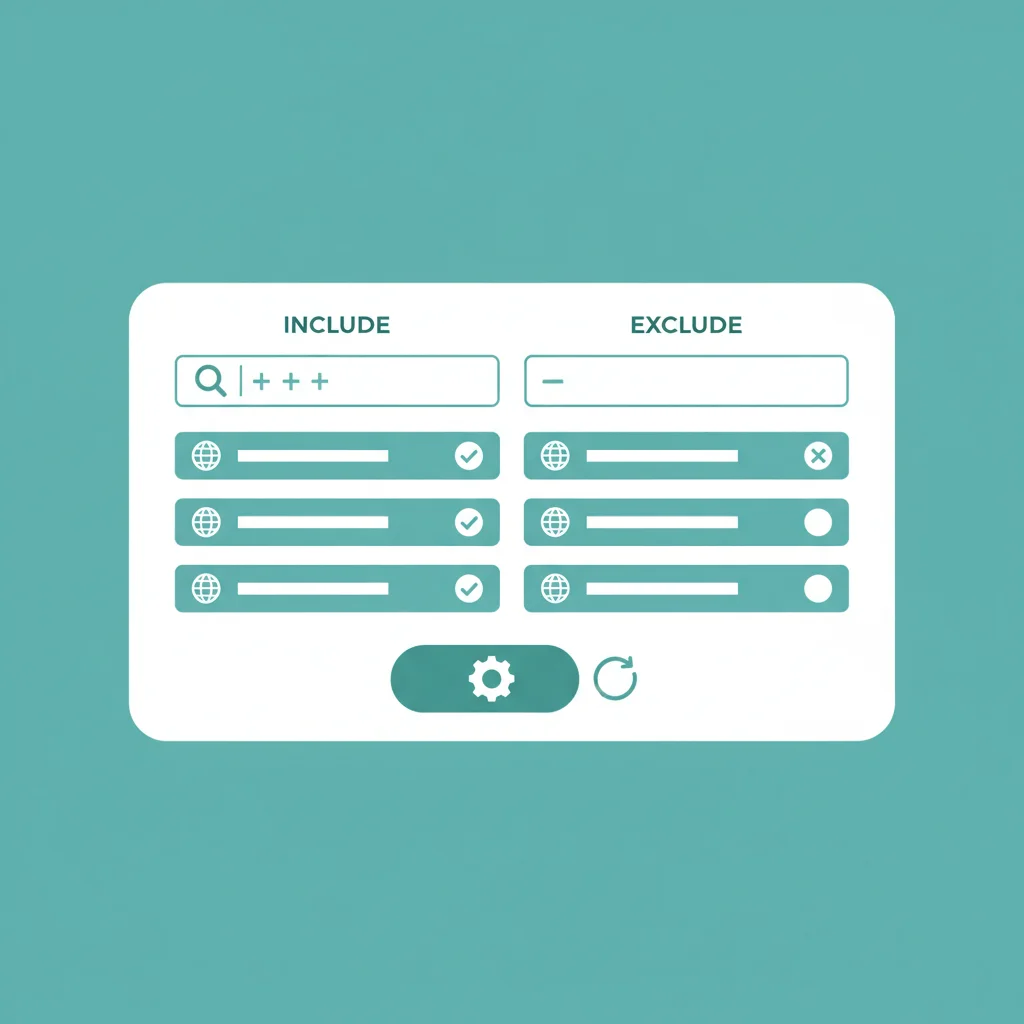
In Automatic mode, you can fine-tune which links get converted using the domain list with two methods:
- Include mode: Only links to domains on your list get converted. Everything else stays as normal links.
- Exclude mode: All external links get converted EXCEPT domains on your list. This is the most common approach — exclude trusted domains like social media or payment processors.
Common domains to exclude: paypal.com, google.com, facebook.com, your own domain.
Which Should You Choose?
| Feature | Automatic | Manual |
|---|---|---|
| Setup effort | One-time | Per-link |
| Coverage | All links | Selected links |
| Control | Domain-level | Link-level |
| Maintenance | Minimal | Ongoing |
| Best for | Download blogs, auto-content | Review sites, curated content |
Our recommendation: Start with Automatic mode using the Exclude domain list. It gives you the broadest coverage with minimal setup. You can always switch to Manual later if you need more precision.
Learn more about WP Safelink’s features or get started today.