WP Safelink REST API: Automate Link Management Programmatically
Quick answer: Learn how to use WP Safelink REST API for programmatic link management. Authentication, example API calls, use cases, and developer tips.
On this page
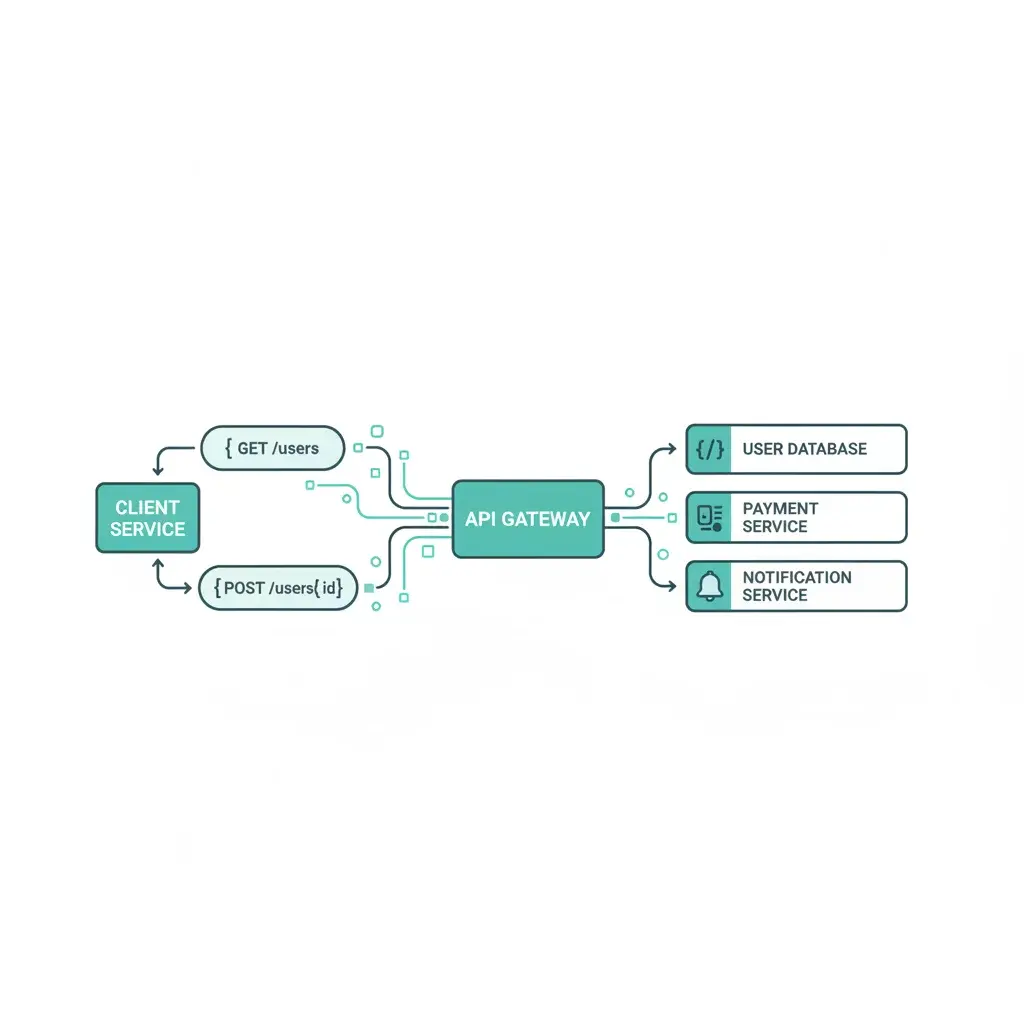
WP Safelink isn’t just a WordPress plugin — it also exposes a REST API that lets you manage links programmatically. Whether you’re building an external dashboard, integrating with a mobile app, or automating bulk operations, the API gives you full control.
#What the API Allows
The WP Safelink REST API lets external applications:
- Create and manage safelinks programmatically
- Retrieve click and view statistics
- Configure settings remotely
- Integrate with external analytics or dashboard tools
#Authentication
API requests require authentication via your WordPress REST API credentials. WP Safelink registers its endpoints under the WordPress REST API namespace, so standard WordPress authentication methods apply:
- Application Passwords (recommended for external apps)
- Cookie Authentication (for same-site AJAX requests)
- OAuth (if you have an OAuth plugin installed)
#Example API Calls
Here are some common operations:
#Get Plugin Status
curl -X GET https://yoursite.com/wp-json/wpsafelink/v1/status
-H "Authorization: Basic YOUR_AUTH_TOKEN"#Create a Safelink
curl -X POST https://yoursite.com/wp-json/wpsafelink/v1/links
  -H "Authorization: Basic YOUR_AUTH_TOKEN"
  -H "Content-Type: application/json"
-d '{"url": "https://example.com/download", "title": "My Download"}'#Get Statistics
curl -X GET https://yoursite.com/wp-json/wpsafelink/v1/stats
  -H "Authorization: Basic YOUR_AUTH_TOKEN"
#Use Cases
- External Dashboard: Build a custom analytics dashboard that pulls safelink performance data
- Bulk Operations: Create hundreds of safelinks programmatically from a CSV file
- Mobile App: Build a companion app for managing your safelinks on the go
- Multi-site Management: Manage safelinks across multiple WordPress installations from one interface
- Automation: Trigger safelink creation when new posts are published via webhooks
#Developer Tips
- Always use HTTPS for API requests (especially with authentication headers)
- Implement rate limiting on your side to avoid overwhelming your server
- Cache API responses where possible to reduce load
- Check the plugin version — API endpoints may evolve between versions
The REST API is available in both Full and PRO versions of WP Safelink.
Turn your traffic into revenue with WP Safelink
Join 2,000+ publishers monetising every download link since 2017. Use code NEWHOPE for 25% off — from just $9/year.