WP Safelink — turn download links into AdSense revenue
WP Safelink sends every click through a branded countdown page with your ads before the download — with anti‑adblock, bot & proxy protection, multiple pages and AdLinkFly integration built in. Trusted by 2,000+ site owners since 2017.
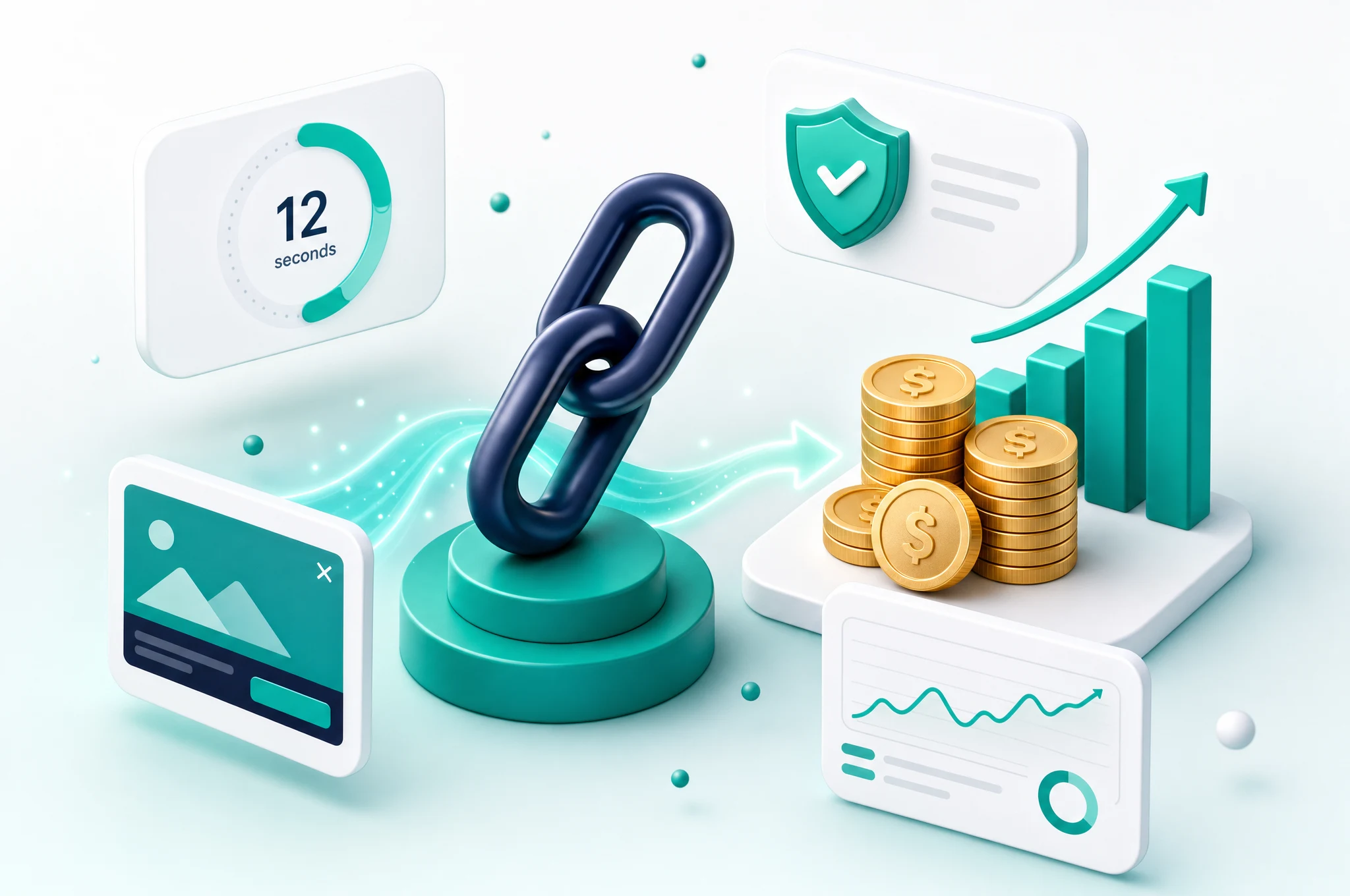
Every feature, shown in the real interface
No vague promises — these are the actual admin screens and countdown pages you get with WP Safelink.
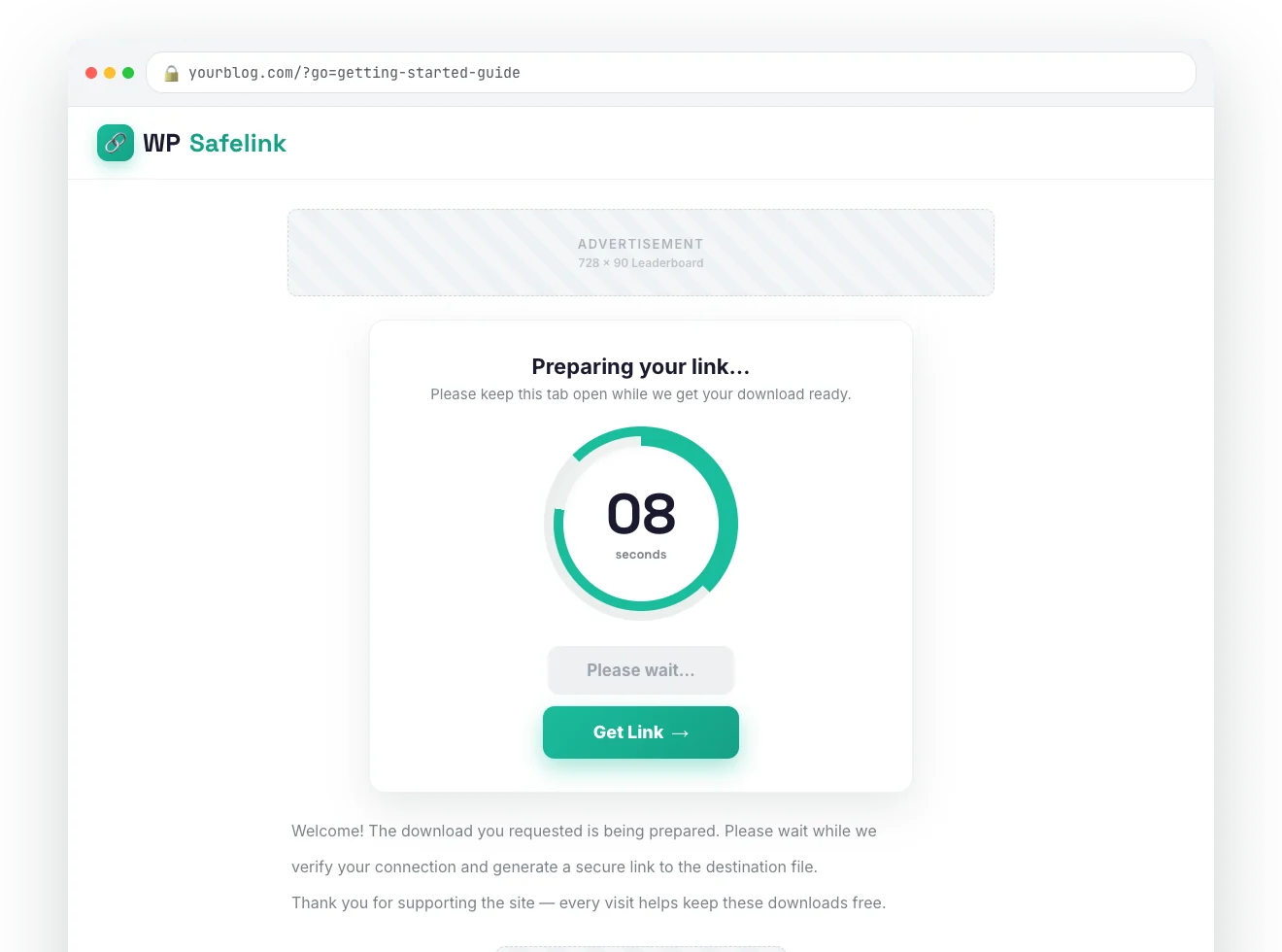
Branded countdown pages that earn on every click
Every download routes through a clean, mobile-friendly countdown page carrying your ads. Pick a text timer or an animated circle, drop AdSense or any ad code into four slots, and skin it with your own logo and colours.
- Text or animated circle timer
- 4 ad slots (AdSense, banners, native)
- Your logo, fonts & colours
- Mobile-perfect out of the box
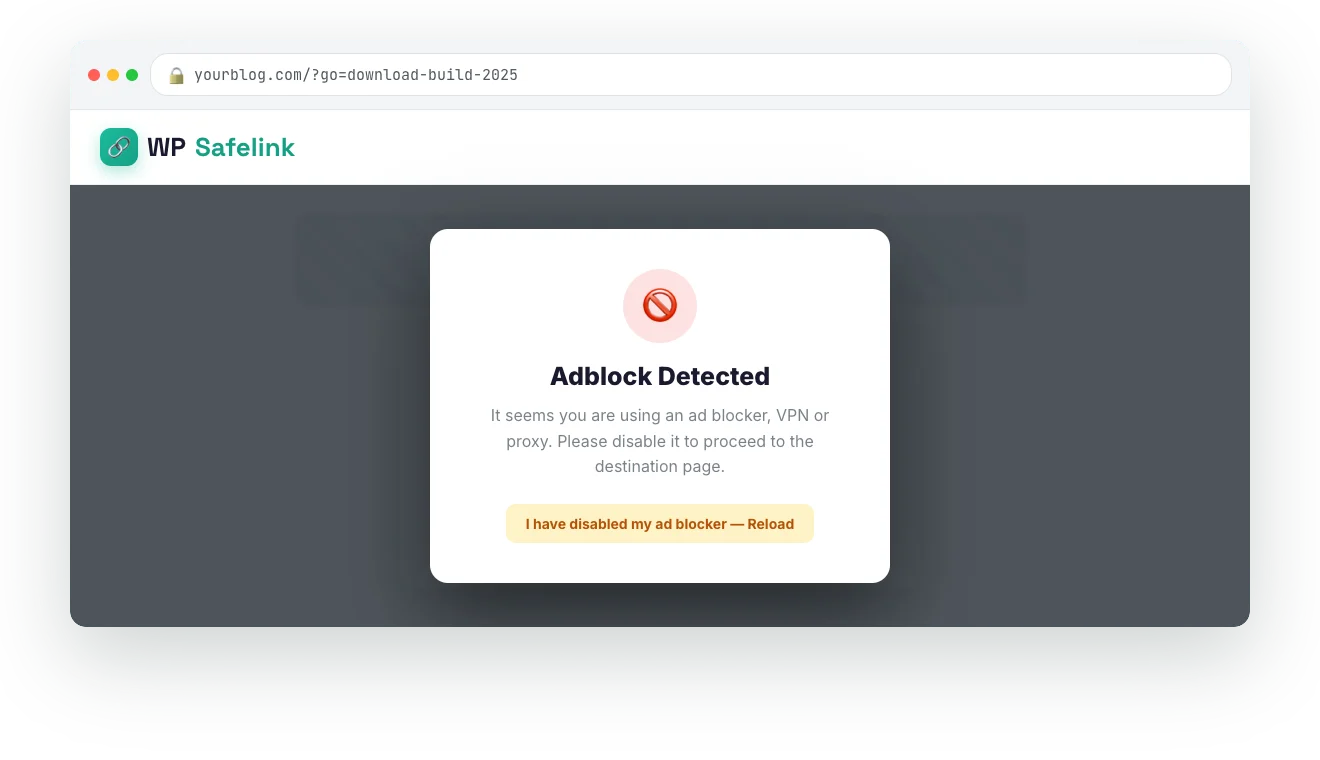
Stop losing revenue to ad blockers
WP Safelink detects ad blockers, VPNs and proxies and freezes the countdown behind a message until they are switched off — so the visitors you already paid to acquire actually generate ad impressions instead of slipping through for free.
- Detects adblock, VPN & proxy
- Freezes the timer until disabled
- Fully customisable overlay message
- Recover the 30–40% you lose today
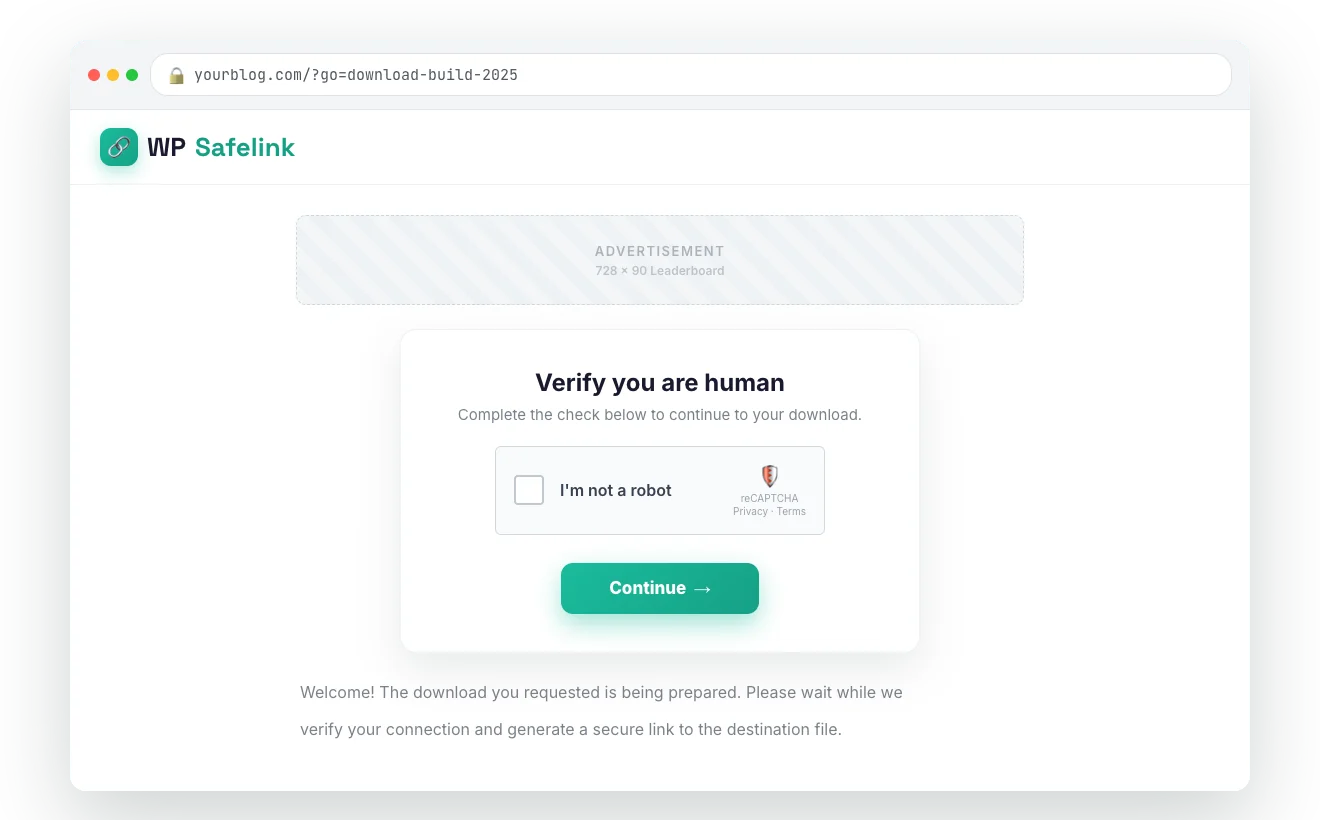
Filter bots before they touch your ads
Add an “I’m not a robot” gate in front of the countdown — a simple button click, Google reCAPTCHA, hCaptcha or Cloudflare Turnstile. Real visitors keep moving while automated traffic is stopped at the door.
- Button, reCAPTCHA, hCaptcha or Turnstile
- Keeps the flow smooth for humans
- Optional homepage verification step
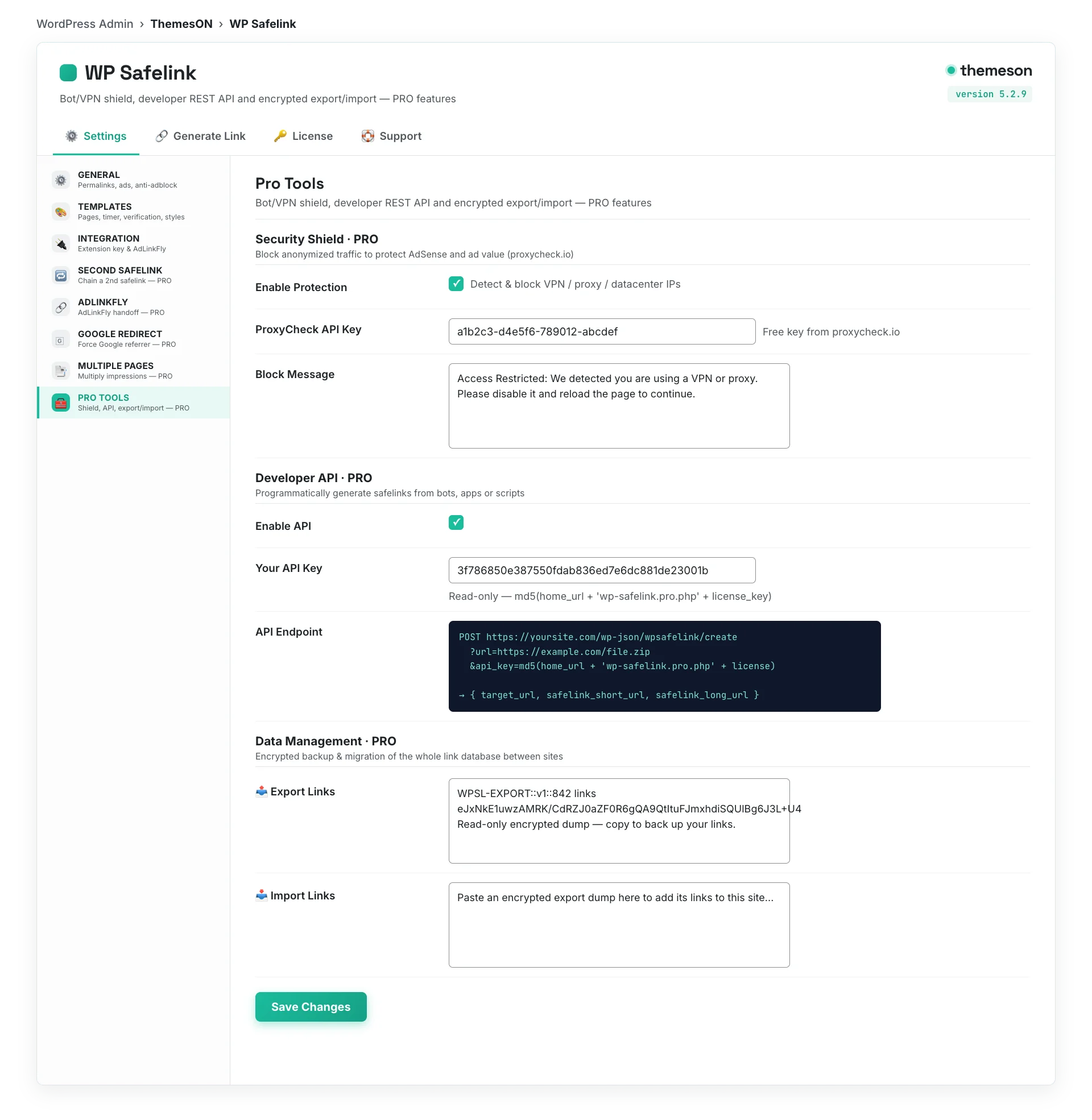
Bot, proxy & VPN shield keeps AdSense safe PRO
Invalid clicks get accounts banned. The PRO Security Shield screens traffic through proxycheck.io, blocks datacentre and VPN visitors, and only shows ads to real humans — protecting your single most valuable asset.
- proxycheck.io traffic screening
- Block datacentre / VPN / proxy
- Custom block message for flagged traffic
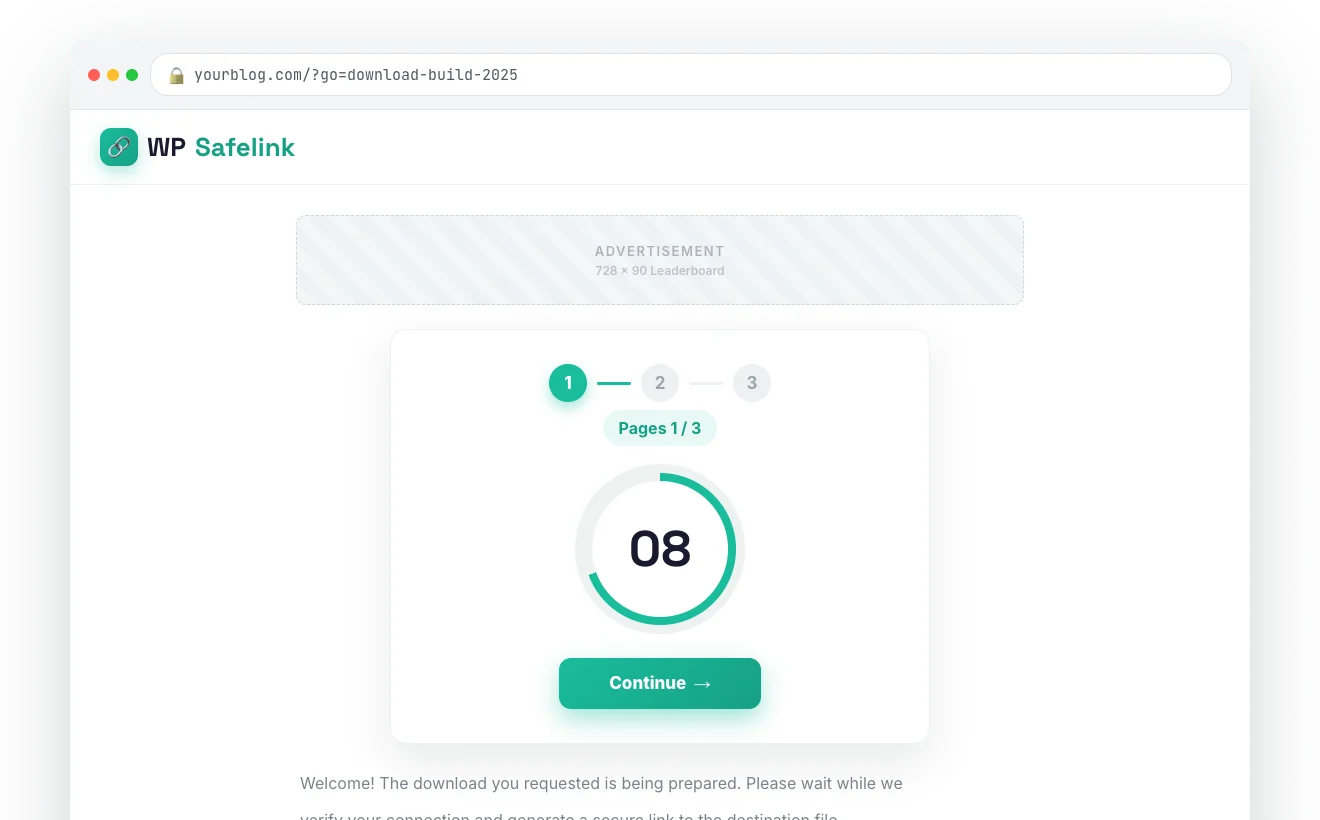
Multiply ad impressions 3–5x per click PRO
The Multiple Pages flow repeats the safelink across several pages — each with its own ad placements — before the visitor reaches the file. One click can become three to five page views without writing any extra content.
- Set 2–unlimited intermediate pages
- Different ad layout on every page
- Random-article hop or repeat step
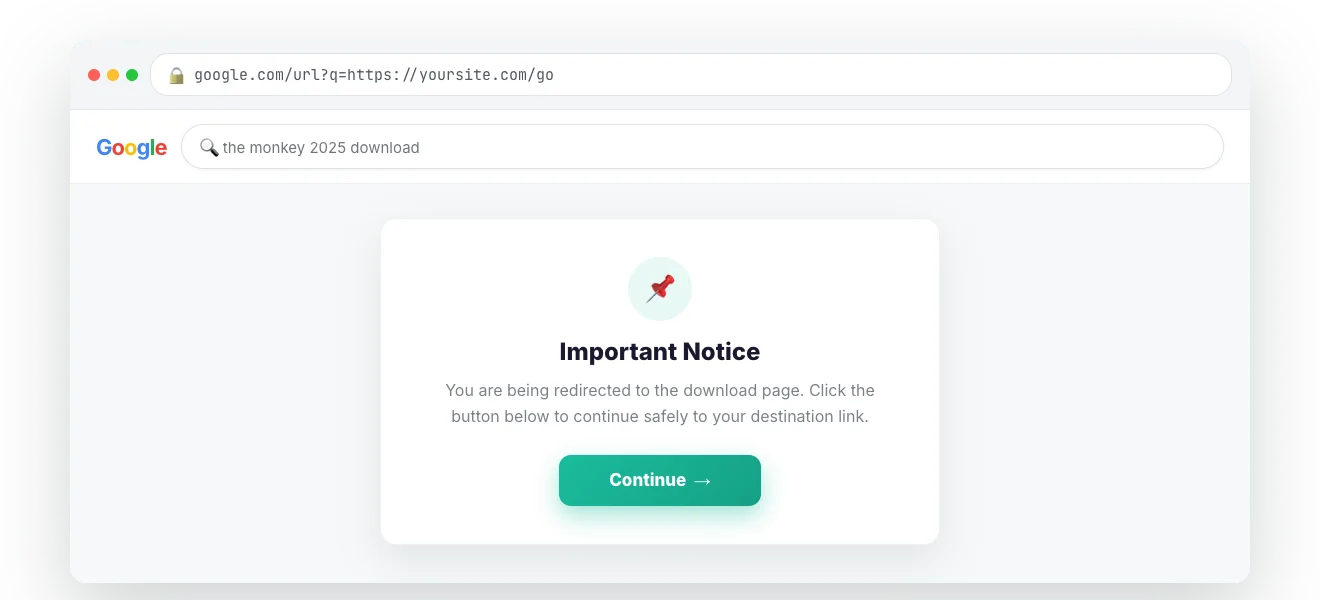
Monetise your organic search traffic too PRO
Google Redirect bounces non-Google visitors through a real Google SERP URL first, so the referrer reads as Google (AdSense-friendly) — with an optional styled content page. Even organic visits become ad impressions.
- Referrer reads as Google search
- Optional styled content page
- Works alongside normal safelinks
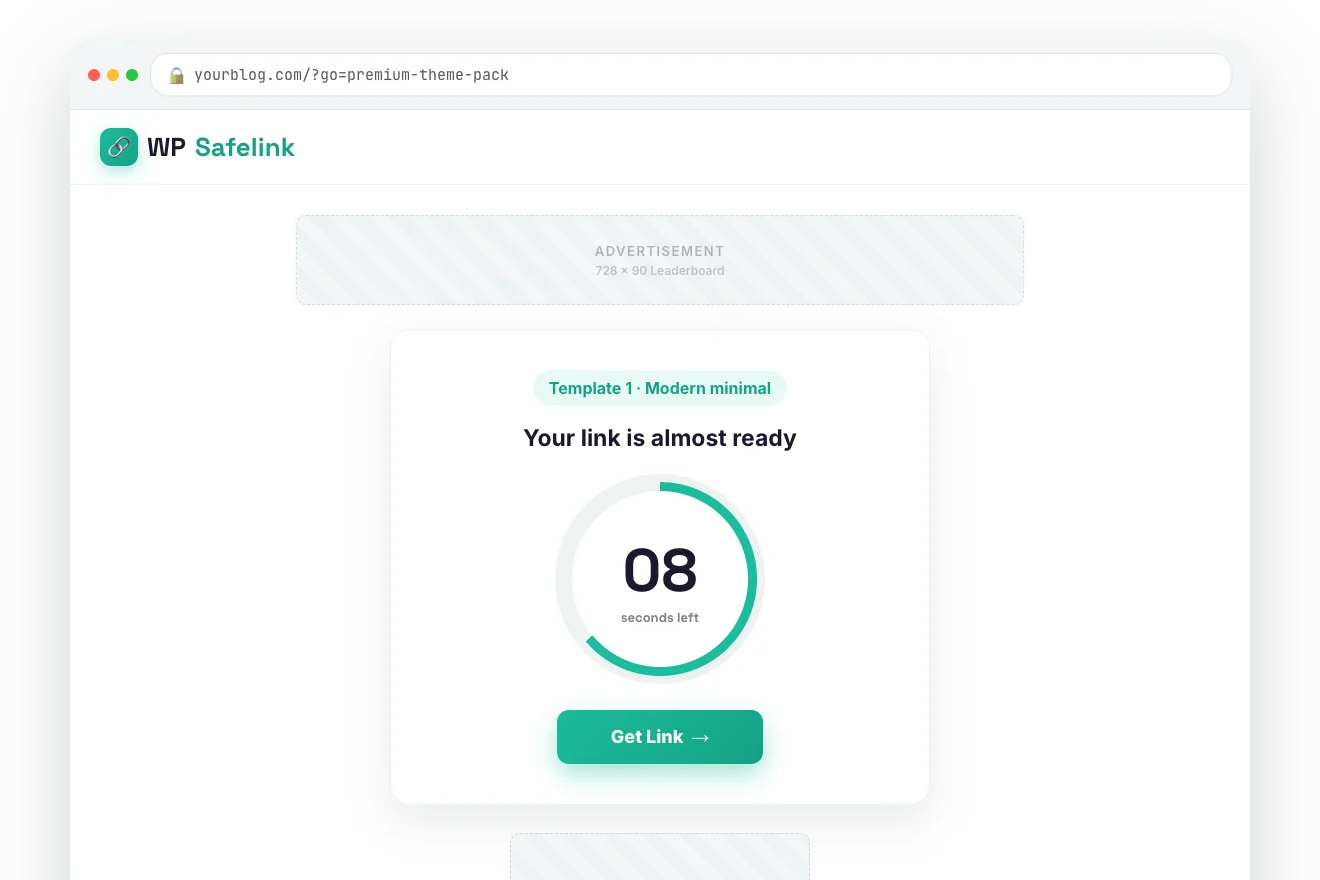
Four built-in designs, or use your own theme
Ship with four polished countdown templates — or choose “Installed Theme” mode and WP Safelink injects the safelink blocks straight into your active WordPress theme, no header/footer edits required.
- 4 bundled countdown templates
- Or full integration with your theme
- Image-button CTAs & styling controls
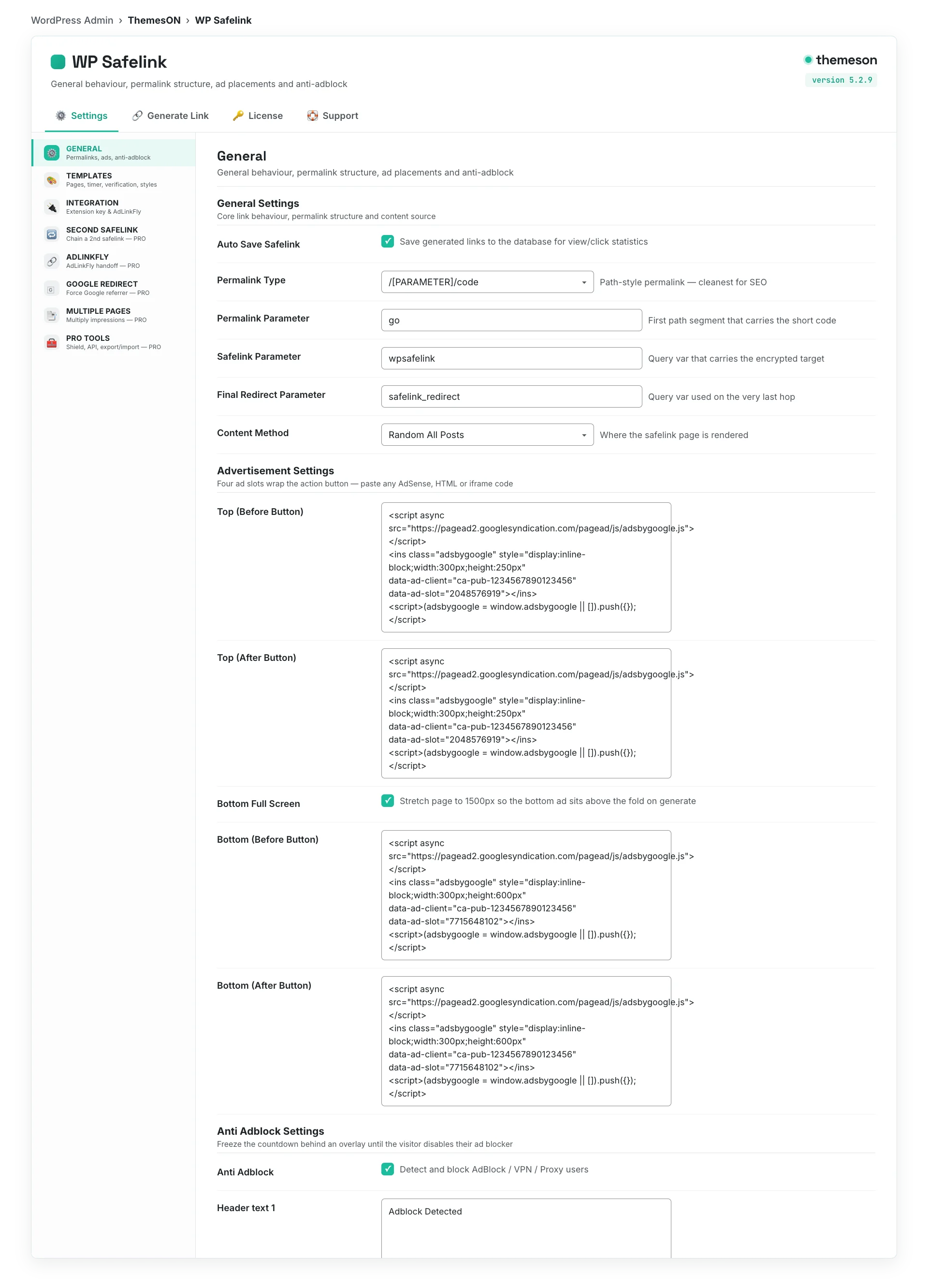
Everything configurable from one clean panel
Toggle anti-adblock, encryption, countdown style, ad codes and PRO features from a single settings screen — every field carries a help popup. A 4-step setup wizard gets you live in under five minutes.
- 4-step guided setup wizard
- Help icon on every field
- Link analytics: views & clicks per link
Earning in three steps
From a fresh WordPress site to monetised links in minutes — no coding required.
Install & activate
Upload the plugin from your member area, activate it, and paste your license key. The 4-step setup wizard configures everything in under five minutes.
Generate or auto-convert
Paste a link to generate a safelink, or let the Auto Convert extension rewrite every outbound link on your whole site automatically — zero manual work.
Earn on every click
Each click now flows through your ad-filled countdown page. Anti-adblock and bot protection keep impressions valid — track views and clicks per link.
Choose your plan
All plans include updates, support and automatic delivery. Use code NEWHOPE for 25% off any plan.
Lite
Essential safelink features
- Auto safelink conversion
- AES-256 link encryption
- 4 countdown templates
- Countdown timer
- 1 domain license
- Anti-adblock
- Multiple pages
Standard
Full features for bloggers
- Everything in Lite
- Anti-adblock
- hCaptcha / reCAPTCHA / Turnstile
- AdLinkFly integration
- 10 domain licenses
- Email support
- Bot & proxy shield
PRO
For serious publishers
- Everything in Standard
- Bot / proxy / VPN shield
- Multiple pages (3–5x)
- Google redirect
- Second safelink & REST API
- 10 domain licenses
- Priority support
Agency
White-label for agencies
- Everything in PRO
- Unlimited domains
- White-label ready
- Client management
- Dedicated support
Lifetime
Pay once, own forever
- PRO features forever
- No annual renewals
- Lifetime updates
- 10 domain licenses
- Priority support
Apply code NEWHOPE at checkout for 25% off · Try the live demo first →
See WP Safelink running live
Click through real, working demos — no signup required.
Main safelink demo
The complete flow — encrypted link, countdown, ad slots and multiple pages on a live WordPress site.
Launch demoAdLinkFly integration
See WP Safelink stacked with an AdLinkFly shortener — two ad layers earning from a single click.
Try demoMovie download site
A real-world movie/streaming blog — the most popular use case for safelink monetisation.
Try demoWhat WP Safelink users say
Publishers running download, APK and streaming sites — in their own words.
I went from $50/month to $2,000/month in just 3 months using WP Safelink. The anti-adblock feature is a game changer!
Playposter helped me build an APK download site that generates $5,000+ per month on autopilot. Best investment ever!
The Anti-Bot technology saved my AdSense account. I was getting tons of invalid clicks before switching to Themeson.
Frequently asked questions
Everything you need to know before you start monetising your links.
Does WP Safelink work with my WordPress theme?
Is WP Safelink safe for my Google AdSense account?
What are the requirements? Do I need ionCube?
How many websites can I use one license on?
Does it work on mobile?
Can I convert all my existing links automatically?
What is the AdLinkFly integration?
Do you offer refunds and support?
Turn your traffic into revenue with WP Safelink
Join 2,000+ publishers monetising every download link since 2017. Use code NEWHOPE for 25% off — from just $9/year.