Support
We’re here to help you earn
Get the answers you need fast. Browse the documentation, open a support ticket, or watch a live demo — whatever gets you back to monetizing your traffic.
- 2,000+ site owners
- Replies within 1 business day
- Since 2017
Pick the support channel that fits
Most questions are answered in the docs — but our team and live demos are right here when you need them.
-
Documentation
Step-by-step guides, setup walkthroughs and answers to the questions we hear most. The fastest way to a fix.
-
Help Desk & Tickets
Stuck on something the docs don’t cover? Open a ticket from your member account and our team will take a look.
-
Live Demos
See WP Safelink running before you buy — countdown pages, AdLinkFly flow and a full movie-download site.
-
Email Us
Pre-sales questions, billing or licensing? Drop us a line at admin@themeson.com and we’ll get back to you.
Popular help topics
The articles new customers reach for most. Click through for the full guide with screenshots.
-
Installation & requirements
Upload, activate and confirm your server meets ionCube + PHP requirements.
-
Activating your license
Enter your license key and connect the plugin to api.themeson.com.
-
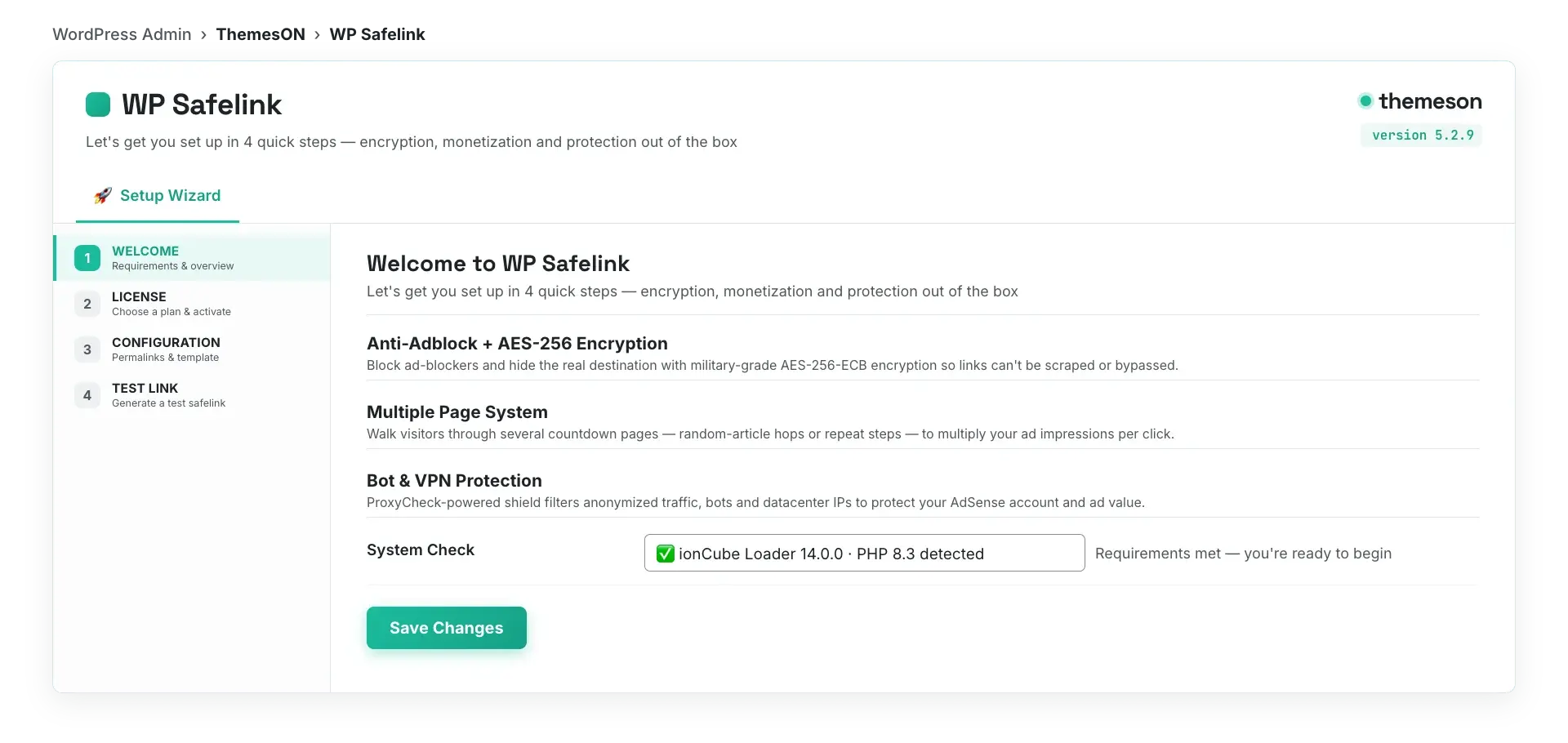
Setup wizard
Run the 4-step onboarding to configure your first monetized link fast.
-
Troubleshooting
Links not converting, blank countdown pages or update errors? Start here.
-
AdSense safety
Keep your account safe with bot, proxy and VPN protection best practices.
-
Frequently asked questions
Quick answers about licensing, refunds, multi-site use and updates.
Before you contact us
Three quick checks that fix most issues
Nine out of ten support tickets are solved by one of these. Try them first — you’ll usually be back up and running in minutes.
-
Run the setup wizard — it configures licensing, URLs and templates correctly in 4 steps.
-
Confirm ionCube Loader 14.0.0+ and PHP 8.3+ are active on your server.
-
Clear your cache (page cache, object cache and CDN) after any settings change.
Still stuck? Open a ticket with your domain, plugin version and a screenshot of the issue — we typically reply within one business day.
Still need a hand?
Search the docs for an instant answer, or open a ticket and our team will help you get earning again.