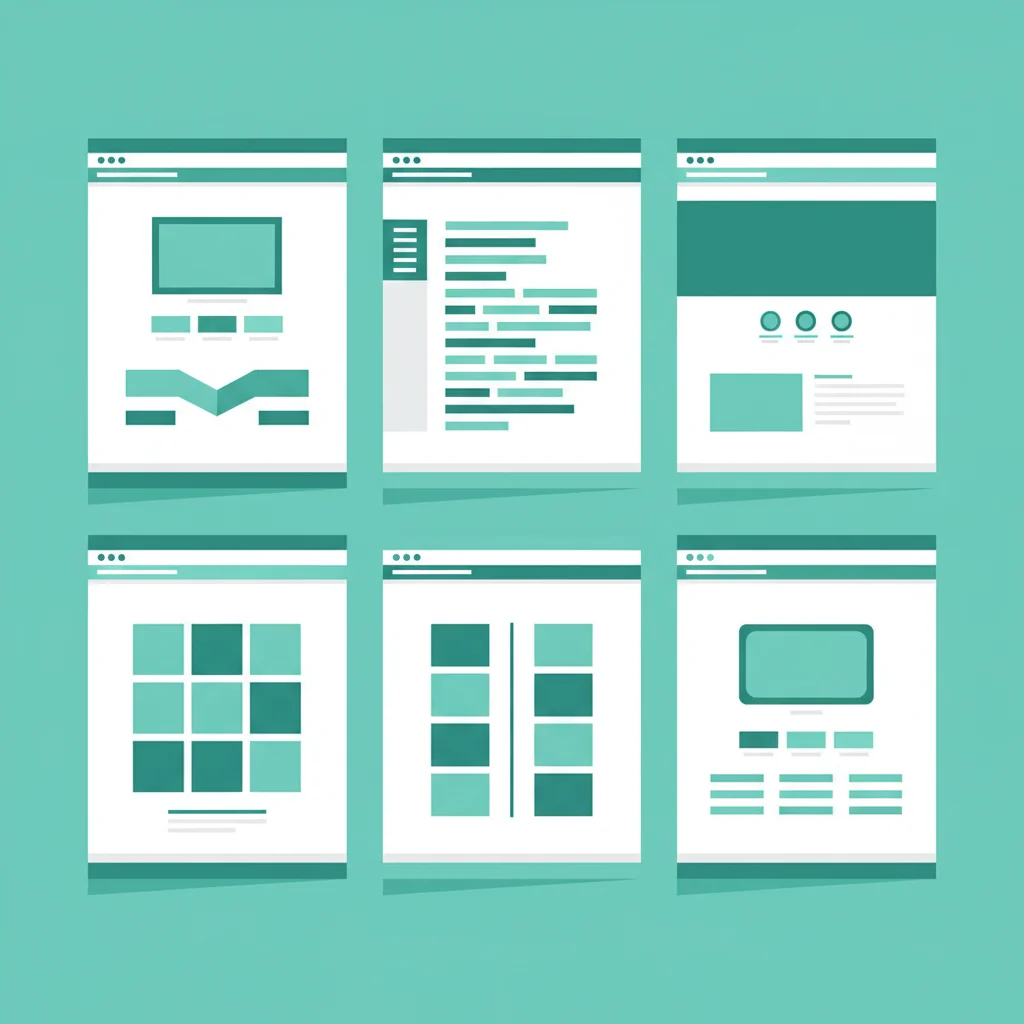
WP Safelink ships with 6 different page templates, each designed for different use cases and site types. The template you choose affects how your safelink pages look, how ads are displayed, and ultimately how much you earn. Let’s break down each one.
Understanding the Page Flow
Before diving into templates, understand that WP Safelink creates three types of pages in the user journey:
- Generate Page: The initial page users land on (shows loading/processing animation)
- Wait Page: The countdown timer page (where most ads are displayed)
- Target Page: The final page before redirect (last chance for ad impressions)
Template 1: Classic Clean
The most popular template. Clean design with a centered content area, countdown timer, and ample space for ad codes. Works well with any niche.
Best for: General use, download blogs, content sites.
Template 2: Full Integration
Designed to blend with your existing theme. Requires adding integration code to your theme’s header.php and footer.php (or use Auto Integration feature).
Best for: Sites where the safelink page should match your main theme exactly.
Template 3: Manual Integration
Similar to Template 2 but with more customization options. Gives developers full control over the page layout.
Best for: Developers who want complete control over the safelink page design.
Template 4-6: Specialized Layouts
Templates 4, 5, and 6 offer variations in ad placement and page structure — from minimal designs to ad-heavy layouts for maximum impressions.
How to Choose
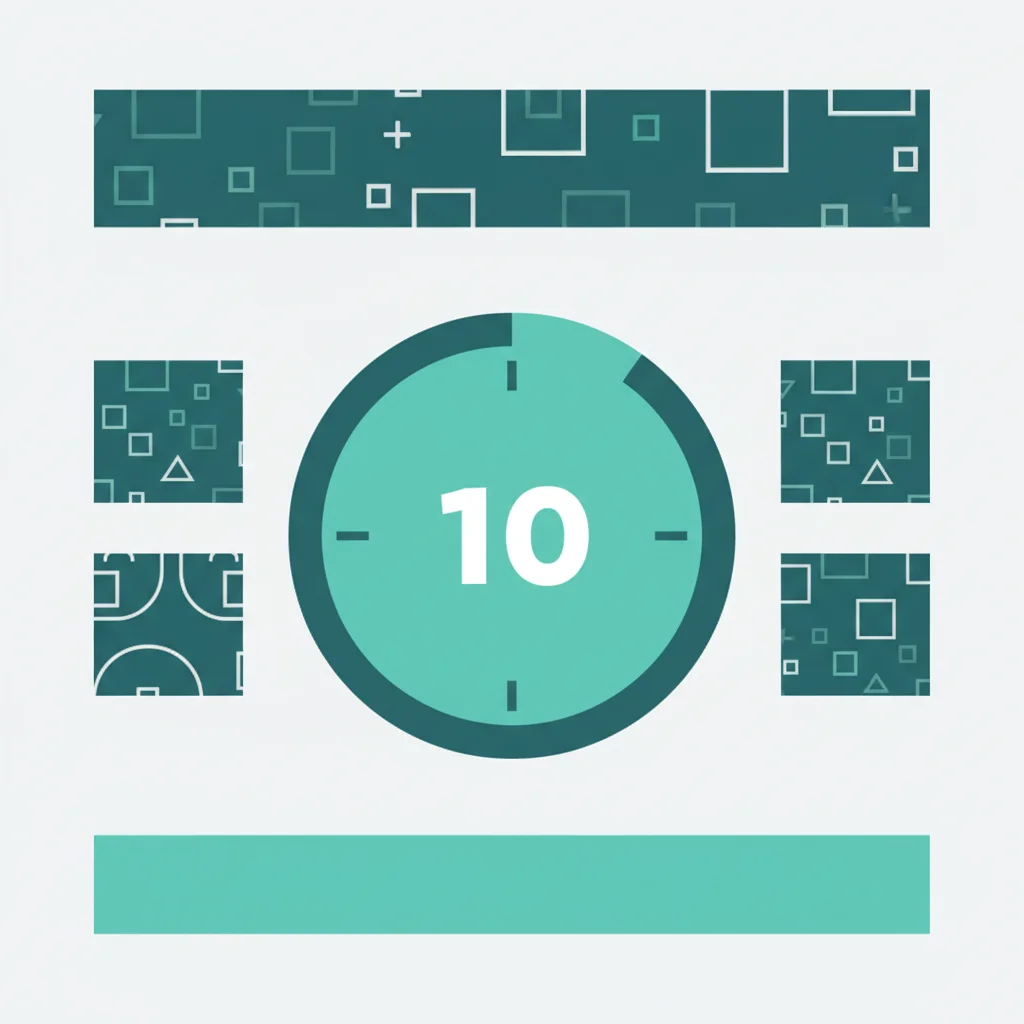
- Starting out? Go with Template 1 — it’s proven and reliable
- Want theme matching? Use Template 2 with Auto Integration
- Maximum ads? Test Templates 4-6 and compare earnings
- Developer? Template 3 gives you raw control
You can switch templates anytime from WP Safelink settings without losing your configuration. Experiment and find what works best for your audience.
Explore all templates with WP Safelink.