Playposter API Integration: Connect External Data Sources
Quick answer: Your ultimate guide to playposter api integration: connect external data sources. Practical WordPress tutorial from Themeson.
On this page
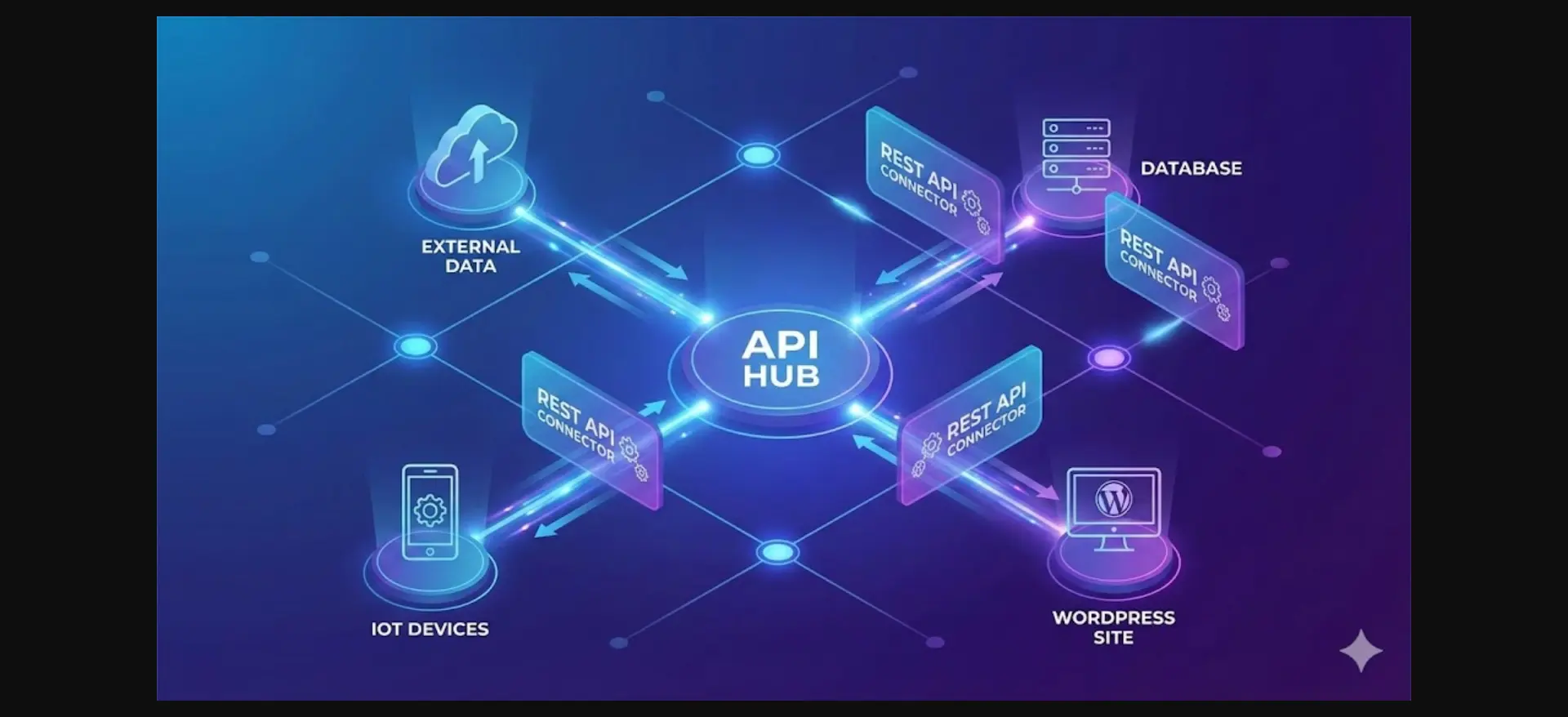
Playposter’s built-in data sources cover most use cases—Google Play Store, TMDb, and others. But what if you need custom data? Playposter’s API integration system lets you connect virtually any data source.
#Understanding Playposter’s Data Architecture
Before diving into API integration, understand how Playposter handles data:
Data Flow: External Source → Playposter Connector → Data Processor → WordPress Post
Each step is configurable. Built-in connectors include Google Play Store, TMDb, IMDb, iTunes/App Store, Steam, and RSS feeds.
#Setting Up Custom API Integration
#Step 1: Access API Settings
Navigate to Playposter → Settings → API Integration to see active connectors and add new ones.
#Step 2: Add New Connector
Configure basic settings (Name, Type, Status), authentication (None, API Key, OAuth 2.0, Basic Auth), and endpoint configuration (Base URL, headers, rate limiting).
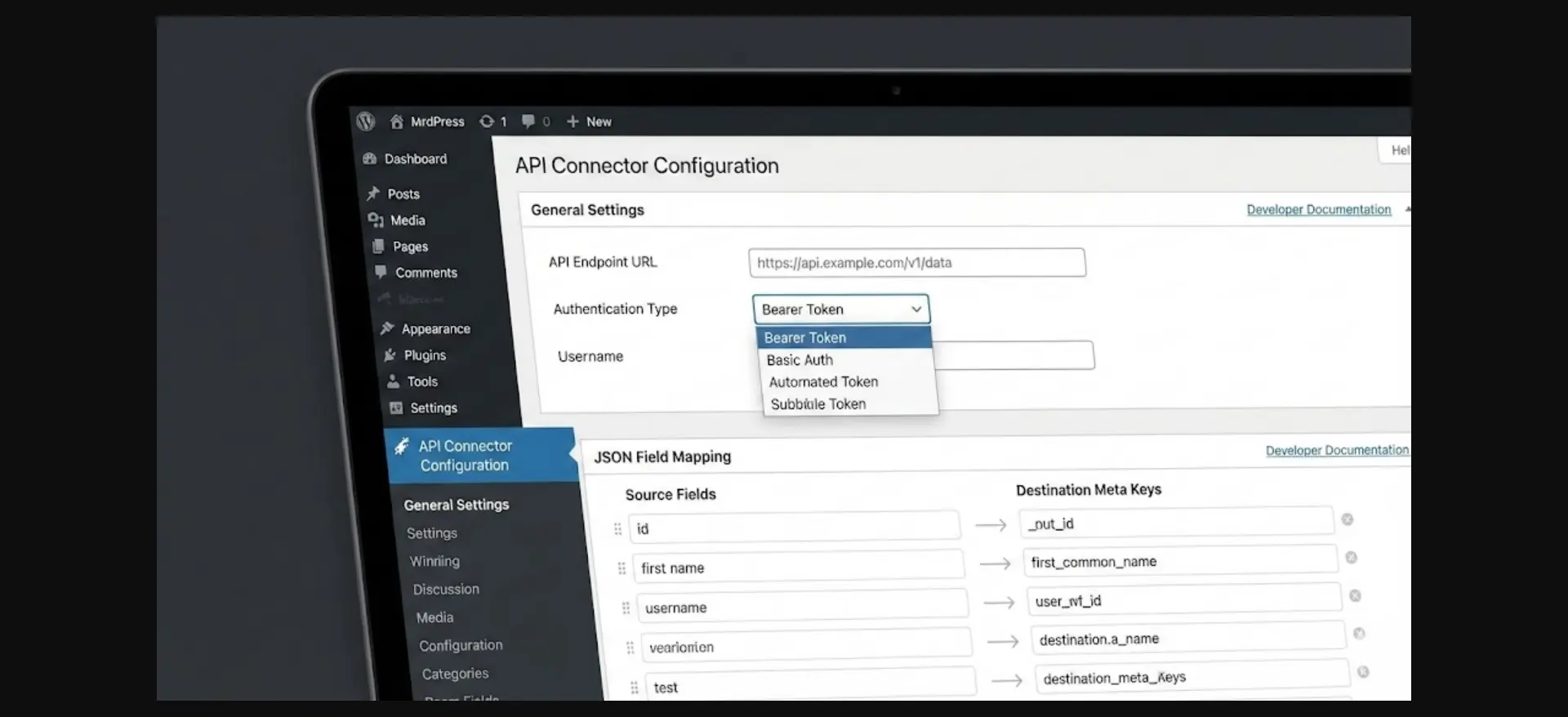
#Step 3: Define Data Endpoints
For each data type, create an endpoint with method, path, parameters, and response path configuration.
#Step 4: Map Response to Post Fields
Map API response fields to WordPress post fields using the field mapping interface. Transforms include: none, html_decode, strip_tags, date_format, download, lookup, and custom PHP callbacks.
#Building a Custom Connector: Example
For a game database API:
- Create Connector: Name it, set type to REST API, add base URL
- Configure Authentication: Add API Key in header
- Add List Endpoint: Define path, parameters, pagination
- Configure Field Mapping: Map game name to post_title, description to post_content, images to featured_image
- Test the Connector: Use built-in test tool
#Advanced Integration Features
#Webhook Support
Receive real-time updates from external services. Create webhook endpoints in Playposter → API → Webhooks and configure in your external service.
#Scheduled Imports
Automate data imports with cron. Configure frequency, batch size, and priority. Smart scheduling detects new items, updated items, and popular items.
#Error Handling
Configure retry settings (max retries, delay, timeout) and error actions (log and skip, pause, retry later). Set up notifications via email or Slack/Discord.
#GraphQL Integration
For GraphQL APIs, configure the endpoint and define queries with variables mapping. Playposter handles pagination via pageInfo.
#Database Direct Connection
Connect directly to MySQL/MariaDB, PostgreSQL, SQL Server, or MongoDB. Use read-only database users and consider using replicas for security.
#Troubleshooting API Integration
Common Issues:
- Authentication Failures: Verify credentials, check IP restrictions
- Rate Limiting: Reduce batch size, increase delays
- Data Mapping Errors: Verify JSON paths, test transforms
- Timeout Issues: Increase timeout, check server status
#Best Practices
- Read API documentation thoroughly
- Test endpoints manually first
- Start with small batch sizes
- Implement proper error handling
- Set up monitoring and alerts
- Cache where appropriate
- Use staging environment first
#Conclusion
Playposter’s API integration transforms it from a simple auto-poster into a powerful content aggregation platform. Any REST or GraphQL API can be connected, field mapping is highly customizable, and built-in error handling prevents data loss.
API integration requires careful planning. Test thoroughly before production deployment.
Start Building Your APK Download Site Today
Join 288+ site owners using Playposter to create profitable APK download portals on autopilot. Plugin + theme included — launch in under 30 minutes.