Search traffic pays you twice 1:01
Quick answer: Learn how WP Safelink PRO Google Redirect captures organic search traffic for monetization. Setup guide, SEO considerations, and best practices.
Search traffic pays you twice 1:01
Google Redirect is one of WP Safelink PRO’s most powerful features — and one of the least understood. It intercepts organic search traffic from Google and routes it through your safelink pages before users reach their destination. Here’s how it works and when to use it.
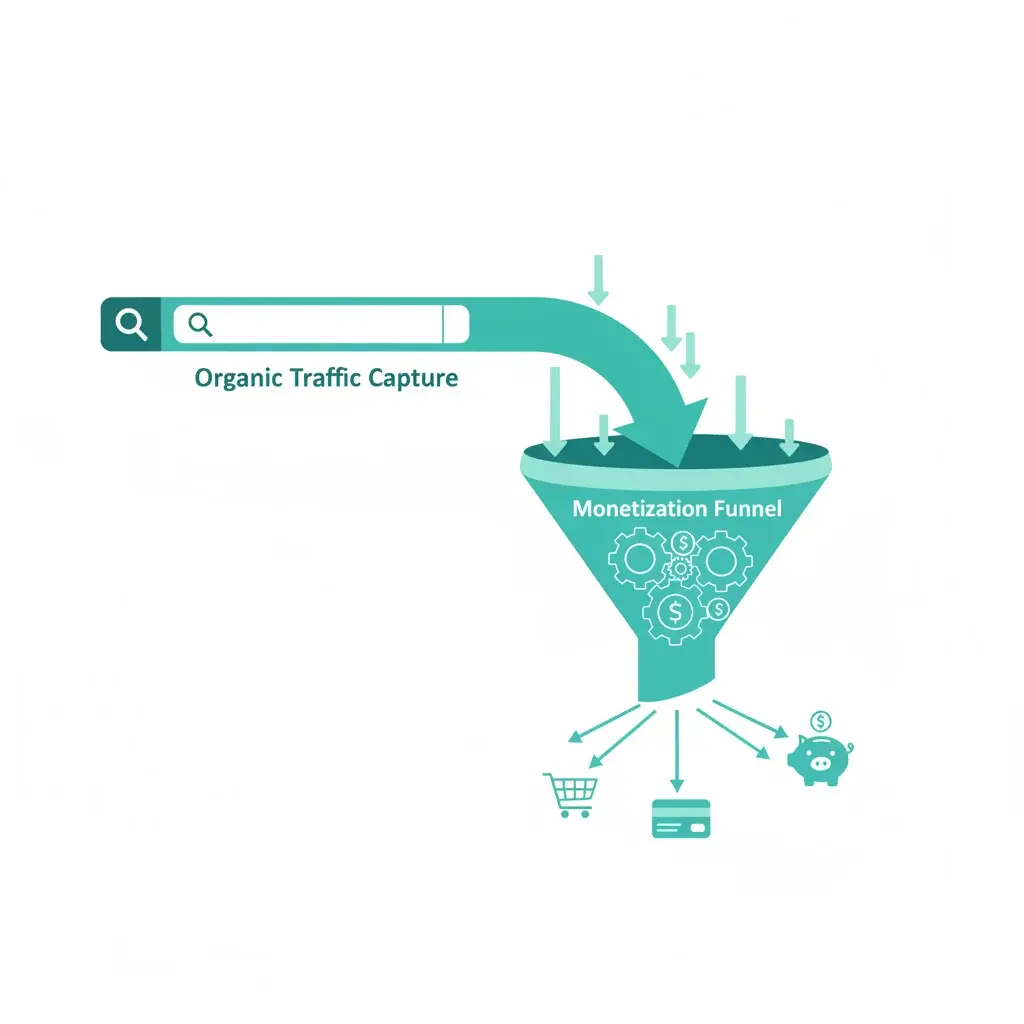
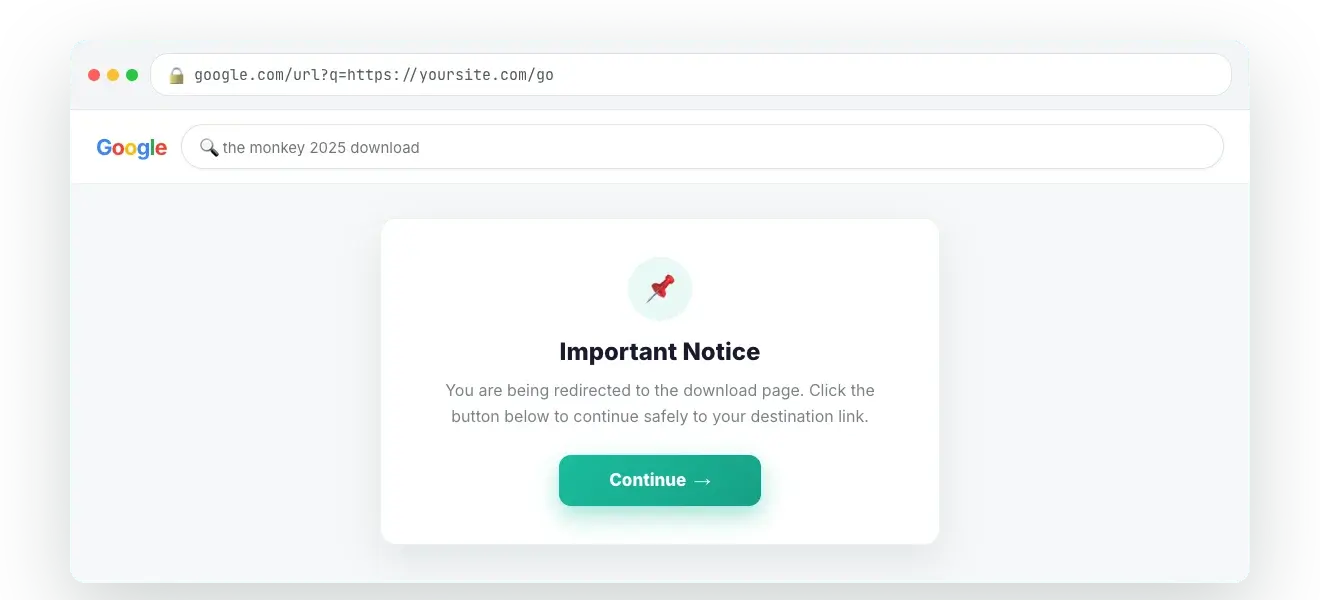
When a user finds your page through Google search and clicks through, Google Redirect detects this organic traffic and routes the user through a safelink page sequence before showing the original content. The user eventually reaches the page they clicked on — but you’ve earned ad impressions along the way.
The key: users still get what they searched for. They just see your ads first.
In WP Safelink PRO settings, the Google Redirect section allows you to:

A common concern: will this hurt my Google rankings? The answer is nuanced:
Best practice: Keep redirect timers short (5-10 seconds) and only enable Google Redirect on content that provides genuine value after the redirect.
Good use cases: Download pages, resource listings, tool pages — where users have a clear intent and will wait.
Avoid on: Your homepage, contact page, about page, or any page where the redirect would frustrate users without a payoff.
This PRO-exclusive feature is available with WP Safelink PRO.
Join 2,000+ publishers monetising every download link since 2017. Use code NEWHOPE for 25% off — from just $9/year.