Google Redirect
Quick answer: Google Redirect bounces non-Google visitors through a real Google search URL before they land on your safelink, so the page they arrive on records Referrer = Google. Because AdSense treats...
Search traffic pays you twice 1:01
On this page
Google Redirect bounces non-Google visitors through a real Google search URL before they land on your safelink, so the page they arrive on records Referrer = Google. Because AdSense treats Google-referred traffic as high-quality, this can lift ad value and CTR on your safelink pages. It is a PRO-only monetization feature, with an optional styled content page in between.
💡 Note: This is a WP Safelink PRO feature. It is unlocked only when your site is activated with a PRO license key (wpsafelink-pro, -agency, or -lifetime). On non-PRO plans the tab shows an upgrade banner. See License Activation to upgrade or activate your key.
Many ad networks reward traffic that looks like it came from organic search. By routing visitors through a genuine Google SERP link, WP Safelink makes each safelink visit appear to originate from Google rather than from a direct click or another site. You can supply several Google URLs and the plugin rotates through them so the pattern looks natural.
#How it works
- A visitor clicks a safelink whose referrer is not already Google.
- WP Safelink redirects them to one of your configured
https://www.google.com/url?…SERP links. - Google instantly forwards them back to your safelink page — now carrying a Google referrer.
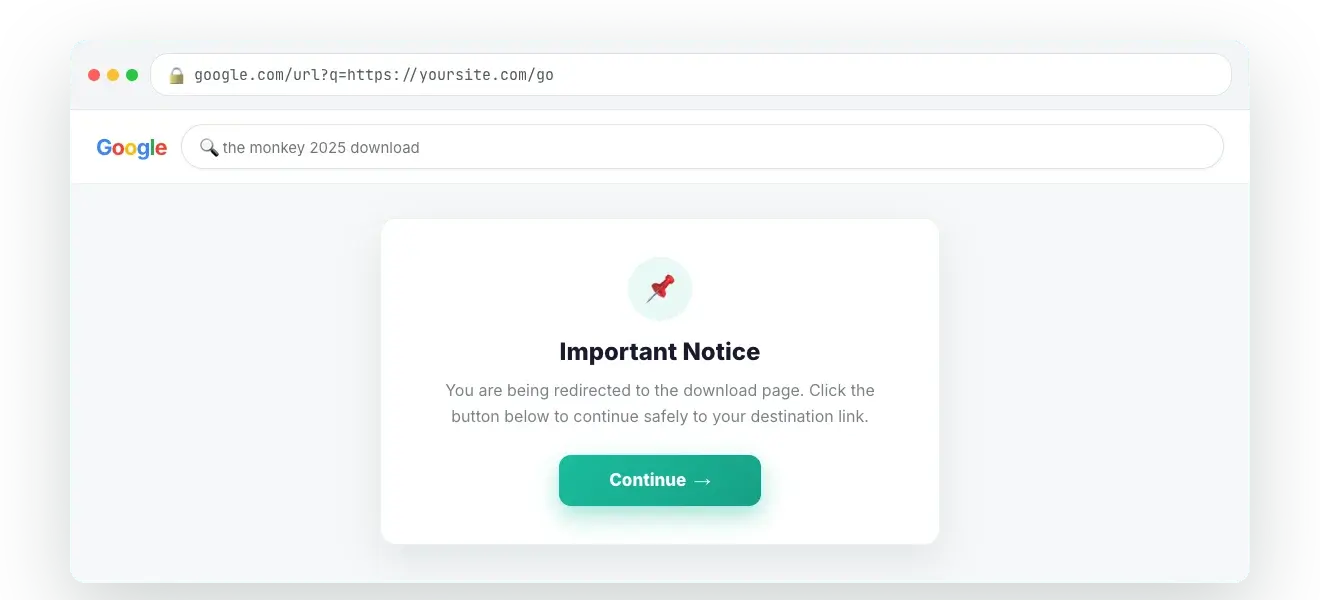
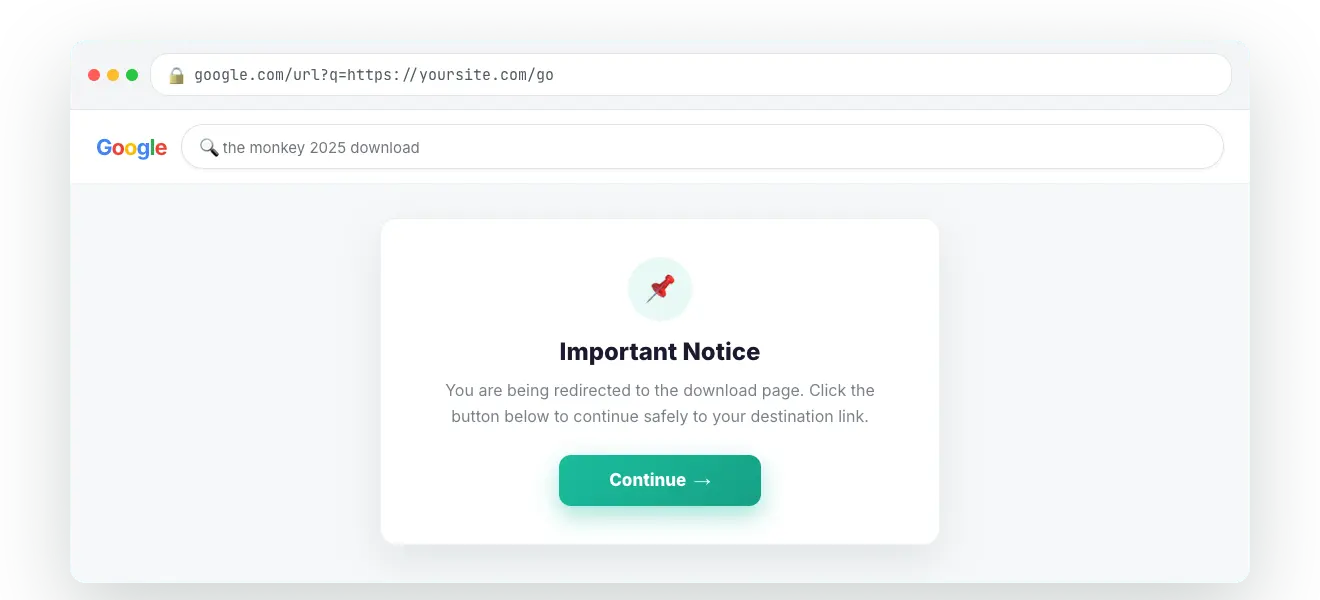
- If the Content Page is enabled, the visitor first sees a short styled notice with a Continue button explaining how to proceed, then the normal countdown begins.
#How to enable
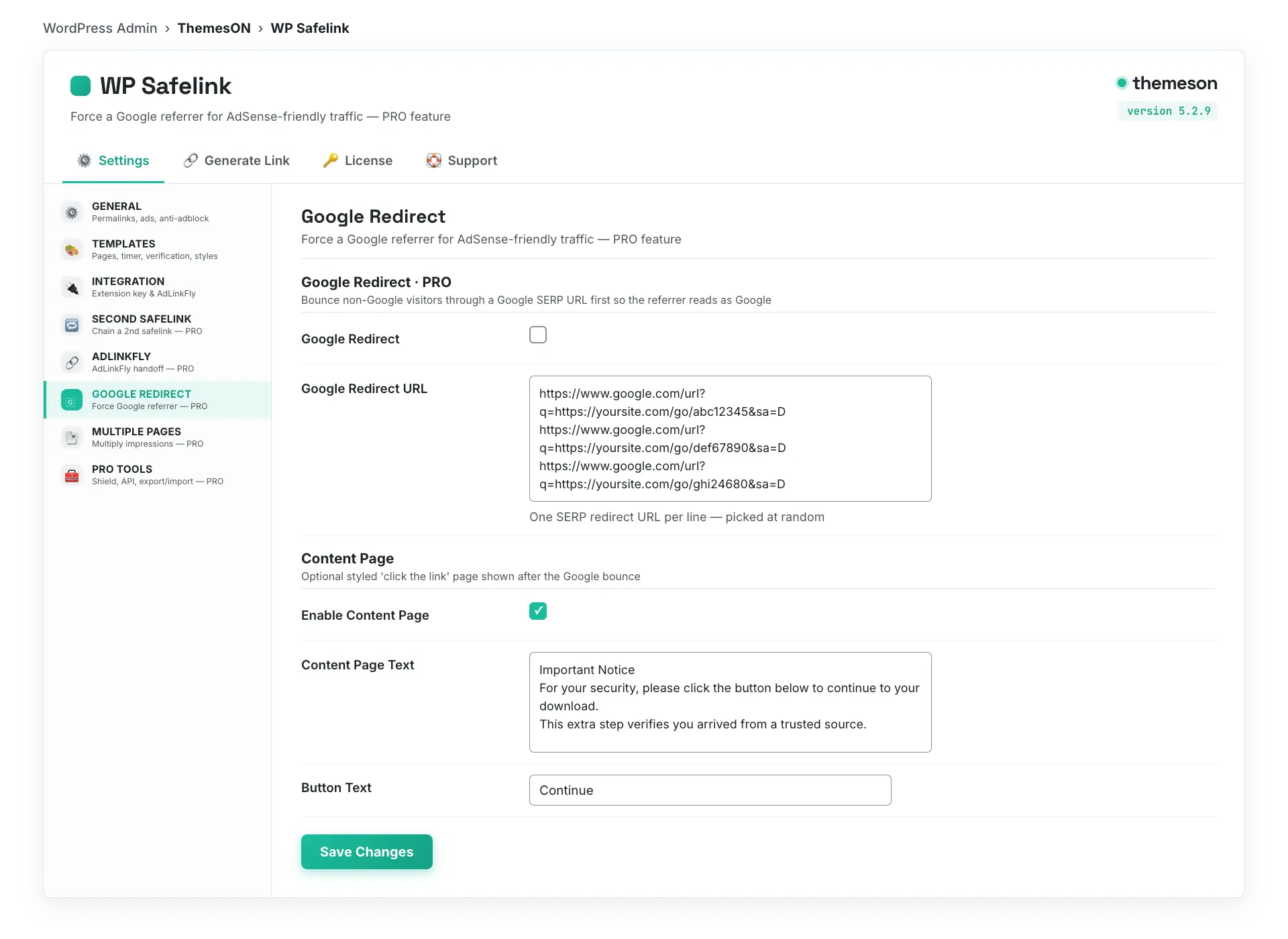
- Go to WP Safelink › Settings › GOOGLE REDIRECT.
- Tick Google Redirect.
- Paste one or more Google Redirect URLs (one per line) — the on-screen help explains how to build a valid
google.com/url?link. - Optionally enable the Content Page and edit its text and button label.
- Click Save Changes.
#Configuration
| Setting | Default | What it does |
|---|---|---|
Google Redirect (google_redirect_enable) | No (off) | Master switch. When on, non-Google visitors are bounced through a Google SERP URL so their referrer becomes Google. |
Google Redirect URL (google_redirect_url) | (empty list) | One or more https://www.google.com/url?… links, one per line. WP Safelink rotates through them; the in-app help shows how to construct each link. |
Enable Content Page (google_redirect_content_enable) | No (off) | Shows a styled informational page with a Continue button before the countdown. |
Content Page Text (google_redirect_content) | Important Notice… (with screenshot) | The rich-text body of the content page — use it to tell visitors what to do next. |
Button Text (google_redirect_button_text) | Continue | Label on the button that advances from the content page to the safelink countdown. |
#What it looks like
💡 Note: Use a small set of well-formed Google URLs and keep the content-page text honest and useful — the goal is a natural-looking, AdSense-friendly referrer, not to mislead visitors. Combine Google Redirect with Multiple Pages for both higher-quality and higher-volume impressions.