Second Safelink
Quick answer: Second Safelink chains the visitor through a second WP Safelink site before they reach the real link, effectively doubling your ad impressions per download. The two sites connect securely using...
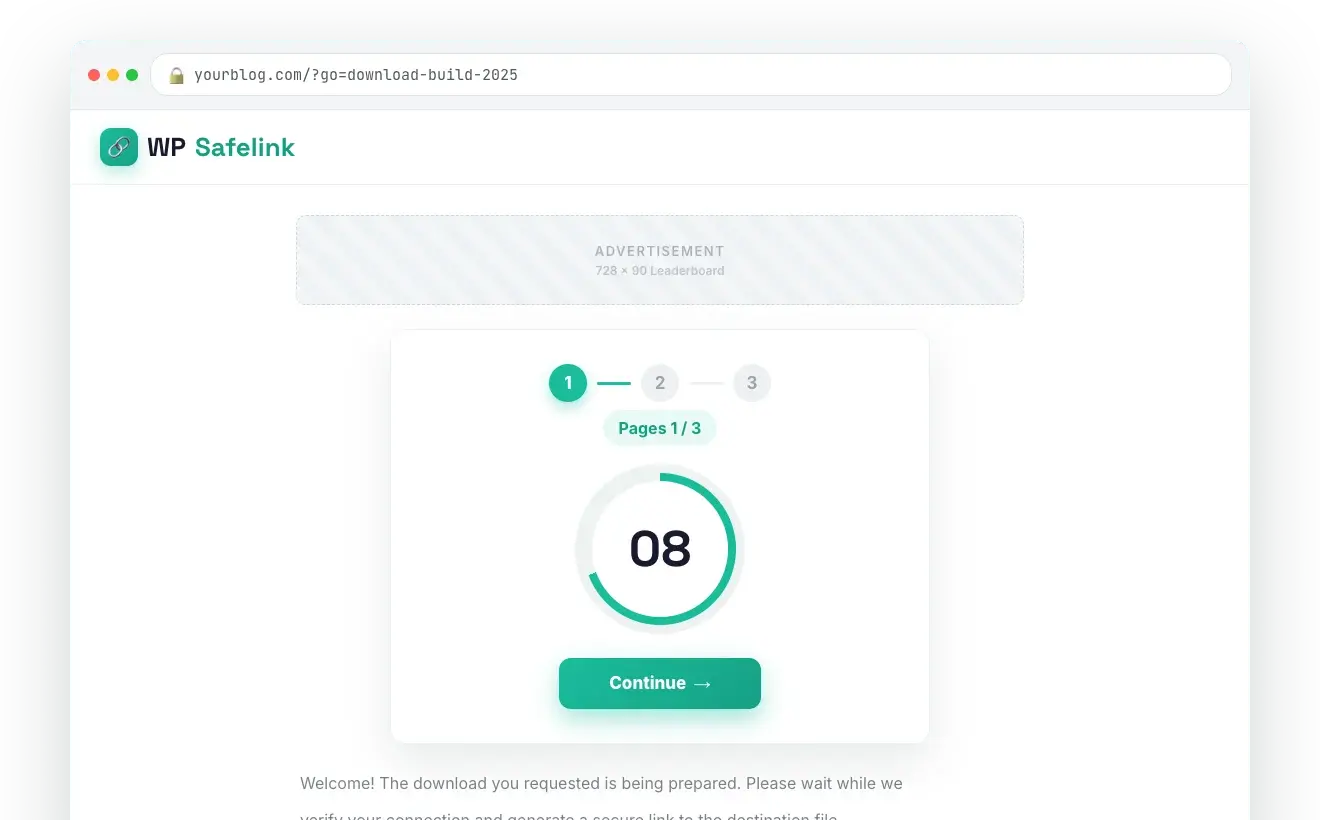
One click, three to five ad pages 1:05
On this page
Second Safelink chains the visitor through a second WP Safelink site before they reach the real link, effectively doubling your ad impressions per download. The two sites connect securely using an Integration Key, and built-in loop prevention stops visitors from bouncing endlessly between them. It is a PRO-only feature.
💡 Note: This is a WP Safelink PRO feature. It is unlocked only when your site is activated with a PRO license key (wpsafelink-pro, -agency, or -lifetime). On non-PRO plans the tab shows an upgrade banner. See License Activation to upgrade or activate your key.
If you run more than one monetized download site — or partner with someone who does — Second Safelink lets one site hand its traffic to another. The visitor clears the countdown on site A, is sent to site B’s safelink flow, clears that too, and only then receives the file. Every visitor now generates a full set of ad impressions on both sites.
#How it works
- A visitor completes the safelink countdown on your first site (the first hop).
- Instead of revealing the file, your site forwards them to the second WP Safelink site you connected (the second hop).
- The visitor completes the countdown on the second site as well.
- The second site returns them to the final download link (the final hop).
- A
wpsl_hop=2marker travels with the request so the second site knows not to forward again — preventing infinite redirect loops.
#How to enable
- On the second site, open WP Safelink › Settings › INTEGRATION and copy its Integration Key.
- On the first site, go to Settings › SECOND SAFELINK.
- Tick Enable Second Safelink.
- Paste the second site’s key into Integration Key.
- Click Validate Connection — the status indicator confirms the link and shows the connected site’s URL.
- Click Save Changes.
#Configuration
| Setting | Default | What it does |
|---|---|---|
Enable Second Safelink (second_safelink_enable) | No (off) | Turns on the second-site hop. When on, completed safelinks are forwarded to the connected site before the final link. |
Integration Key (second_safelink_key) | (empty) | The Integration Key copied from the second WP Safelink site. Format XXX-XXXXXXXXXXXXXXXXXXXXXXXX. Click Validate Connection after pasting. |
| Validate Connection | — | Runs a live AJAX check against the second site, displays the connection status, and shows the connected site’s URL once verified. |
Connected URL (second_safelink_url) | (set automatically) | The second site’s address, filled in for you after a successful validation. |
#What it looks like
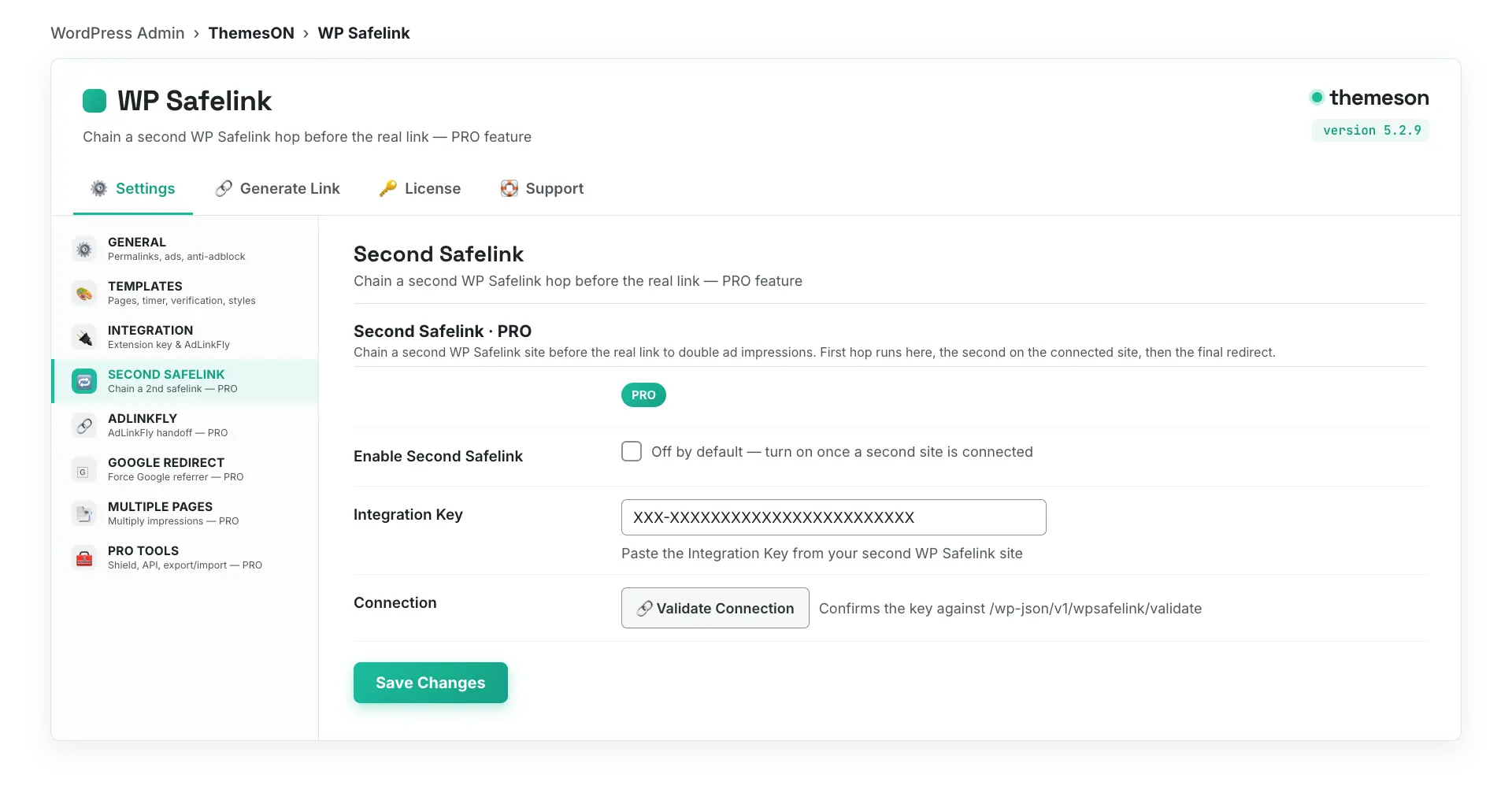
💡 Note: The Integration Key comes from the Integration tab of the second site — not the first. Both sites should be running WP Safelink PRO. Loop prevention via wpsl_hop=2 means you can safely point two sites at each other without trapping visitors. Pair this with Multiple Pages for the maximum impressions per click.