Playposter SEO Settings: Rank Your Auto-Content on Google
Quick answer: Learn how to playposter seo settings: rank your auto-content on google. Practical WordPress tutorial from Themeson.
On this page
Auto-generated content has a reputation problem. Many believe Google automatically penalizes automated content, but that’s a myth. The truth is: Google penalizes low-quality content, regardless of how it was created. With the right SEO settings, Playposter content can rank just as well as manually crafted posts.
#Understanding Google’s Position on Auto-Content
Google’s guidelines state that content should be “helpful, reliable, and people-first.” They don’t specifically ban auto-generated content. What they penalize is thin content with no value, duplicate content across sites, content that exists only to manipulate rankings, and pages that don’t satisfy user intent.
Playposter-generated content, when configured correctly, provides genuine value: accurate app information, screenshots, version history, and download links.
#Essential SEO Settings in Playposter
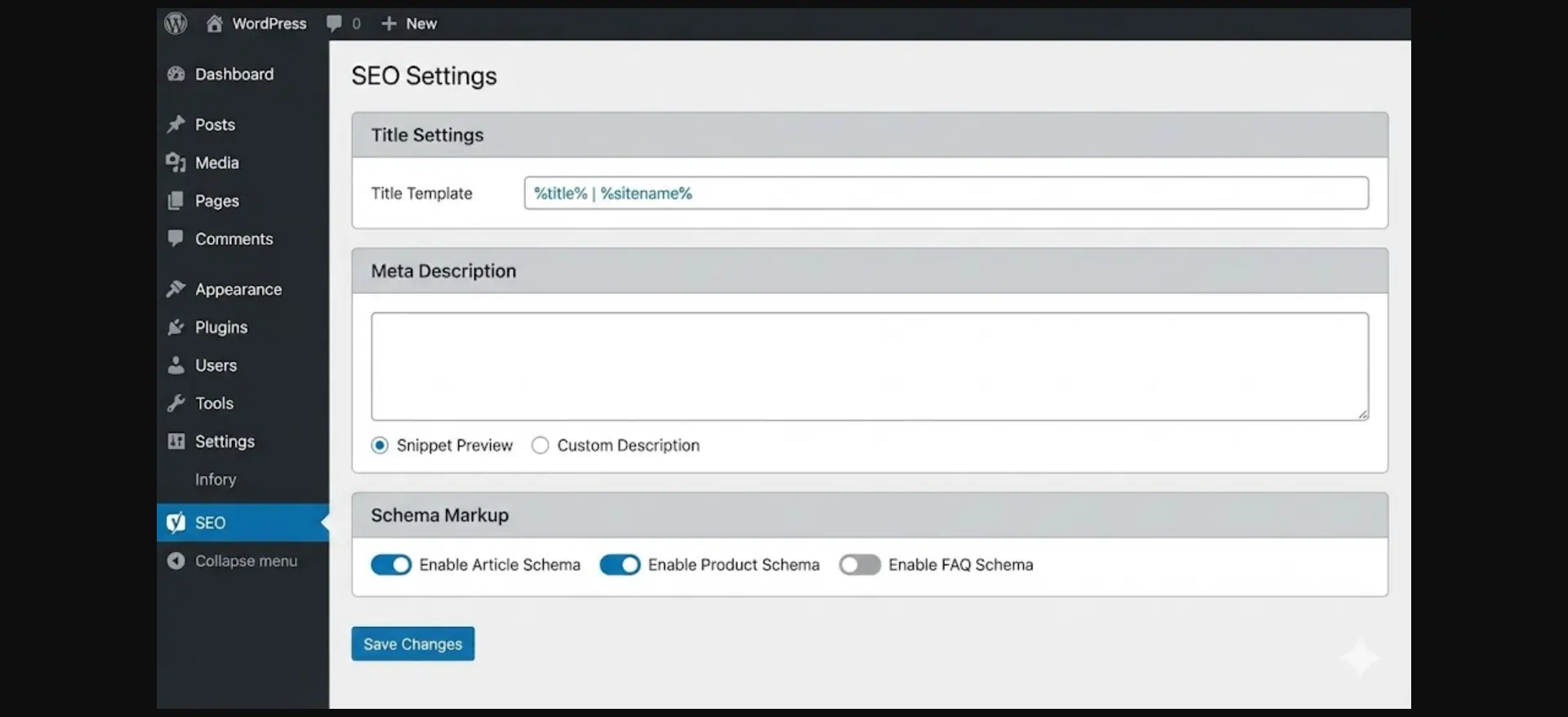
#1. Title Tag Configuration
Recommended Title Format:
{app_name} APK v{version} - Download for Android | {site_name}
This works because the primary keyword (app name) comes first, version number adds freshness signal, “Download for Android” matches search intent, and site name builds brand recognition.
#2. Meta Description Templates
Recommended Format:
Download {app_name} v{version} APK ({size}). {short_description} Free download for Android {min_android}+. Updated {update_date}.
#3. URL Structure (Permalinks)
Use clean URL structures like /apk/{app_slug}/ or /download/{app_slug}/. Keep URLs short and readable, and avoid changing URL structure after publishing.
#4. Heading Structure (H1-H6)
Follow proper hierarchy: Only one H1 per page (the app name), use H2 for main sections, H3 for subsections, and don’t skip heading levels.
#5. Image SEO Settings
Configure alt text templates like {app_name} screenshot {number}. Enable lazy loading, WebP conversion, and responsive srcset for optimal performance.
#6. Schema Markup (Structured Data)
Enable SoftwareApplication schema with fields like name, operatingSystem, applicationCategory, offers, aggregateRating, and softwareVersion. This enables rich results in search with star ratings and better click-through rates.
#7. Internal Linking
Configure automatic linking to related apps, same category content, and developer’s other apps. Limit to 3-5 internal links per post with contextual anchor text.
#Common SEO Mistakes to Avoid
- Duplicate Descriptions – Use description modifiers to add unique intro/outro
- Thin Content Pages – Enrich templates with changelog, similar apps, reviews
- Ignoring Mobile SEO – APK sites get 80%+ mobile traffic
- Keyword Stuffing – Use natural language in templates
- Ignoring Search Intent – Put download button above the fold
#Monitoring SEO Performance
Set up Google Search Console to monitor index coverage, performance metrics, mobile usability, and Core Web Vitals. Track weekly for crawl errors and monthly for keyword rankings and traffic trends.
#Conclusion
SEO for auto-generated content isn’t about tricks—it’s about configuration. Playposter provides all the tools needed to create search-engine-friendly content at scale. With proper title templates, meta descriptions, schema markup, and content enrichment, your Playposter-generated pages can compete with manually created content.
Google rewards content that helps users. Well-configured Playposter content does exactly that—providing accurate, up-to-date app information that searchers want.
Start Building Your APK Download Site Today
Join 288+ site owners using Playposter to create profitable APK download portals on autopilot. Plugin + theme included — launch in under 30 minutes.