WP Safelink Analytics: Track Your Earnings
Quick answer: You can’t improve what you don’t measure. WP Safelink’s built-in analytics give you detailed insights into your link performance and earnings. This guide shows you how to track, analyze, and...
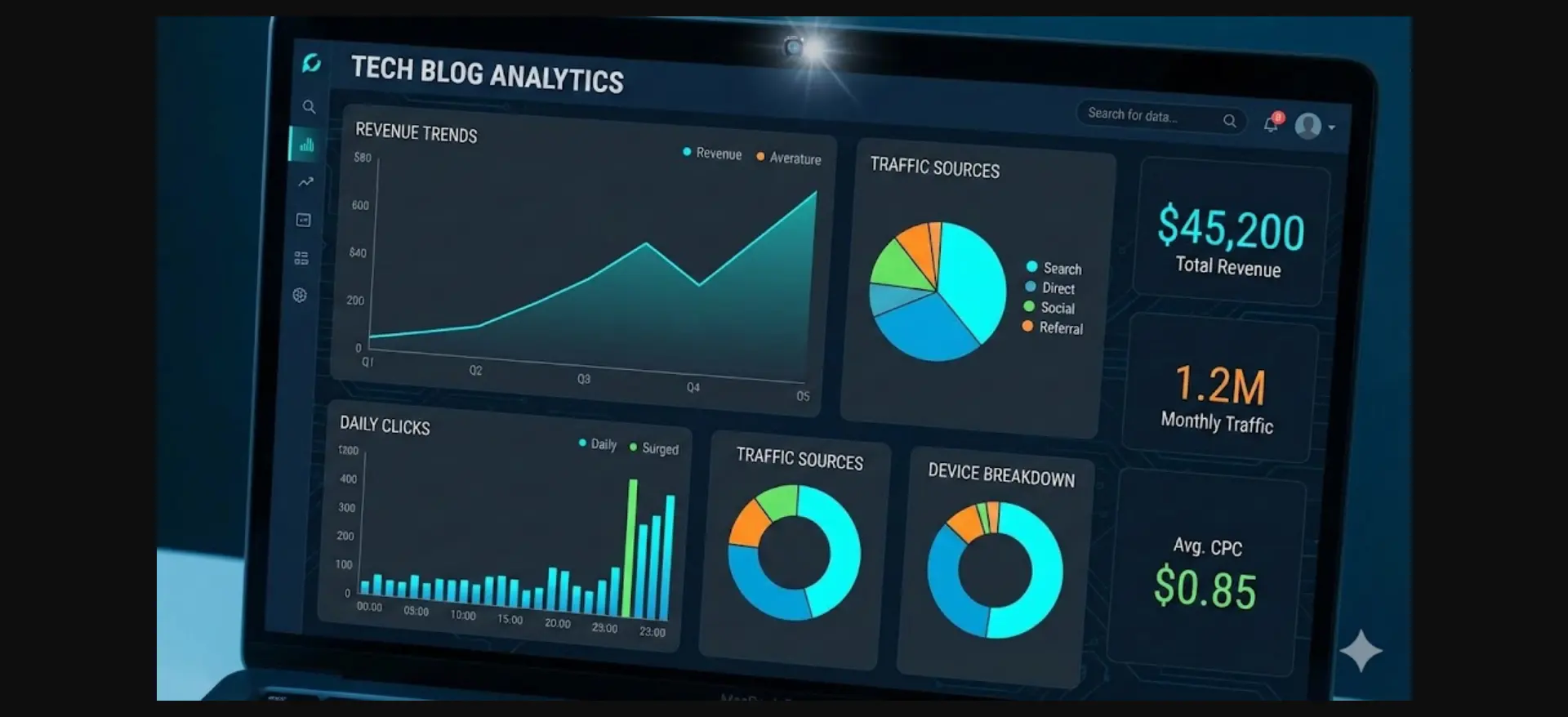
On this page
You can’t improve what you don’t measure. WP Safelink’s built-in analytics give you detailed insights into your link performance and earnings. This guide shows you how to track, analyze, and optimize your safelink revenue.
#Accessing WP Safelink Analytics
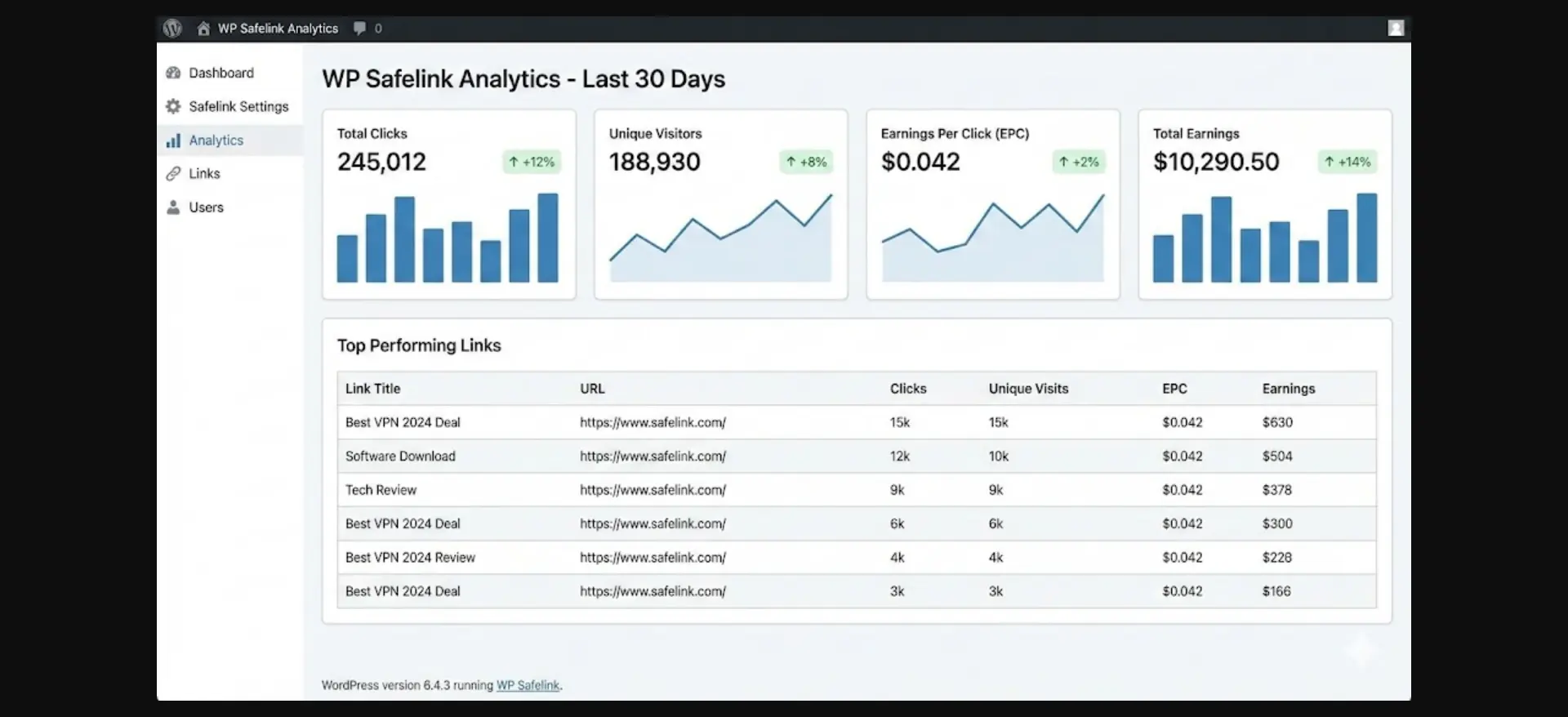
Navigate to WP Safelink ??? Analytics in your WordPress dashboard. You’ll see a comprehensive overview of your link performance.
#Key Metrics to Monitor
#Total Clicks
The total number of times your safelinks have been clicked. This is your raw traffic metric.
#Unique Visitors
Individual users who clicked your links, excluding repeat visits. This shows your actual audience size.
#Earnings Per Click (EPC)
Average revenue generated per click. Calculated as Total Earnings / Total Clicks. Higher EPC means better monetization.
#Total Earnings
Combined revenue from all your safelinks. Integrate with AdSense for automatic tracking or enter manually.
#Understanding Your Data
#Top Performing Links
The analytics dashboard shows your best-performing safelinks. Use this data to:
- Identify which content generates most clicks
- Understand which file types users want most
- Replicate success by creating similar content
- Focus promotion efforts on high-performers
#Traffic Sources
See where your visitors come from:
- Search: Organic traffic from Google/Bing
- Direct: Users typing your URL
- Social: Traffic from social media
- Referral: Links from other websites
#Geographic Data
Know where your users are located. This helps with:
- Understanding ad revenue potential by region
- Targeting content to specific countries
- Scheduling posts for optimal time zones
#Integrating with Google Analytics
For deeper insights, connect WP Safelink with Google Analytics:
- Go to WP Safelink ??? Settings ??? Analytics
- Enable Google Analytics integration
- Enter your GA tracking ID
- Enable event tracking for clicks
This adds detailed user behavior tracking including:
- Session duration on safelink pages
- Bounce rate by link type
- User flow through your site
- Conversion tracking
#AdSense Integration
Connect your AdSense account to automatically track ad revenue:
- Navigate to WP Safelink ??? Settings ??? Monetization
- Enter your AdSense Publisher ID
- Enable revenue tracking
- Map ad units to safelink pages
Once connected, you’ll see real-time revenue estimates in your dashboard.
#Exporting Reports
Export your analytics data for external analysis:
- CSV Export: Download raw data for spreadsheets
- PDF Reports: Generate formatted reports
- Email Reports: Schedule automatic weekly/monthly reports
#Using Data to Optimize
#Identify Underperformers
Links with low EPC need attention:
- Check ad placement on those pages
- Test different timer lengths
- Improve page design
- Add more ad units if allowed
#Double Down on Winners
High-performing links deserve more attention:
- Create more content in that niche
- Promote those links on social media
- Optimize SEO for similar keywords
- Build backlinks to top pages
#Setting Goals
Use analytics to set realistic targets:
- Daily clicks target: Based on current average + growth %
- Monthly earnings goal: Current revenue ?? improvement factor
- EPC improvement: Test changes, aim for 10% improvement
#Conclusion
WP Safelink’s analytics transform raw traffic into actionable insights. By regularly monitoring your metrics, identifying patterns, and making data-driven optimizations, you can significantly increase your safelink revenue. Start checking your analytics dashboard daily and watch your earnings grow.
Ready to track your safelink earnings? Get WP Safelink with powerful built-in analytics.
Turn your traffic into revenue with WP Safelink
Join 2,000+ publishers monetising every download link since 2017. Use code NEWHOPE for 25% off — from just $9/year.