How to Double Your AdSense Revenue with Multiple Page Impressions

On this page
#The Secret to Multiplying Your AdSense Earnings
What if you could increase AdSense revenue by 200-400% without getting more traffic? It sounds too good to be true, but the multiple page impressions strategy makes exactly this possible. This technique leverages safelink technology to transform every visitor click into multiple ad-viewing opportunities.
In this guide, we’ll break down exactly how the multiple page strategy works and how you can implement it on your website today.
#Understanding the Multiple Page Impressions Concept
Traditional website monetization follows a simple formula: one visitor equals one page view equals one set of ad impressions. But this model leaves enormous revenue potential untapped.
The multiple page approach changes this equation:
- Traditional: Visitor → Page → Ads → Exit
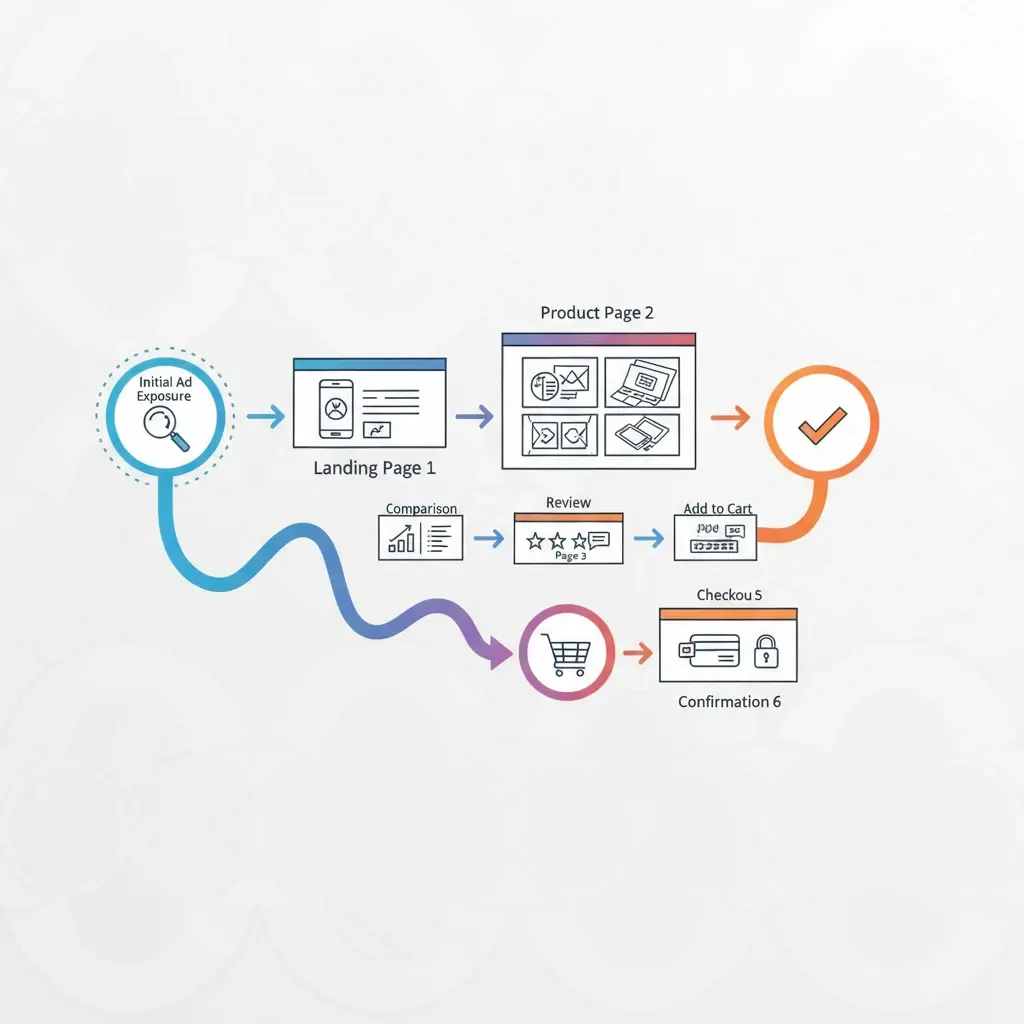
- Multiple Pages: Visitor → Page 1 (Ads) → Page 2 (Ads) → Page 3 (Ads) → Destination
By creating a sequence of intermediate pages between your content and external destinations, you multiply every click into multiple ad impressions.
#How Multiple Page Systems Work
When a visitor clicks an external link on your site, the multiple page system activates:
#Step-by-Step Flow
- Page 1 – Information: Displays file details, security verification, and first ad set
- Page 2 – Countdown: Shows timer, additional content, and second ad set
- Page 3 – Confirmation: Final verification, download button, and third ad set
- Destination: Visitor reaches their intended download or link
Each page includes fresh ad units, and Google counts each as a separate impression. Your effective RPM increases proportionally.

#The Math Behind Revenue Multiplication
Let’s calculate the impact with real numbers:
Baseline Metrics:
- Monthly clicks: 10,000
- RPM: $2.00
- Current revenue: $20/month
With 3-Page System:
- Page views generated: 30,000
- RPM: $2.00
- New revenue: $60/month
With 5-Page System:
- Page views generated: 50,000
- RPM: $2.00
- New revenue: $100/month
That’s a 5x increase from the same traffic. For sites with higher RPMs or more traffic, the absolute numbers become even more impressive.
#Balancing Revenue and User Experience
The temptation is to add as many pages as possible, but this approach backfires. Too many intermediate pages frustrate visitors, increase bounce rates, and can trigger AdSense quality warnings.
#Optimal Page Configuration
- 2-3 pages: Best for high-intent traffic (downloads, tools)
- 3-4 pages: Suitable for medium-intent traffic (resources, links)
- 4-5 pages: Only for very patient audiences (exclusive content)
Monitor your analytics closely. If completion rates drop below 80%, consider reducing pages.
#Optimizing Each Page for Maximum Revenue
Simply adding pages isn’t enough—each page needs optimization:
#Page Design Best Practices
- Fast loading: Each page should load in under 2 seconds
- Clear progress indicators: Show visitors where they are in the process
- Valuable content: Include file information, size, requirements
- Optimal ad placement: Above the fold, but not intrusive
- Mobile optimization: 60%+ of traffic is mobile
#Ad Unit Selection
Vary your ad units across pages for better performance:
- Page 1: Display ads (high visibility)
- Page 2: In-feed or native ads (content blend)
- Page 3: Display ads near download button (action-ready visitors)
#Technical Implementation with WP Safelink PRO
WP Safelink PRO makes multiple page implementation straightforward:
- Navigate to WP Safelink → PRO Features → Multiple Pages
- Set your desired number of intermediate pages (3 recommended)
- Customize content templates for each page
- Configure ad placements per page
- Set countdown timers (10-15 seconds each)
- Save and test with a sample link
The entire setup takes about 15 minutes, and you’ll see revenue impact immediately.
#Monitoring and Optimization
After implementing multiple pages, track these key metrics:
- Completion rate: What percentage reach the final destination?
- Revenue per click: Is each click generating more income?
- Bounce rate per page: Where do visitors drop off?
- Ad viewability: Are ads actually being seen?
Use these insights to continuously refine your page count, content, and ad placements.
#Double Your Revenue This Week
The multiple page impressions strategy is one of the most effective ways to increase AdSense revenue without any additional traffic. It’s particularly powerful for download sites, resource pages, and link-heavy content.
WP Safelink PRO includes the complete multiple page system, ready to deploy on your WordPress site. Most publishers see their first revenue increase within 24 hours of implementation.
Ready to multiply your earnings? Get WP Safelink PRO and start generating more revenue from every click today.
Turn your traffic into revenue with WP Safelink
Join 2,000+ publishers monetising every download link since 2017. Use code NEWHOPE for 25% off — from just $9/year.