Multiple Pages
Quick answer: Multiple Pages sends each visitor through several safelink steps instead of one, multiplying the ad impressions you earn from a single download click. After the countdown finishes, the visitor is...
One click, three to five ad pages 1:05
On this page
Multiple Pages sends each visitor through several safelink steps instead of one, multiplying the ad impressions you earn from a single download click. After the countdown finishes, the visitor is pushed to another page (a random article or a repeated step) and must clear the timer again before reaching the real link. It is a PRO-only feature for serious AdSense monetization.
💡 Note: This is a WP Safelink PRO feature. It is unlocked only when your site is activated with a PRO license key (wpsafelink-pro, -agency, or -lifetime). On non-PRO plans the tab shows an upgrade banner. See License Activation to upgrade or activate your key.
One safelink click normally shows your ads once. With Multiple Pages enabled, the same click can show your ad zones two, three, or more times — directly scaling your revenue per download. A small progress indicator (for example Pages 1/3) reassures the visitor that they are advancing toward the file.
#How it works
- A visitor completes the countdown on the first safelink page.
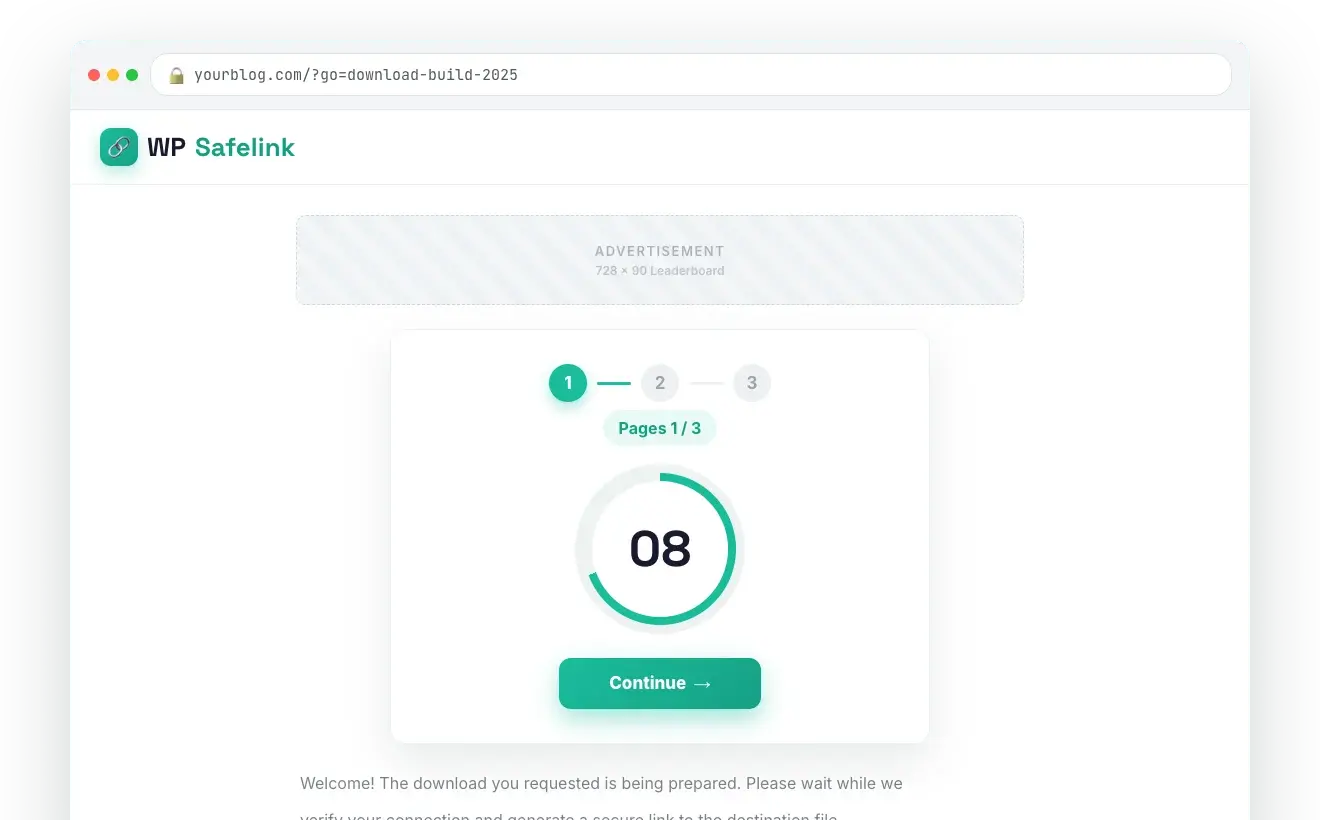
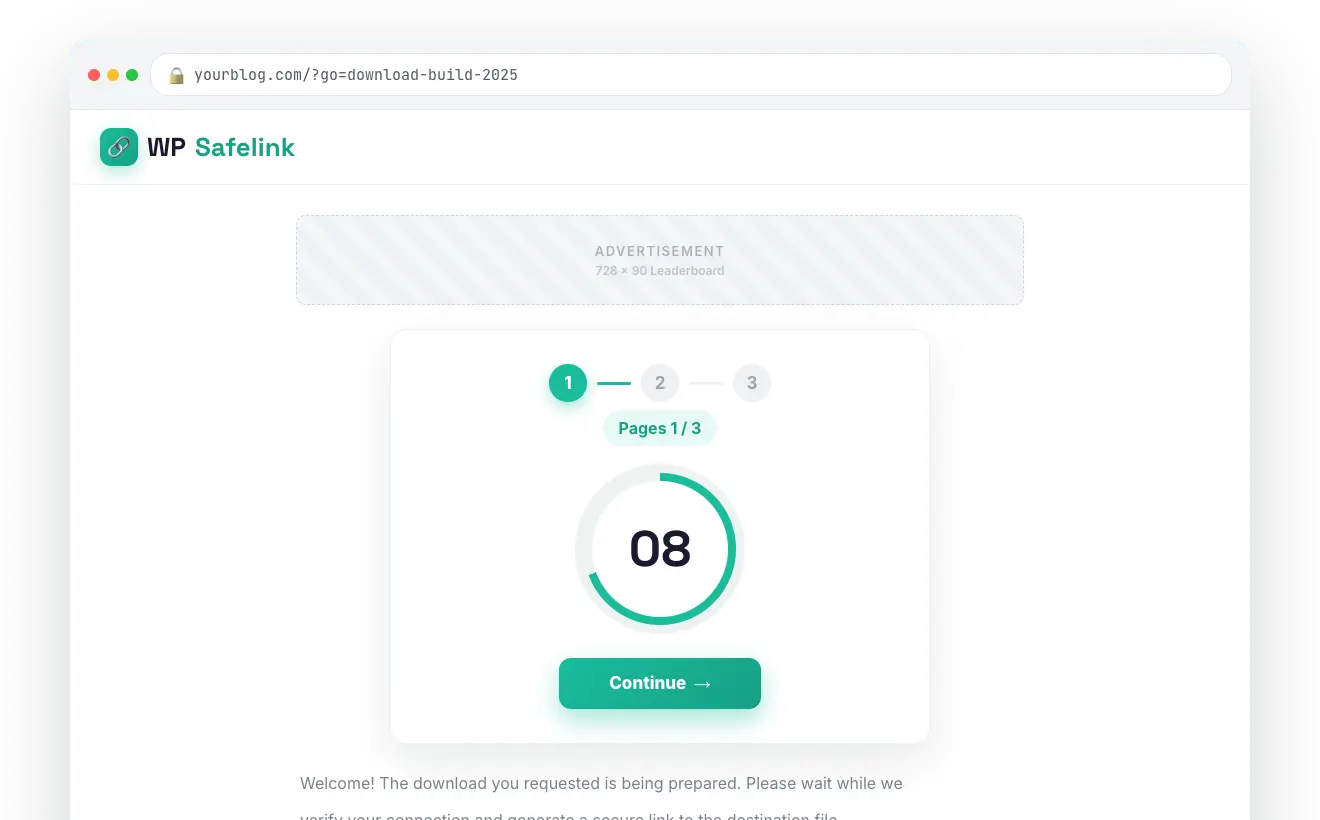
- Instead of the final link, they see a Continue button and a Pages {current}/{max} counter.
- Clicking Continue takes them to the next safelink page — either a fresh random article or the same step repeated, depending on your chosen behavior.
- Each page shows your full ad placements and runs the countdown again.
- Once the visitor reaches the configured Maximum Pages, the final download link is revealed.
#How to enable
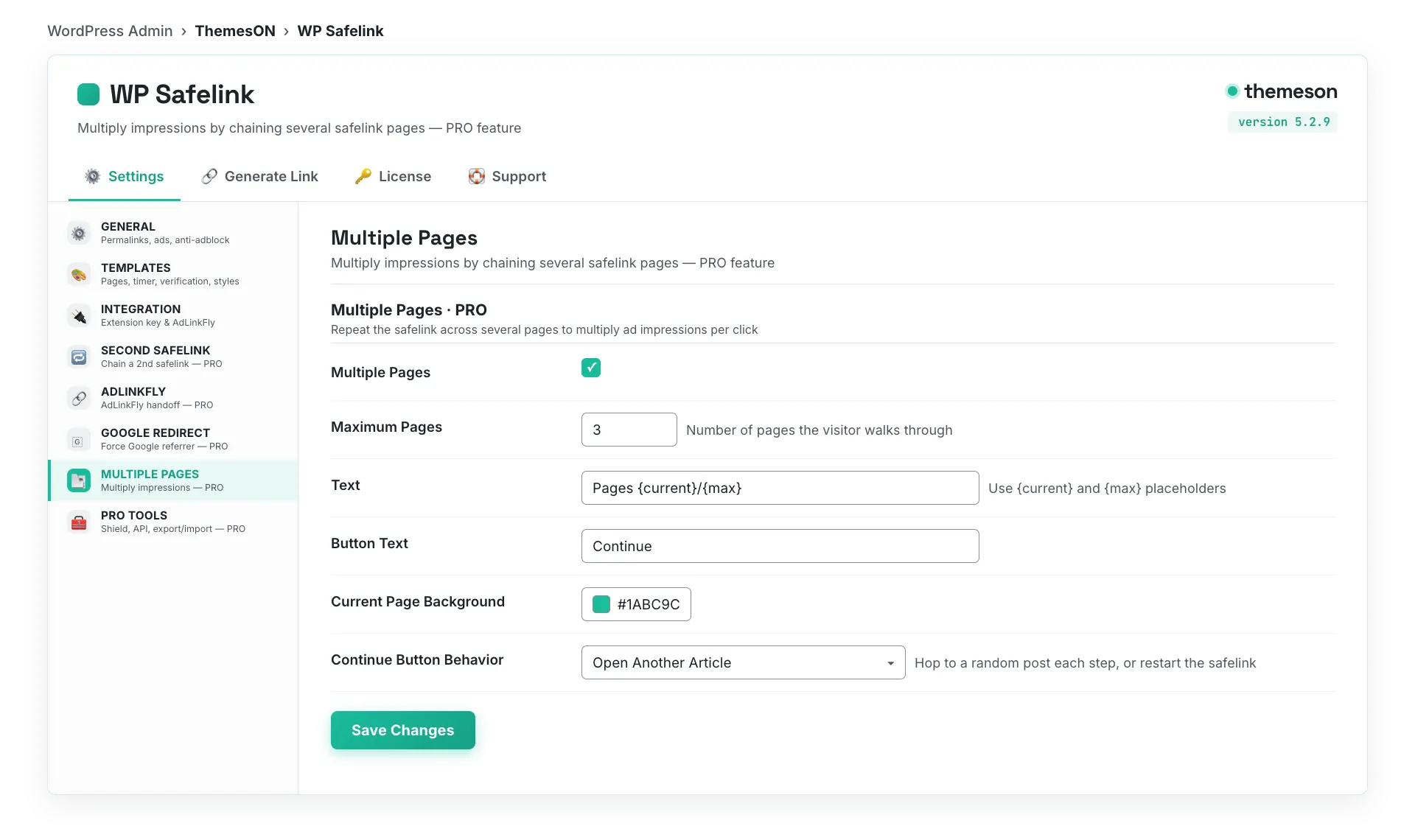
- Go to WP Safelink › Settings › MULTIPLE PAGES.
- Tick Multiple Pages.
- Set Maximum Pages (start with 2–3 — too many hops frustrate real visitors).
- Choose the Continue Button Behavior — Open Another Article is recommended for the most natural flow.
- Optionally restyle the progress counter (colors, font) and the button text.
- Click Save Changes.
#Configuration
| Setting | Default | What it does |
|---|---|---|
Multiple Pages (multiple_pages) | No (off) | Turns the multi-page flow on. When off, the safelink resolves in a single page. |
Maximum Pages (multiple_pages_max) | 3 | How many safelink steps a visitor passes through before getting the real link. Each step is one extra set of ad impressions. |
Text (multiple_pages_text) | Pages {current}/{max} | The progress label. {current} and {max} are replaced with the live page numbers. |
Button Text (multiple_pages_button) | Continue | Label on the button that advances to the next page. |
| Current Page Background | #1ABC9C | Background color of the active page indicator (multiple_pages_style_current_bg). |
| Current Page Text | #ffffff | Text color of the active page indicator (multiple_pages_style_current_text). |
| Max Page Text | #6b7280 | Color of the remaining/total page numbers (multiple_pages_style_max_text). |
| Font Family | system-ui | Font for the progress counter (system-ui / inter / arial / roboto / georgia). |
| Font Size | 14px | Size of the progress counter text (multiple_pages_style_font_size). |
Continue Button Behavior (multiple_pages_next_behavior) | Open Another Article | Open Another Article hops to a random post each step (recommended); Restart Safelink Step repeats the same safelink step. |
#What it looks like
💡 Note: More pages means more impressions — but also more friction. Two or three pages is the sweet spot for most download sites; push higher only if your bounce rate stays healthy. Choosing Open Another Article also gives visitors extra pageviews of real content, which is friendlier to AdSense than endlessly repeating the same step. Combine with Google Redirect and Second Safelink to maximise revenue per click.