AdSafelink Overview
Quick answer: AdSafelink is a self-hosted, monetized URL shortener you run on your own server. You (or your members) paste a destination URL, AdSafelink hands back a short link, and every time...
On this page
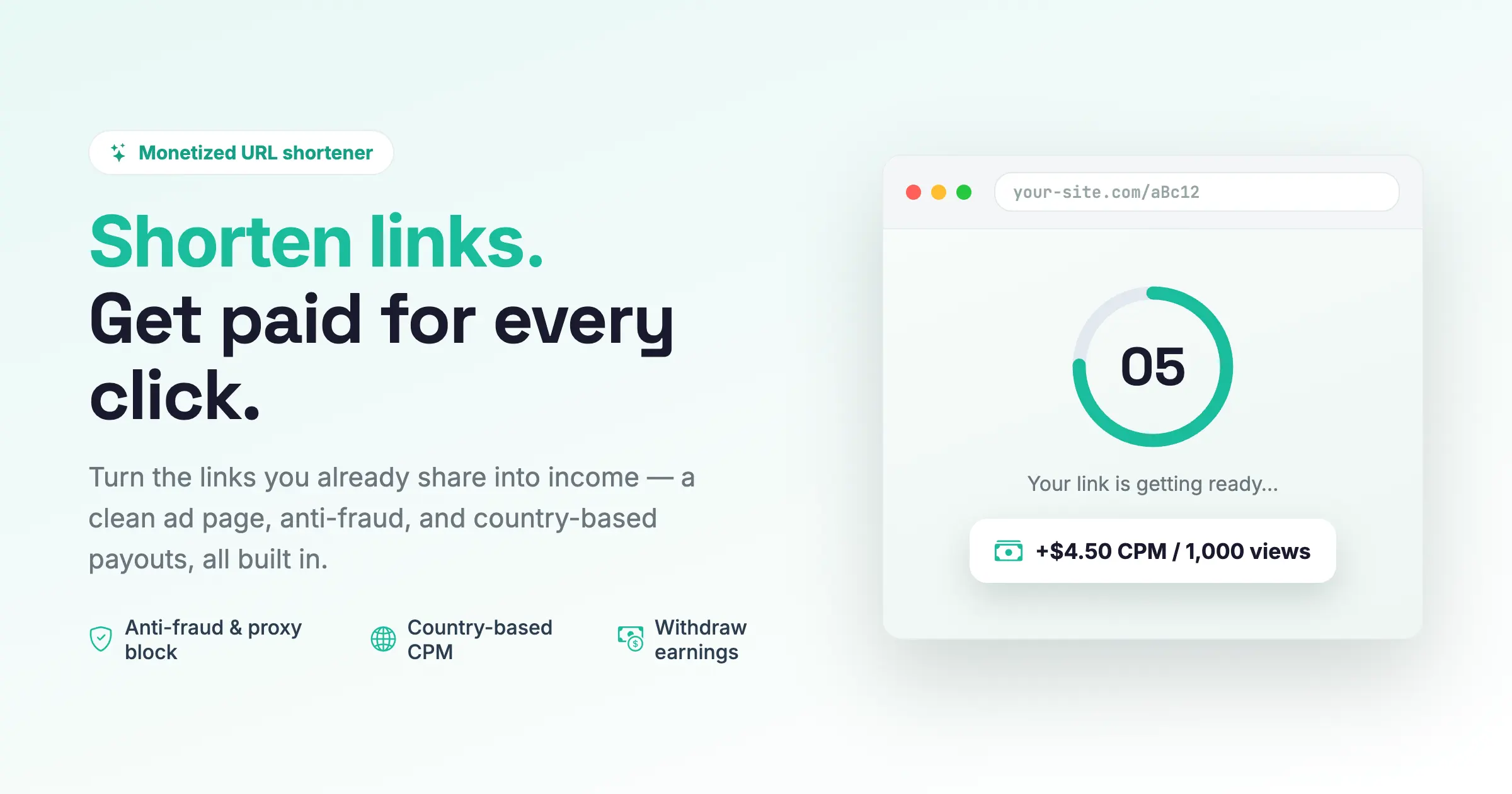
AdSafelink is a self-hosted, monetized URL shortener you run on your own server. You (or your members) paste a destination URL, AdSafelink hands back a short link, and every time a visitor opens that link they pass through a brief ad page with a countdown before reaching the destination. Each valid view earns money for the publisher who created the link, and you — the operator — set the payout rates and approve withdrawals. It is a modern, deliberately lean rebuild of AdLinkFly, and it bundles with WP Safelink Pro so a single click can be monetized twice.
This page explains what AdSafelink is, who it is for, and exactly how it makes money. If you are ready to stand up your install, head to the installation guide; if you want to start earning as a publisher, see the publisher guide.
#What AdSafelink is
AdSafelink is a multi-user platform. There are three kinds of people on a typical install:
- Operators install AdSafelink, set the country payout rates, configure plans and settings, and approve member payouts.
- Publishers (members) sign up, shorten links, watch their views and earnings grow, and request withdrawals.
- Visitors click a short link, view one ad page, and continue to wherever the link points.
You own the whole thing. AdSafelink runs on your hosting, uses your database, and pays out from balances you control. It is built on a modern PHP stack (Laravel) with a Filament admin panel, Redis-backed caching for fast redirects, and a single, polished ad-page template instead of a sprawl of themes.
It is intentionally simpler than the older AdLinkFly it replaces. There is no advertiser-campaign marketplace, no nine-gateway payment maze, and no thirty-plus settings pages. Instead you get one country-based CPM rate table, two payment gateways for plan upgrades, one settings screen organized into sections, and a one-click connection to WP Safelink Pro.
#Who it’s for
| If you are… | AdSafelink lets you… |
|---|---|
| A site or download-site owner | Wrap your download and outbound links in monetized short links and earn on every valid visit. |
| An operator building a shortener service | Run a public, multi-user paid-to-share platform where members sign up and earn, and you take a margin. |
| A WP Safelink Pro user | Route your existing WordPress safelink clicks through AdSafelink for a second layer of monetization with zero WordPress code changes. |
#How AdSafelink makes money: the earning loop
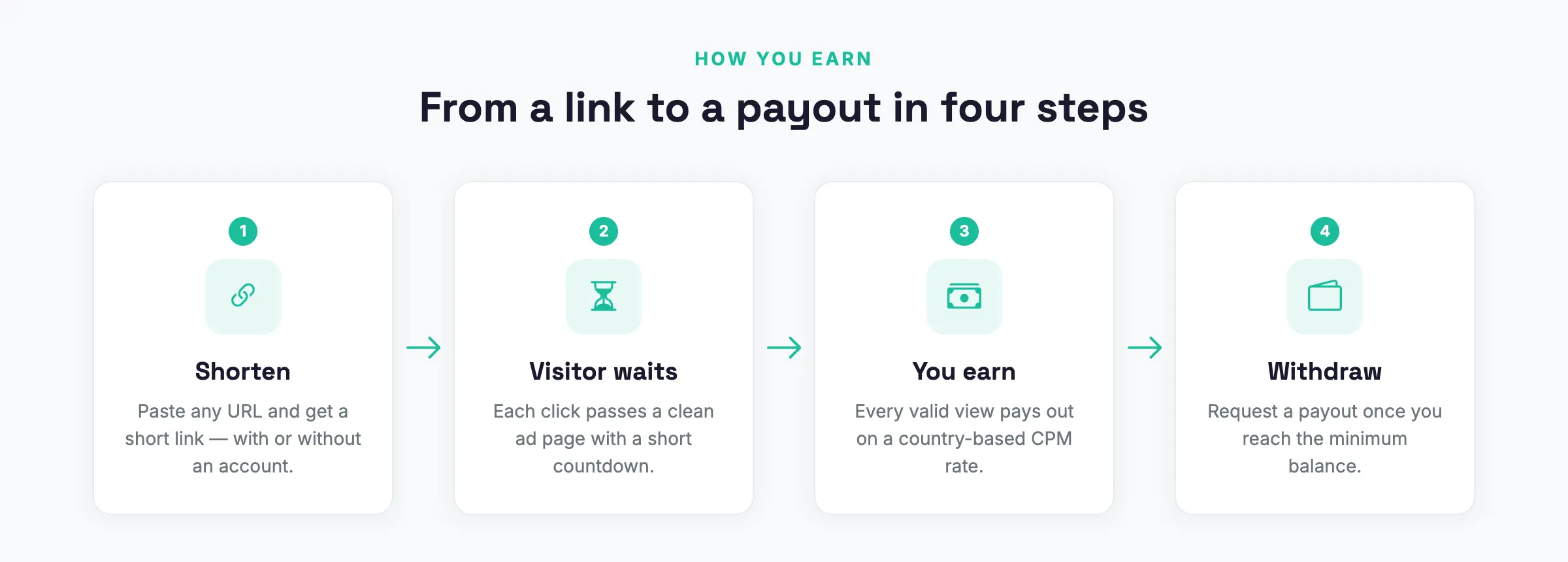
Every dollar AdSafelink generates flows through one core loop. A publisher shortens a link, a visitor clicks it, AdSafelink shows an ad page, and a valid view credits the publisher’s balance. The publisher later withdraws the balance, and you approve the payout.
#Step 1 — Shorten
A publisher pastes a destination URL (optionally with a custom alias) and gets back a short link such as https://your-site.com/aBc12. They can shorten one link at a time or paste many at once in bulk. You can also allow anonymous visitors to shorten links without an account, though anonymous links earn nothing.
#Step 2 — The interstitial ad page
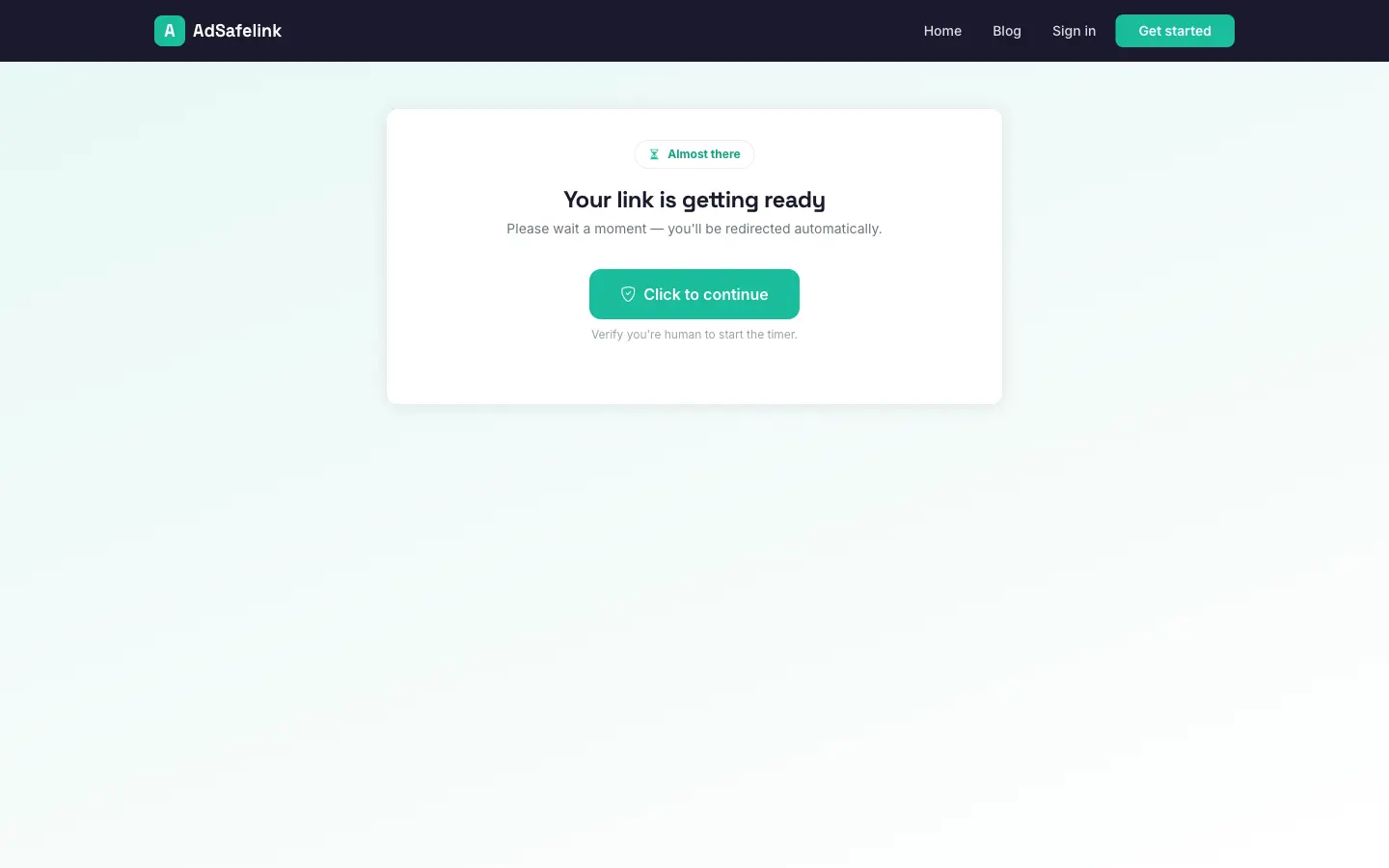
When a visitor opens a short link, AdSafelink does not redirect immediately. Instead it resolves the alias, shows an interstitial ad page with your ad slots and a short countdown (configurable, five seconds by default), and optionally asks the visitor to pass a human-verification step first. When the countdown reaches zero, a Continue button is revealed.
#Step 3 — Country-based CPM payout
When the visitor clicks Continue, AdSafelink records the view and decides whether it is a valid, paid view. If it is, the publisher earns on a CPM basis — a payout per 1,000 valid views. The amount depends on the visitor’s country:
- AdSafelink resolves the visitor’s country (using the Cloudflare country header when available, falling back to a GeoIP lookup).
- It looks up your configured CPM rate for that country, or your global default if the country has no specific rate.
- It credits
cpm / 1000to the link owner’s publisher balance and writes a statistics row.
For example, if your United States CPM is 4.50, a single valid view from a US visitor earns the publisher 4.50 / 1000 = 0.0045. You set these rates per country in the admin, so high-value traffic pays more than low-value traffic. Earnings are stored at nine-decimal precision so sub-cent CPMs never round away to zero.
What counts as a valid view. Not every click pays. AdSafelink runs a series of anti-fraud checks before crediting earnings, and the visitor always reaches their destination either way — only the earning is voided when a check fails. The guards include:
- Unique-view limit — a capped number of paid views per visitor IP per day (one by default).
- Proxy / VPN block (optional) — views from detected proxies, VPNs, or Tor are not paid.
- Country check — a view with no resolvable country does not earn.
- Referer and self-click guards — blocked referer domains and the link owner’s own clicks can be excluded.
- Plan limits — optional hourly, daily, and monthly view caps per plan.
#Step 4 — Referral commission (optional)
If the publisher who earned was referred by another member, AdSafelink also pays the referrer a configurable percentage of that earning. This comes out of the platform margin, not the publisher’s earnings, so referrals never reduce what the original publisher takes home. Referral commission is on by default and tunable per plan.
#Step 5 — Withdrawal
As valid views accumulate, the publisher’s balance grows. From their dashboard they request a payout above your minimum, choosing a method such as PayPal or bank transfer. The request lands in your withdrawals queue with a pending status. You review it and move it through approved to completed (or return it). Payouts are always manually approved, which gives you a checkpoint against fraud and gives members a clear, trackable history.
#Optional: WP Safelink Pro double-monetization
If you own WP Safelink Pro, you can connect it to AdSafelink and monetize a single click twice — once through the AdSafelink interstitial and once through the WP Safelink countdown / AdSense flow — before the visitor reaches the destination.
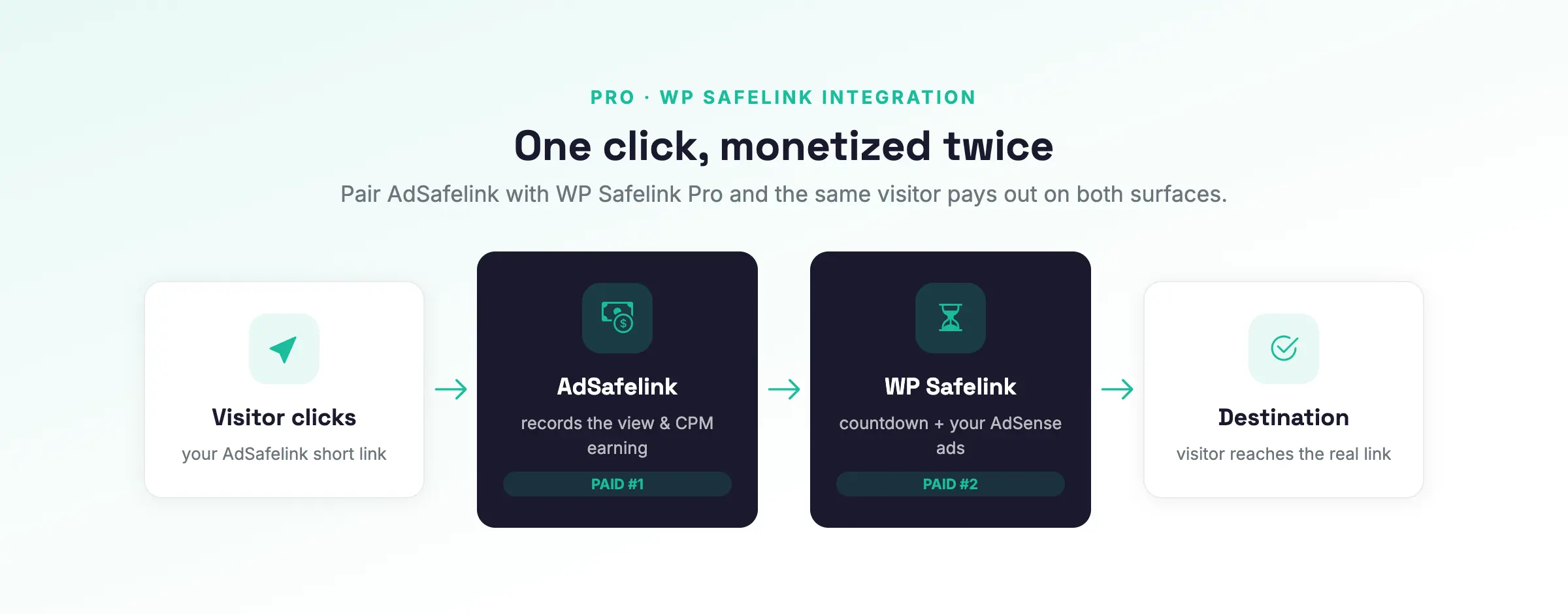
The flow looks like this:
- A visitor opens an AdSafelink short link.
- AdSafelink shows its interstitial, then hands the visitor off to your WP Safelink Pro site.
- WP Safelink runs its own countdown and AdSense pages.
- The visitor returns to AdSafelink, which verifies the handoff and forwards them to the real destination.
Earnings are logged on both sides. The handoff replicates the exact encrypted handshake that WP Safelink Pro already speaks, so WP Safelink Pro needs zero code changes. Setup is one click: paste the WP Safelink Integration Key into AdSafelink’s integrations screen, and the connection details are derived and verified for you automatically. The full procedure is in the WP Safelink integration guide.
#Licensing: bundled with WP Safelink Pro
There is no separate AdSafelink key to buy. AdSafelink is licensed by your existing WP Safelink Pro license. During installation (and later under Admin → License) you paste your WP Safelink Pro license key; AdSafelink validates it and unlocks. A wpsafelink-pro, -agency, or -lifetime license entitles AdSafelink automatically. A background check re-validates the license twice a day, and a 7-day grace window keeps your install running even if the licensing service is briefly unreachable. See the licensing guide for details.
#Feature summary
#For publishers
- Single and bulk link shortening, with optional custom aliases
- Member dashboard showing balance and today/total views and earnings
- Per-link and account-level statistics, including top countries and referrers
- Link management — create, edit, hide/unhide, and delete
- A referral program with referral earnings
- Withdrawal requests with status tracking
- A personal API token for programmatic shortening
- Membership plans — a free tier plus paid tiers with higher payout multipliers and more features
#For operators
- A clean admin panel for users, links, withdrawals, plans, CPM rates, and reports
- A country-CPM rate table plus a global default — set what each country’s traffic pays
- One sectioned settings screen instead of dozens of option pages
- A manual withdrawal approval queue
- Anti-fraud controls: captcha, optional proxy/VPN blocking, rate limiting, and duplicate-view guards
- An in-app install wizard that gets you monetizing quickly
- A static-pages and optional blog CMS, sitemaps, and SEO basics
- Stripe and PayPal for plan upgrades, with invoices
- Configurable membership plans with per-plan feature flags and limits
#Platform and integration
- A cache-first short-link path designed for fast redirects
- Background jobs for plan expiry, pending-user cleanup, withdrawal processing, license checks, and statistics rollups
- A reserved-alias guard so short links never shadow real pages such as your login, admin, or API paths
- One-click WP Safelink Pro connect using a drop-in-compatible handshake
- Bundled licensing — reuse your WP Safelink Pro key
#Where to go next
- Install it — provision your server and run the in-app install wizard.
- Operate it — set your country CPM rates and plans, then watch the dashboard and approve payouts.
- Connect WP Safelink (optional) — paste the Integration Key for double monetization.
- Publish — sign up members so they can start shortening and earning.