Countdown Timer
Quick answer: The countdown timer is the heart of WP Safelink monetization: it forces visitors to wait on your ad-filled page before the download button unlocks, guaranteeing that your AdSense and display...
On this page
The countdown timer is the heart of WP Safelink monetization: it forces visitors to wait on your ad-filled page before the download button unlocks, guaranteeing that your AdSense and display ads are actually seen.
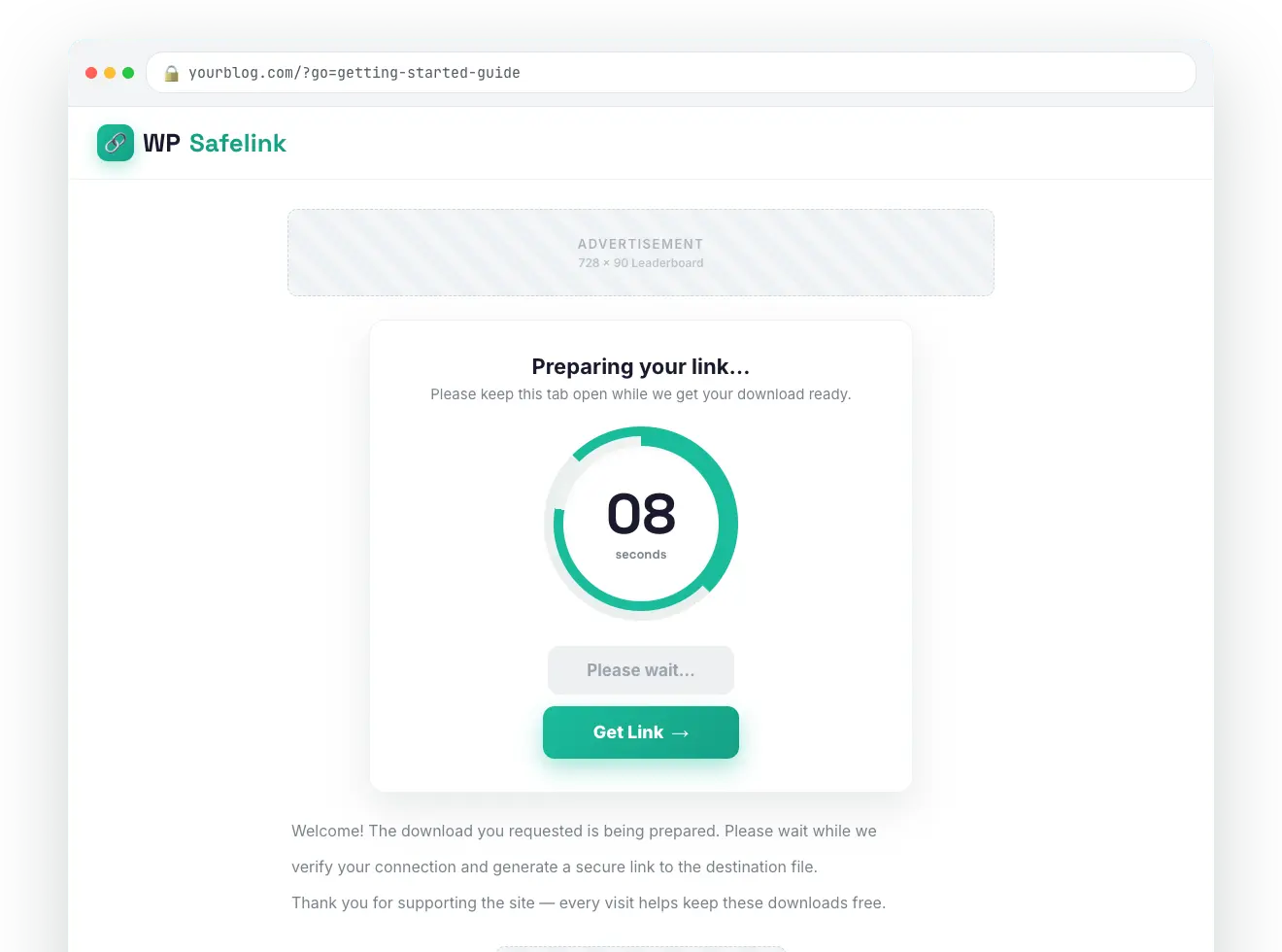
WP Safelink ships two timer styles — a simple text countdown and an animated countdown circle — both fully styleable from the Templates tab.
#How to set up the timer
- Open WP Safelink → Settings → Templates.
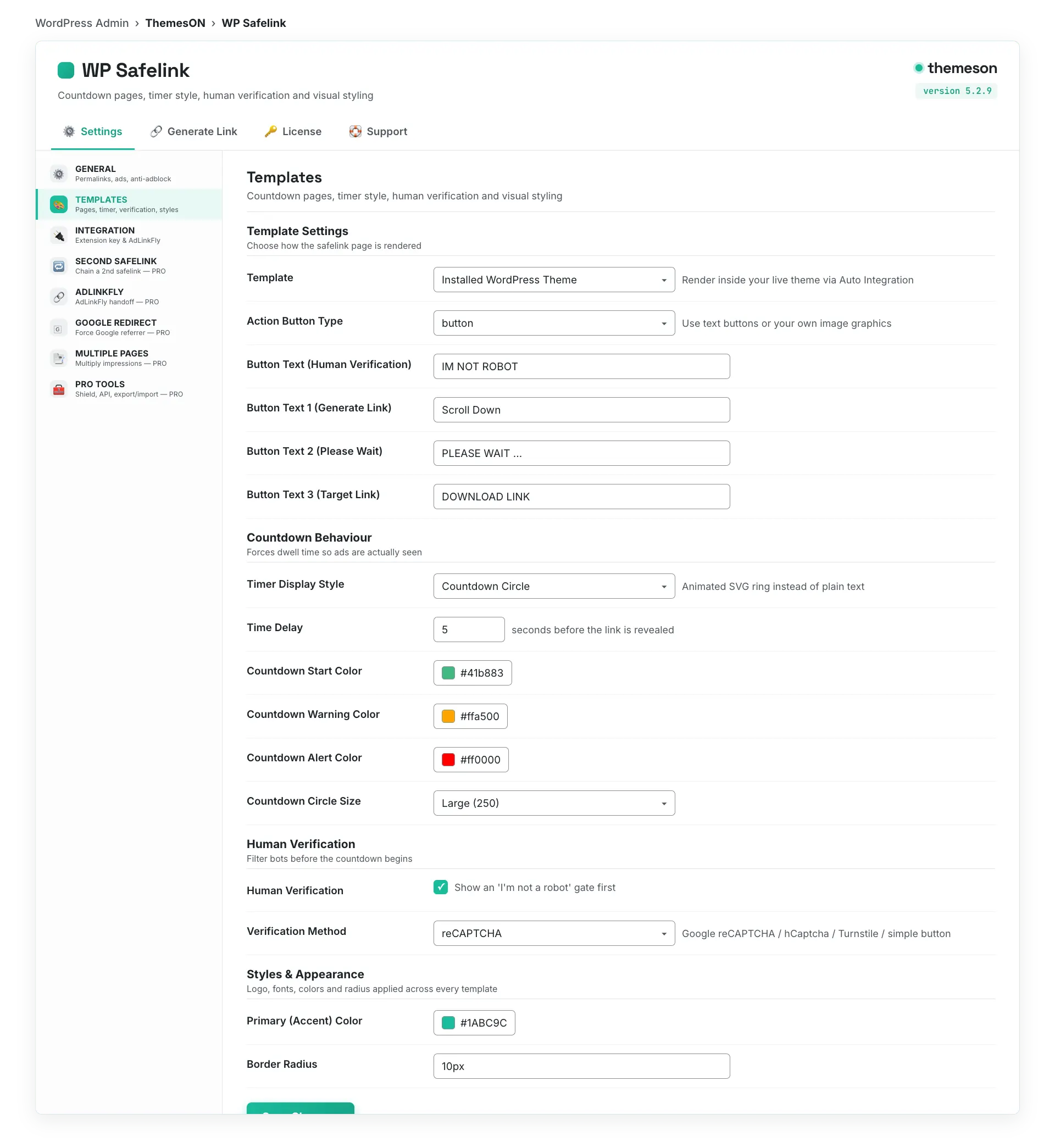
- Under Behavior, choose your Timer Display Style: Text Timer or Countdown Circle.
- Set the Time Delay (in seconds) — how long the visitor waits before the link generates.
- Edit the Time Delay Message; use the
{time}token where the live countdown number should appear. - If you picked the circle, tune its colors, stroke width, and size, then save.
#Configuration
| Setting | Default | What it does |
|---|---|---|
| Timer Display Style | Text | Choose Text Timer or animated Countdown Circle. |
| Time Delay | 5 | Number of seconds the countdown runs before the download link generates. |
| Time Delay Message | Thank you for your visit. Your links will be created in {time} seconds. | The caption shown during the countdown. Supports HTML and the {time} token. |
| Countdown Start Color | #41b883 | Ring color while there is plenty of time left. |
| Countdown Warning Color | #ffa500 | Ring color during the final 10 seconds. |
| Countdown Alert Color | #ff0000 | Ring color during the final 5 seconds. |
| Circle Stroke Width | 2 | Ring thickness: 2 Ultra Thin / 4 Thin / 7 Normal / 10 Bold / 15 Extra Bold. |
| Countdown Circle Size | 250 | Diameter: 150 Small / 200 Medium / 250 Large / 300 Extra Large. |
| Show Timer Text with Circle | Yes | Show the numeric countdown in the middle of the circle. |
#The countdown circle
💡 Note: A longer Time Delay means more ad impressions per click, but too long frustrates visitors and hurts your return rate. Most download sites land between 5 and 15 seconds. Pair the timer with Anti-Adblock so ad-blocker users can’t skip the wait.