Integration Tab Reference
Quick answer: The Integration tab is where WP Safelink connects to its companion extension plugins and to an AdLinkFly URL shortener. It exposes your auto-generated Integration Key — the credential the Auto...
On this page
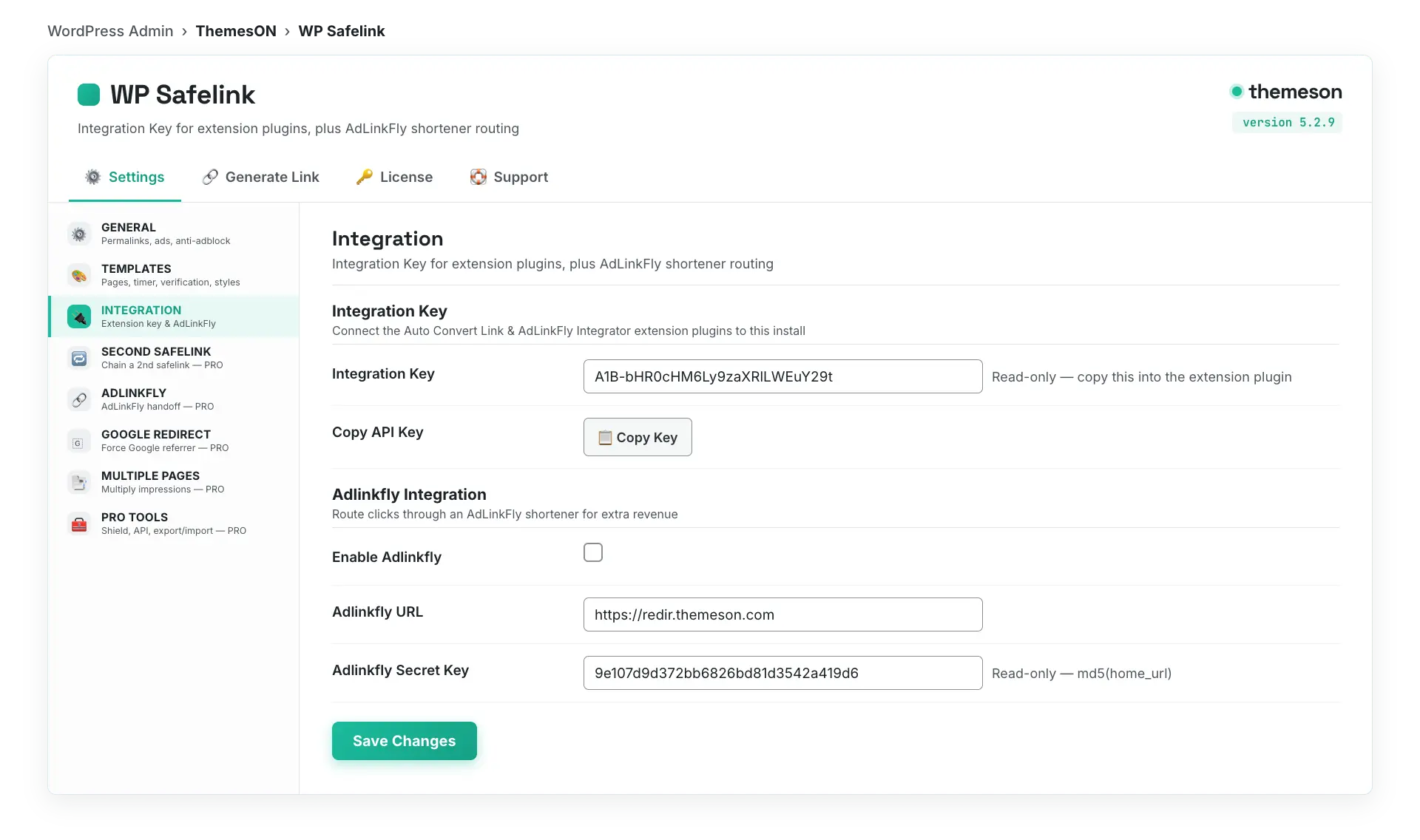
The Integration tab is where WP Safelink connects to its companion extension plugins and to an AdLinkFly URL shortener. It exposes your auto-generated Integration Key — the credential the Auto Convert Link and AdLinkFly Integrator extensions use to confirm they are talking to your real, licensed WP Safelink install — plus the basic AdLinkFly connection fields.
Open WP Safelink → Settings and choose INTEGRATION in the sidebar.
#What it looks like
#Integration Key
The Integration Key is generated automatically from your domain and license — you cannot edit it. Copy it into the Auto Convert Link or AdLinkFly Integrator extension plugins so they can authenticate against your WP Safelink site and encrypt outbound links on the fly.
| Setting | Default | What it does |
|---|---|---|
| Integration Key | Auto-generated (read-only) | A unique key in the form {prefix}-{token} derived from your home URL and license. Click Copy API Key and paste it into the extension plugin to link it to this install. |
💡 Note: The Integration Key is validated through the REST endpoint /wp-json/v1/wpsafelink/validate. If you move your site to a new domain or change your license, the key regenerates — re-copy it into your extension plugins so they keep working.
#How to enable
- Open WP Safelink → Settings → INTEGRATION.
- Click Copy API Key next to the Integration Key field.
- Install and activate the Auto Convert Link or AdLinkFly Integrator extension plugin on the same (or a partner) site.
- Paste the Integration Key into the extension’s settings to authenticate it against this WP Safelink install.
- To route clicks through a shortener, fill in the AdLinkFly fields below and enable AdLinkFly.
#AdLinkFly Integration
Connect an AdLinkFly URL shortener so safelink clicks can pass through it for an extra monetization hop. Enable the toggle, enter your AdLinkFly URL, and use the read-only secret key when configuring AdLinkFly’s WordPress integration on the other end.
| Setting | Default | What it does |
|---|---|---|
| Enable Adlinkfly | Off | Master toggle that routes safelink clicks through your AdLinkFly shortener for additional revenue. |
| Adlinkfly URL | (empty) | The base URL of your AdLinkFly install, for example https://redir.themeson.com. |
| Adlinkfly Secret Key | md5(home_url) — read-only | An auto-generated secret derived from your site URL. Copy it into the AdLinkFly WordPress integration to authenticate the handoff. |
💡 Note: This Integration-tab AdLinkFly connection is the basic, every-license handoff. The PRO-only AdLinkFly tab adds a secure encrypted token exchange (AES-256-CBC + HMAC) and requires a wpsafelink-pro license — see the dedicated AdLinkFly documentation for that advanced flow.